Base
Check SOLOSHOT.com for the latest SOLOSHOT2 Base firmware updates.
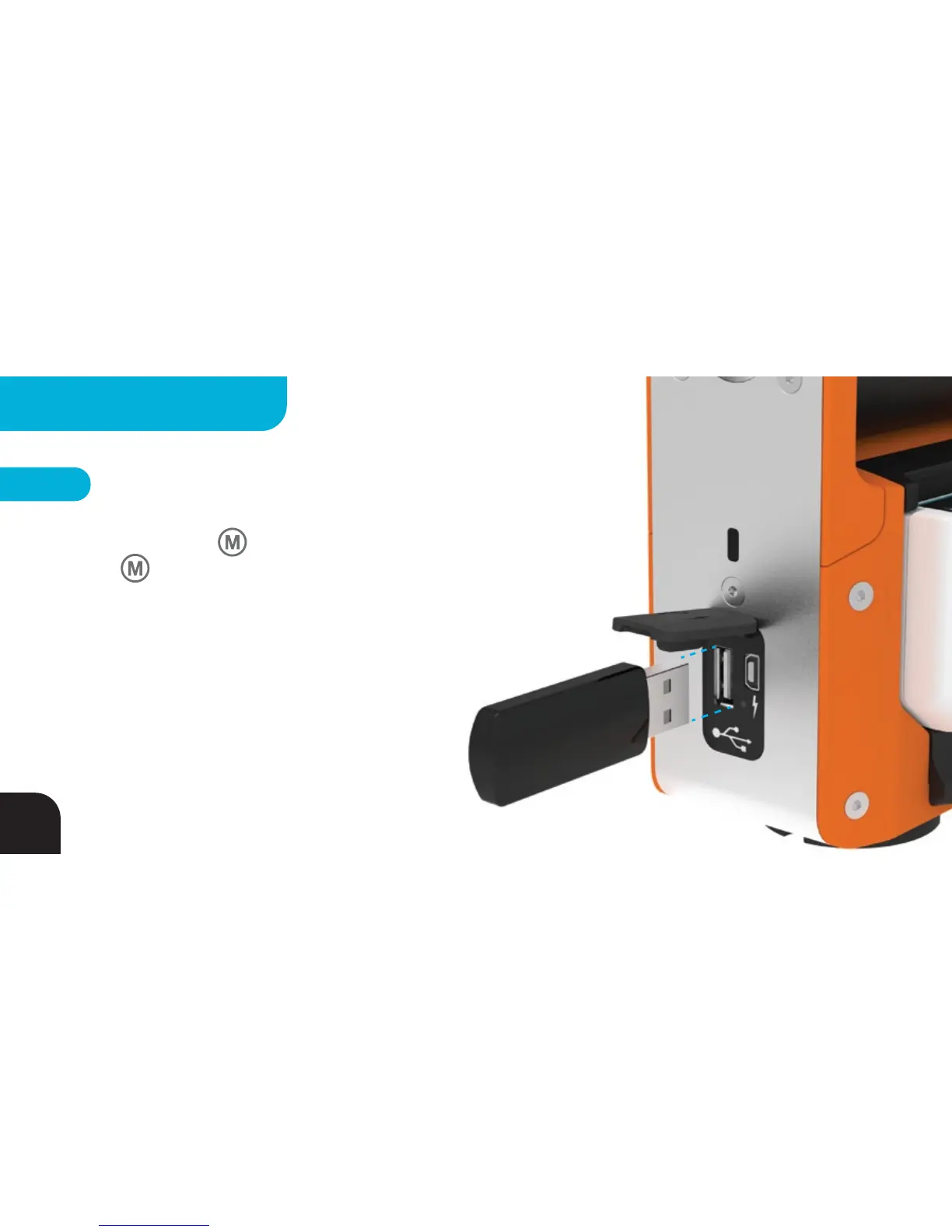
You will be provided with files named SOLOSHOT.ss2 and 002.ss2. Copy those files to
a standard USB drive. Hold Button down, then tap the Power button while
holding down Button to put the Base in Update Mode. LED 1 will flash
RED
/
GREEN indicating the Base is ready for Firmware Update. Insert USB into the
standard USB socket on the side of the Base. LED 1 will turn solid ORANGE, LED 2
will blink RED
/
GREEN, then LED 1 and 2 will turn off and LED 3 will blink
RED
/
GREEN. The Base will then return to Default Mode, where LED 1,2
and 4 will be solid GREEN, indicating the Base Update is
complete.
NOTE – If your Base will not accept the firmware, try
starting with an empty and recently formatted USB drive.
The USB drive must be a USB 2.0 drive (black inside
the connector).
48
FIRMWARE UPDATE



 To Next Page