Base
Make sure SOLOSHOT socket, cable connectors and wall charger are all dry,
free from debris and undamaged before connecting system to wall power.
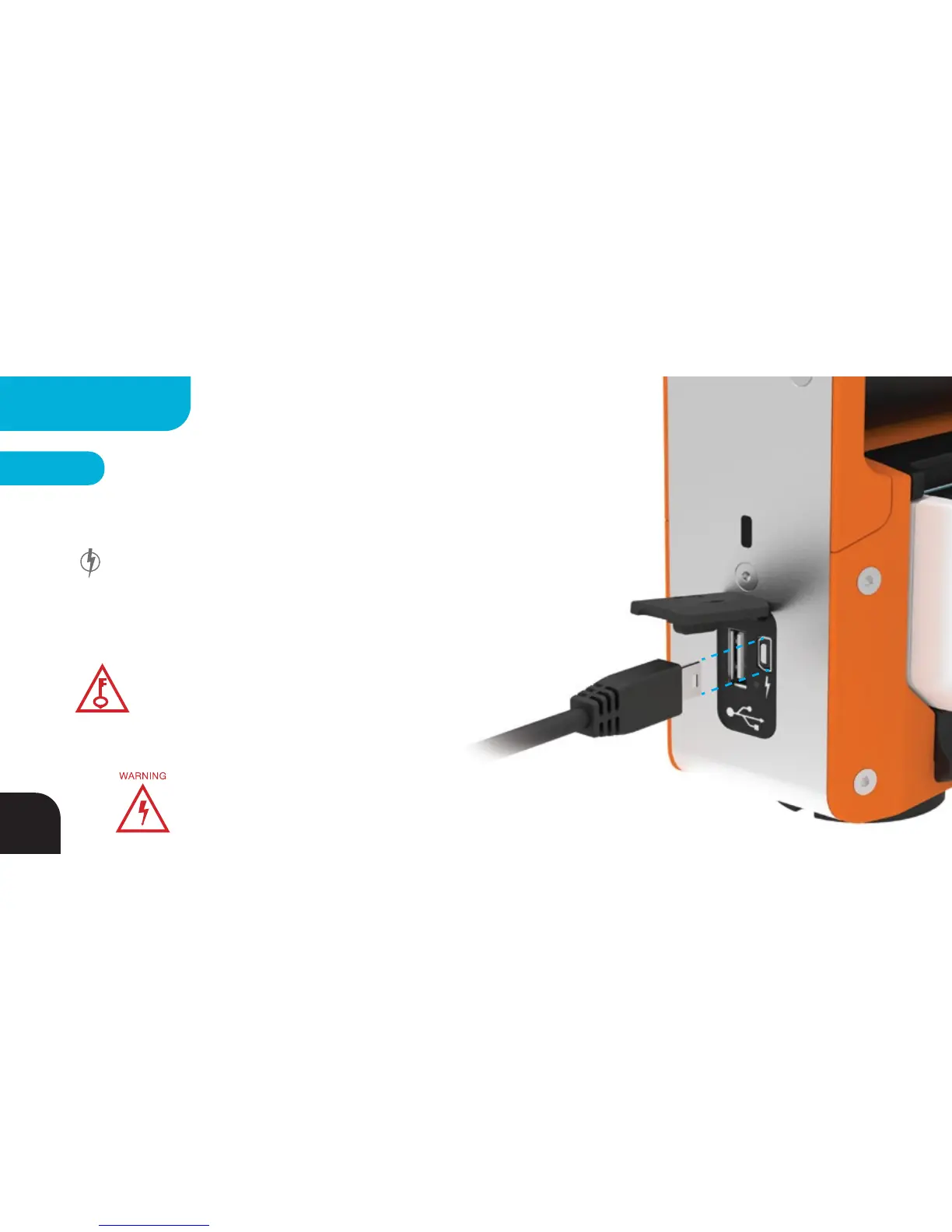
Charge the Base using the USB-to-Mini charging cable (provided) by
plugging the Mini end into the corresponding socket on the SOLOSHOT2 Base
and the USB end into a standard USB wall adaptor (not provided). The charging
LED will be RED while charging and GREEN when charging is complete.
Charging from a computer will take up to 3x longer than charging from wall
power.
Your Base will be 50% charged after 3 hours, 80% after
4 hours, 90% after 5 hours and 99% after 8 hours at
which point the charging LED will turn GREEN.
KEY TIP
46
CHARGING



 To Next Page