Tag - Highlight Command*
*Same requirements as Record ON/OFF Command
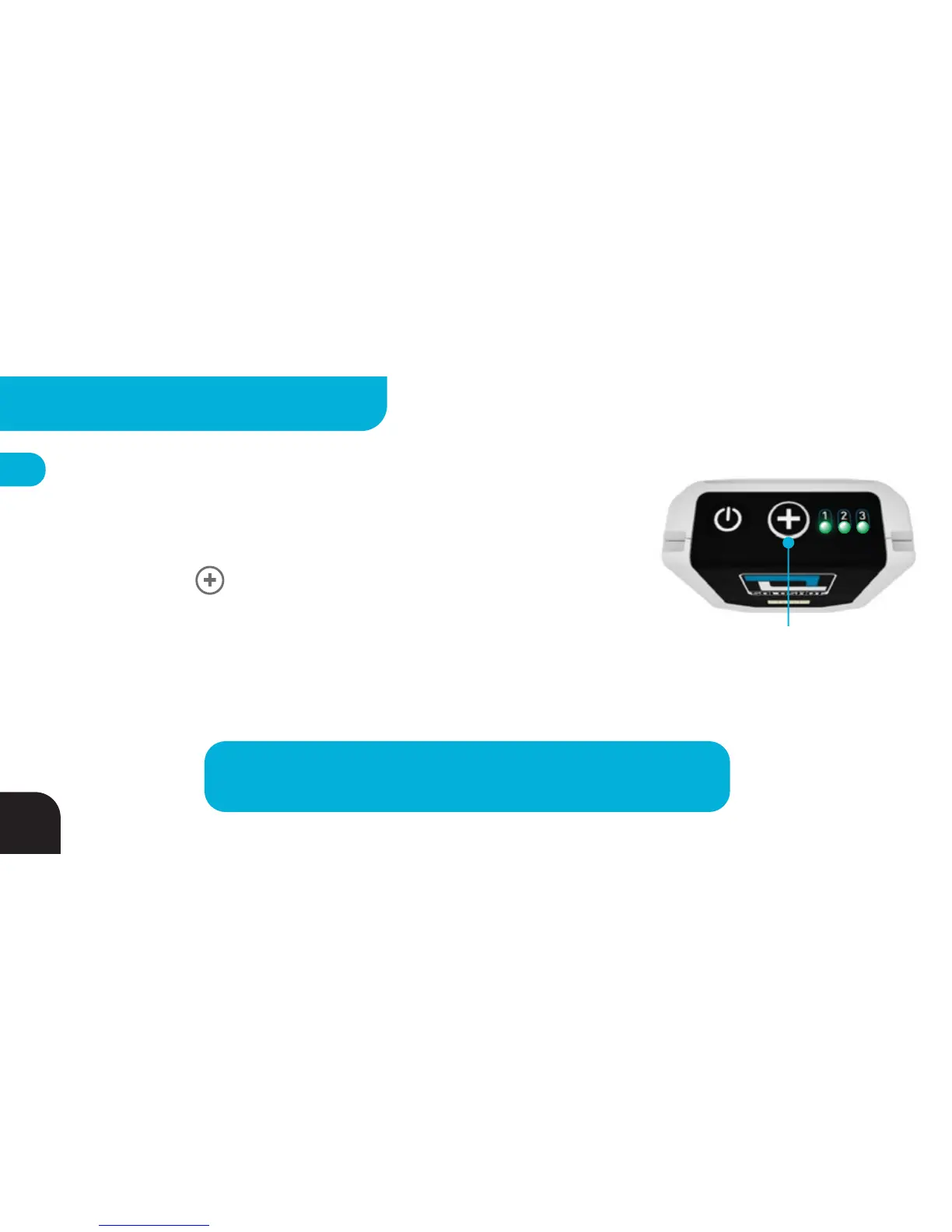
You may tell your camera to immediately STOP and RESTART recording by:
1. Pressing the Button, or
2. Tapping the white surface of your Tag 3 times quickly
LEDs 1 - 3 will flash GREEN before LED3 resumes blinking RED (for record
command).
TIP
– Sending highlight commands makes it easier to find specific
moments when editing because they will be located at the end of a file.
Press Once to Send
HIGHLIGHT Command
*
28
ADVANCED SETTINGS - TAG



 To Next Page