SonicWall SonicWave <Version> Deployment Guide
Mounting Wireless Access Points
53
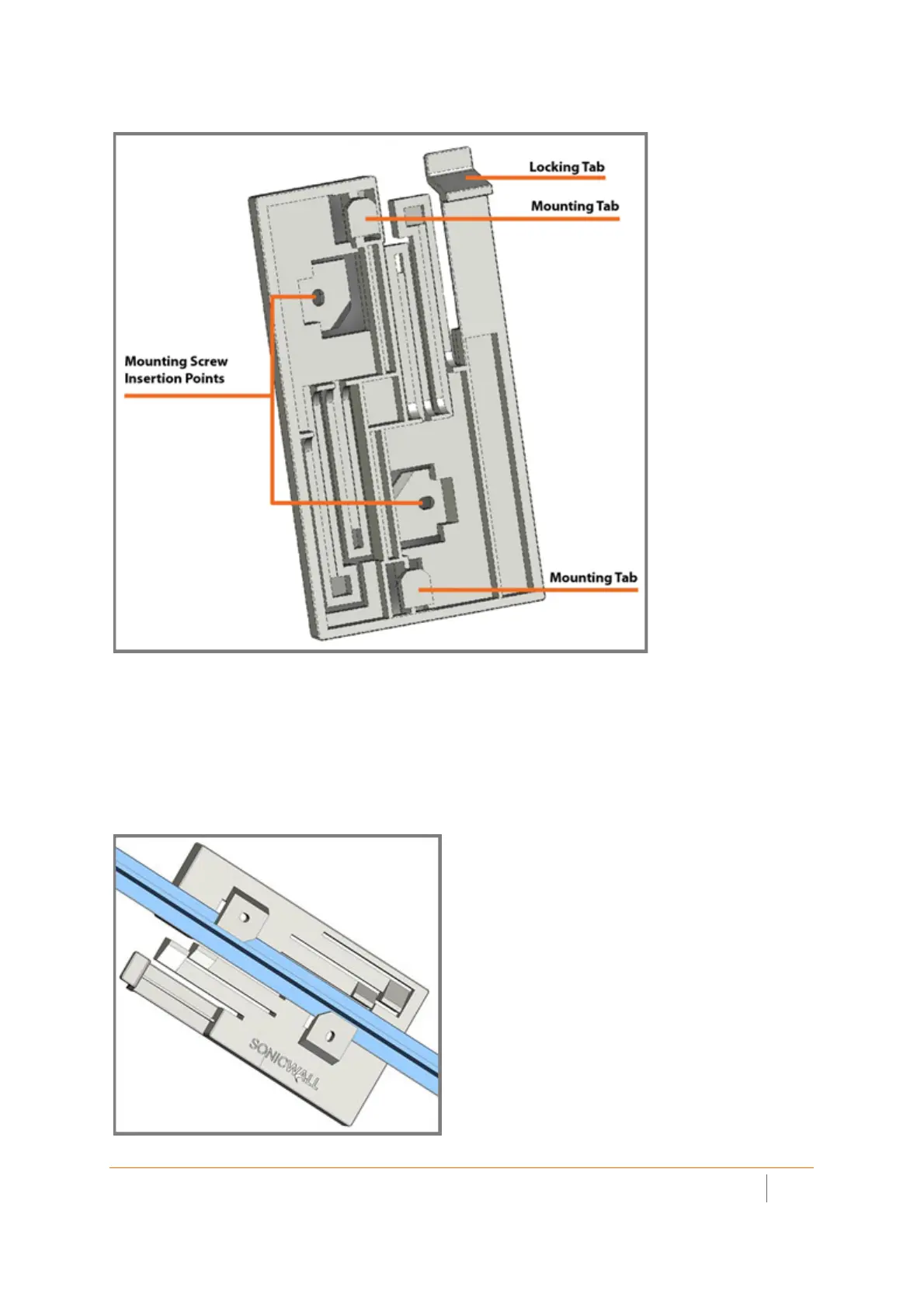
Mounting Bracket Bottom
To attach the mounting bracket to the ceiling using T-bar clips:
1 Press the top side of the mounting bracket against the ceiling tile T-bar so that the T-bar locking tabs on
the mounting bracket are depressed.
2 Rotate the mounting bracket until the ceiling T-bar slides into the T-bar clips on the mounting bracket and
the T-bar locking tabs click into place.
T-Bar with Mounting Plate



 To Next Page