SonicWall SonicWave <Version> Deployment Guide
Mounting Wireless Access Points
61
3 To remove the original configuration SonicWave 432i from the ceiling t-crossbar, gently pressing upward,
rotate it clockwise (to the right when looking up at it) until the bracket detaches from the crossbar.
To mount the SonicWave 432i to a t-crossbar between ceiling panels using the later configuration
large bracket:
1 Slide and click the bracket into place using the SonicWave’s two insertion points and the bracket stubs
located on the underside of the ceiling bracket to attach the bracket to the underside of the SonicWave.
2 Supporting the SonicWave in one hand, position the edge clips of the bracket over the edge of the ceiling
t-crossbar and rotate the SonicWave counterclockwise (to the left when looking up at it) until the bracket
is securely attached to the crossbar.
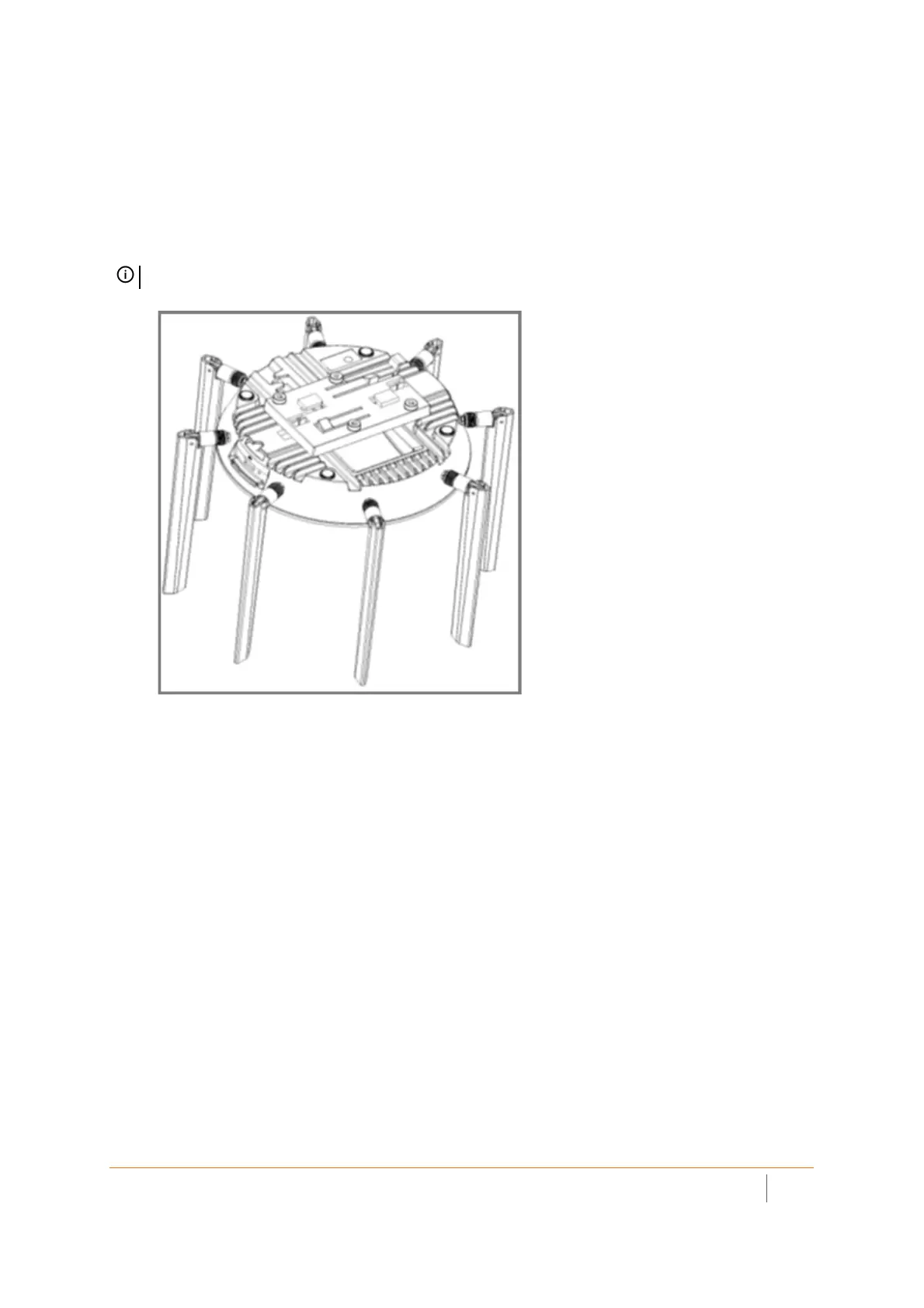
NOTE: Your actual bracket may vary from what is shown here.


 To Next Page
 Loading...





