EasyManua.ls Logo

Sony Digital8 M2000 - Page 38

Sony Digital8 M2000
46 pages
Print Icon
To Next Page IconTo Next Page
To Previous Page IconTo Previous Page
Loading...
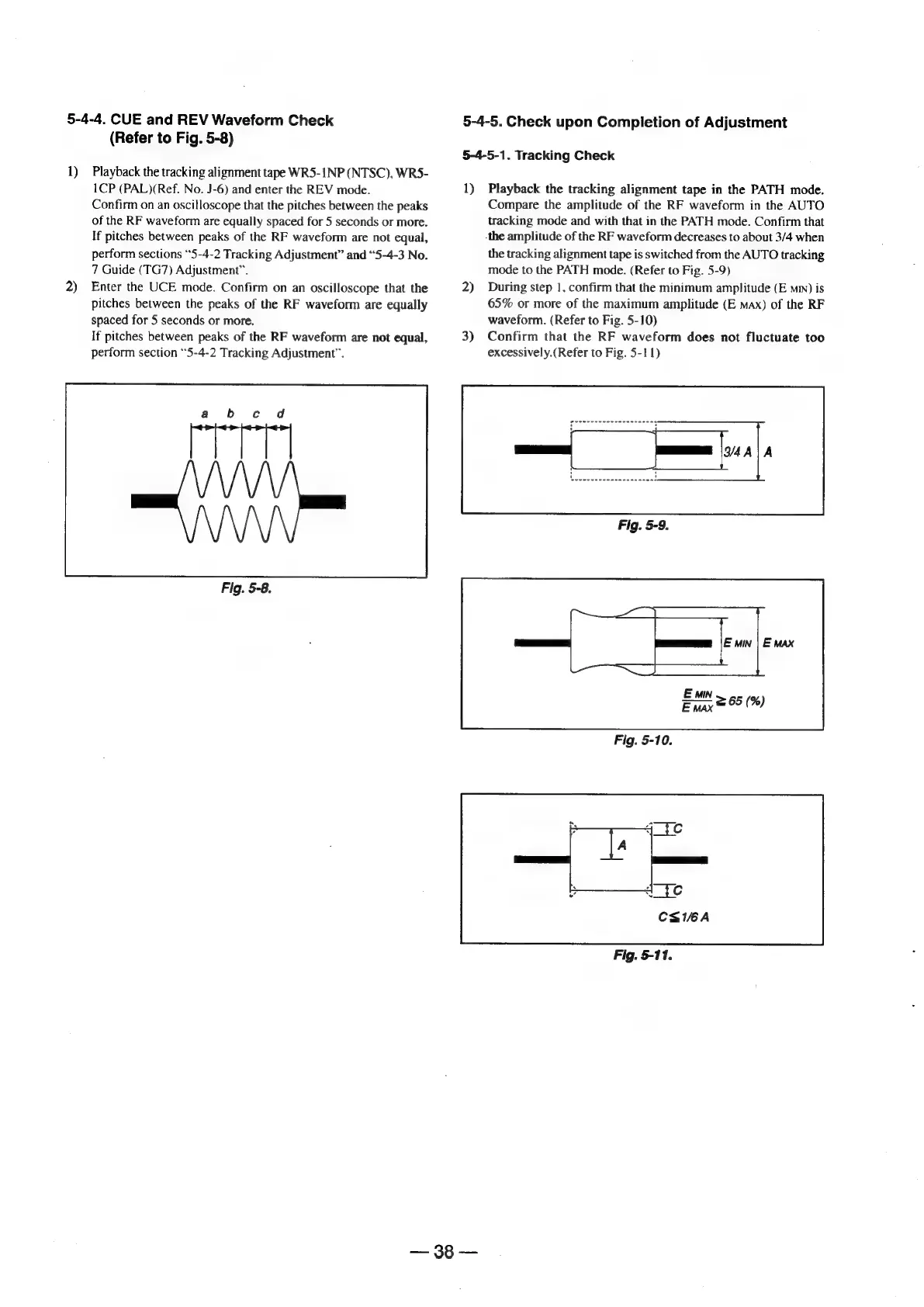
5-4-4.
CUE
and
REV
Waveform
Check
(Refer
to
Fig.
5-8)
1)
Playback
the
tracking
alignment
tape
WR5-1NP
(NTSC),
WR5-
2)
1CP
(PAL)(Ref.
No.
J-6)
and
enter
the
REV
mode.
Confirm
on
an
oscilloscope
that
the
pitches
between
the
peaks
of
the
RF
waveform
are
equally
spaced
for
5
seconds
or
more.
If
pitches
between
peaks
of
the
RF
waveform
are
not
equal,
perform
sections
“5-4-2
Tracking
Adjustment”
and
“5-4-3
No.
7
Guide
(TG7)
Adjustment”.
Enter
the
UCE
mode.
Confirm
on
an
oscilloscope
that
the
pitches
between
the
peaks
of
the
RF
waveform
are
equally
spaced
for
5
seconds
or
more.
If
pitches
between
peaks
of
the
RF
waveform
are
not
equal,
perform
section
“5-4-2
Tracking
Adjustment”.
rT]
Fig.
5-8.
5-4-5.
Check
upon
Completion
of
Adjustment
5-4-5-1.
Tracking
Check
1)
2)
3)
Playback
the
tracking
alignment
tape
in
the
PATH
mode.
Compare
the
amplitude
of
the
RF
waveform
in
the
AUTO
tracking
mode
and
with
that
in
the
PATH
mode.
Confirm
that
-the
amplitude
of
the
RF
waveform
decreases
to
about
3/4
when
the
tracking
alignment
tape
is
switched
from
the
AUTO
tracking
mode
to
the
PATH
mode.
(Refer
to
Fig.
5-9)
During
step
1,
confirm
that
the
minimum
amplitude
(E
mm)
is
65%
or
more
of
the
maximum
amplitude
(E
max)
of
the
RF
waveform.
(Refer
to
Fig.
5-10)
Confirm
that
the
RF
waveform
does
not
fluctuate
too
excessively.(Refer
to
Fig.
5-11)
Fig.
5-11.

Table of Contents

Related product manuals