Extended Menu
6-30 Setup Menu
Chapter 6 Setup Menu
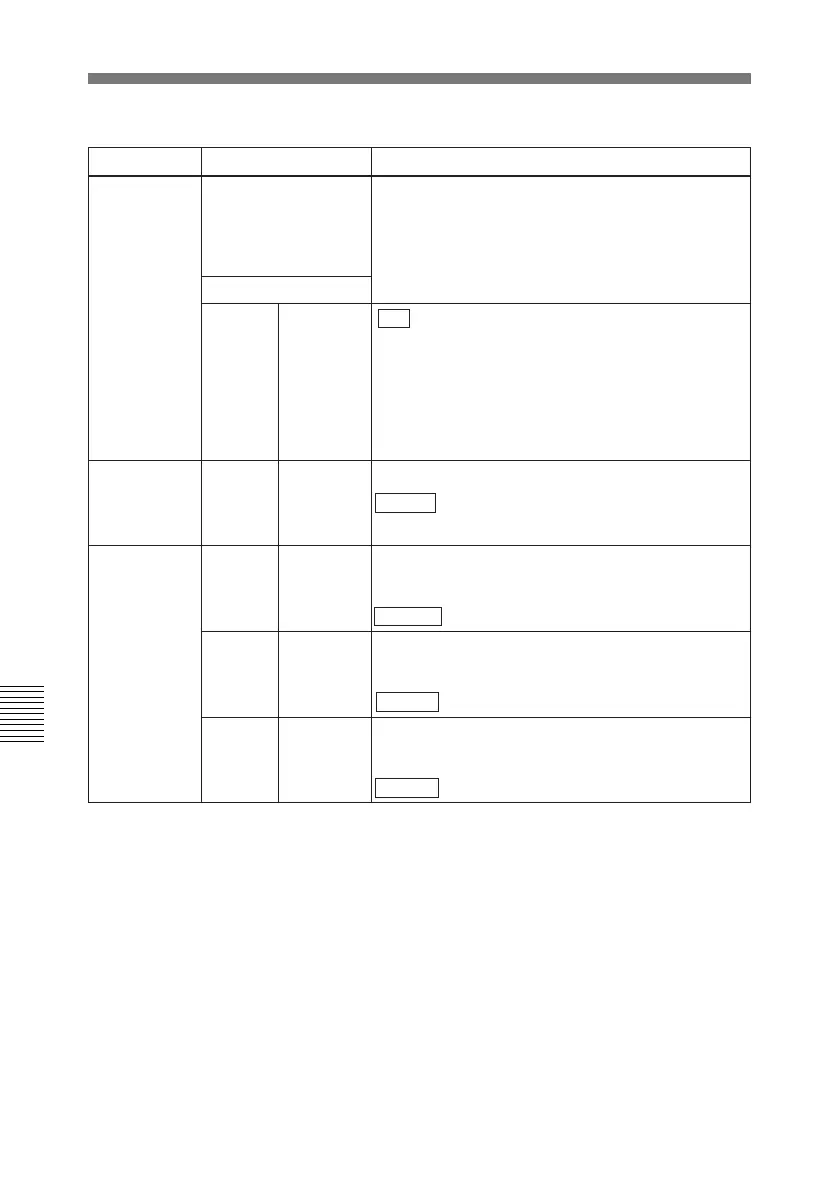
723 INPUT VIDEO
BLANK
Switch blanking on or off for individual lines in the
vertical blanking interval of an input video signal.
The Y/C signal and odd/even fields are blanked
simultaneously.
A signal with blanking carried out according to this
setting is recorded.Sub-Item
0 ALL LINE
- - - : Specify the blanking for each line separately.
BLANK: Regardless of the setting of other sub-
items, blank all lines which can be specified in this
menu item.
THROU: Regardless of the setting of other sub-
items, switch off blanking for all lines which can be
specified in this menu item.
In 525 mode 12...20 LINE 12...
LINE 20
Specify blanking for lines 12 to 20.
BLANK : Carry out blanking.
THROU: Switch off blanking.
In 625 mode 9 LINE 9 Specify blanking for line 9.
BLANK: Carry out blanking.
THROU : Switch off blanking.
10...21 LINE 10...
LINE 21
Specify blanking for lines 10 to 21.
BLANK: Carry out blanking.
THROU : Switch off blanking.
22 LINE 22 Specify blanking for line 22.
BLANK: Carry out blanking.
THROU : Switch off blanking.
Item number Item name Settings
Menu items in the 700s, relating to video control (continued)



 To Next Page