EasyManua.ls Logo

Sony EV-S7000 - Reducing picture noise

Sony EV-S7000
84 pages
Print Icon
To Next Page IconTo Next Page
To Previous Page IconTo Previous Page
Loading...
Notes
©
When
changing
the
DNR
setting,
it
takes
approximately
3
seconds
for
the
new
setting
to
show
on
the
TV
screen.
°
If
TBC
is
set
to
OFF
in
the
SET
UP
MENU,
you
cannot
use
the
DNR
function.
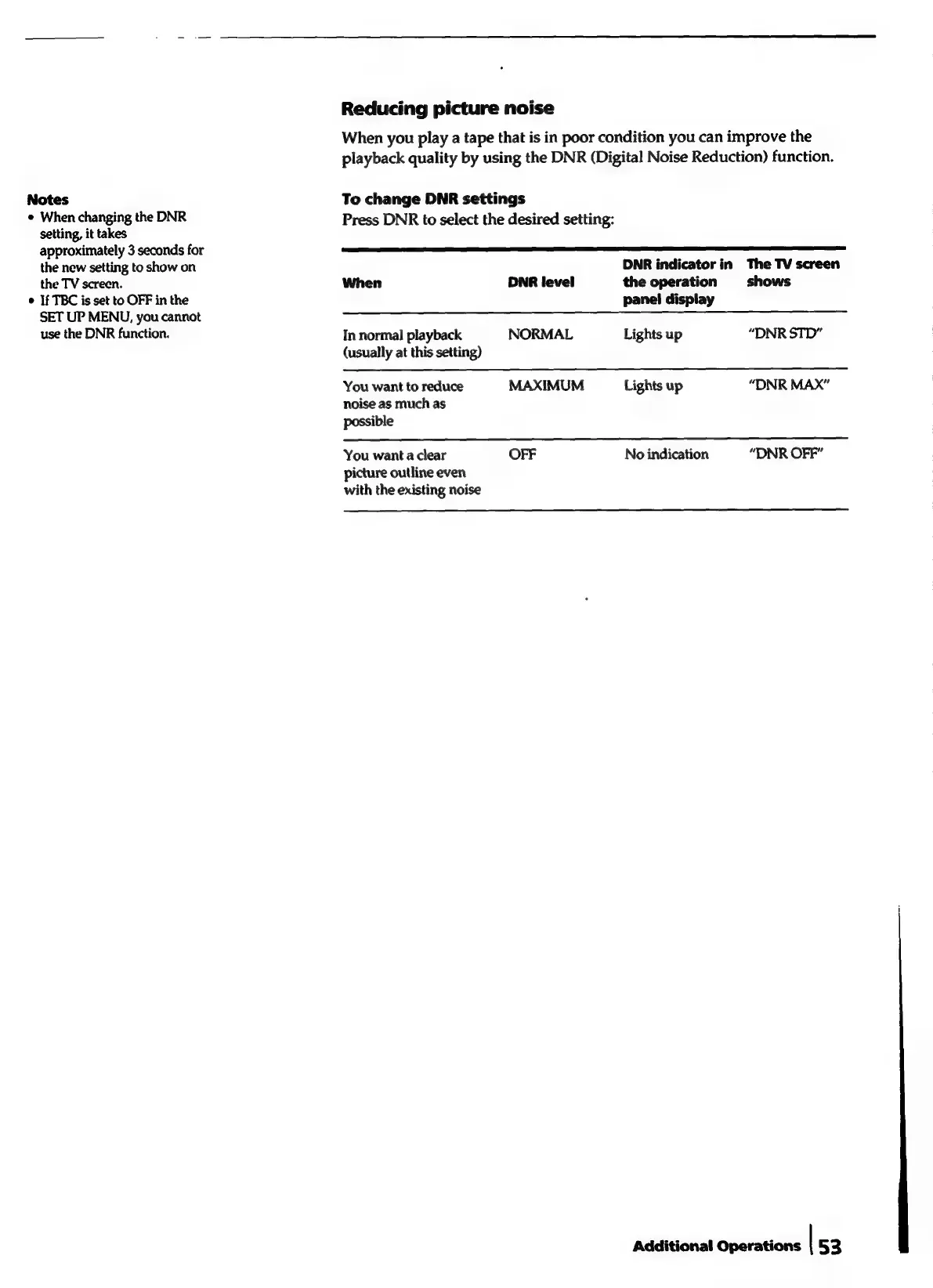
Reducing
picture
noise
When
you
play
a
tape
that
is
in
poor
condition
you
can
improve
the
playback
quality
by
using
the
DNR
(Digital
Noise
Reduction)
function.
To
change
DNR
settings
Press
DNR
to
select
the
desired
setting:
DNR
indicator
in
The
TV
screen
When
DNR
level
the
operation
shows
panel
display
In
normal
playback
NORMAL
Lights
up
“DNR
STD”
(usually
at
this
setting)
You
want
to
reduce
MAXIMUM
Lights
up
“DNR
MAX”
noise
as
much
as
possible
You
want
a
clear
OFF
No
indication
“DNR
OFF”
picture
outline
even
with
the
existing
noise
Additional
Operations
|
53

Related product manuals