HCD-SX7/SX7B
33
1-5. RF Mode
It can turn on or off the wireless signal of WiFi and Bluetooth.
Procedure:
1. Press the [
@
/
1
] button to turn the power on.
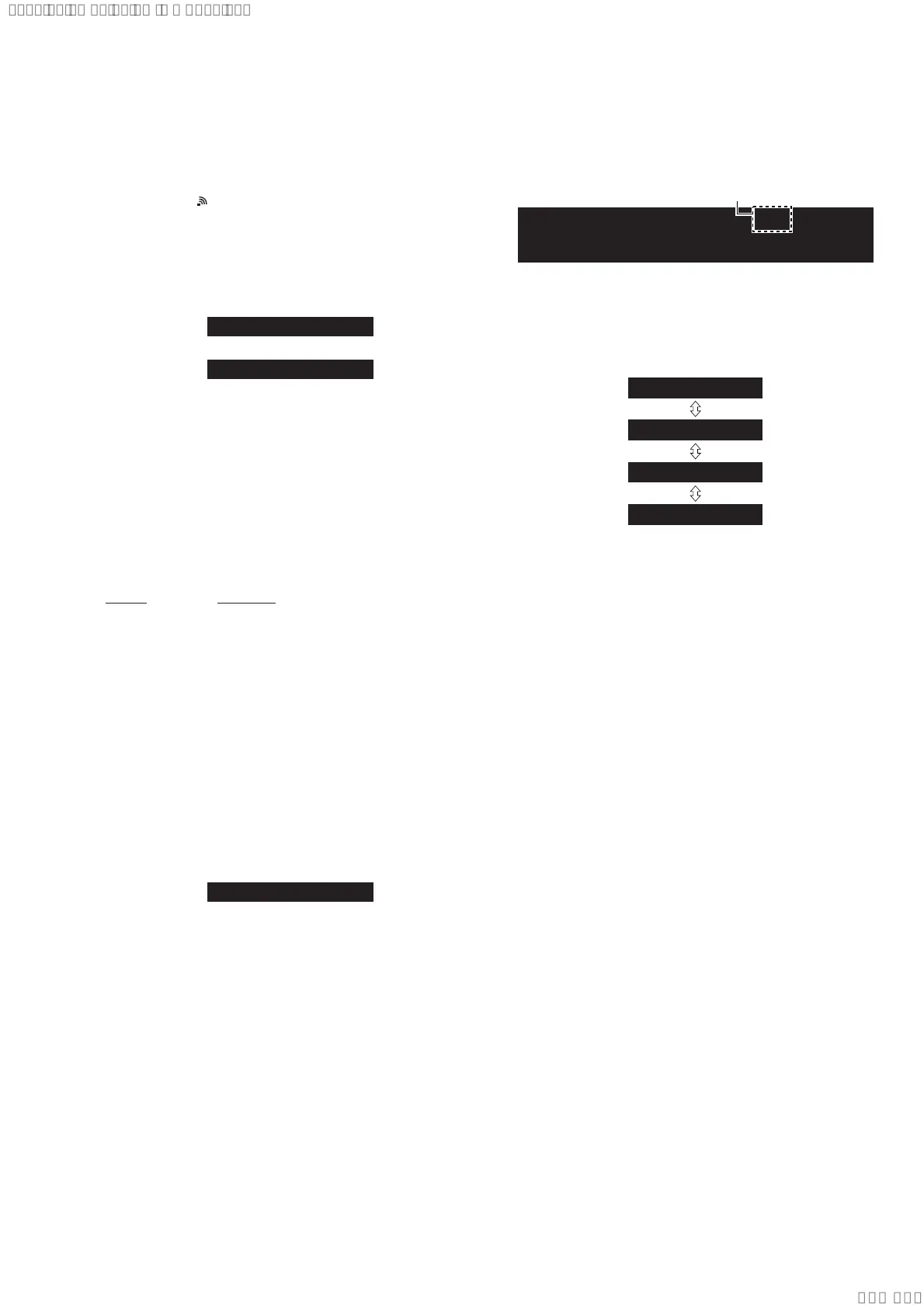
2. Check that “ ” fl ashes on the liquid crystal display.
3. Press two buttons of the [BACK] and [
Z
] simultaneously for
three seconds.
4. The message “RF On” or “RF Off” is displayed on the liquid
crystal display, it turn on or off the wireless signal of WiFi and
Bluetooth.
Screen display
RF On
RF Off
or
2. TEST MODE BY THE MAIN UNIT AND REMOTE
COMMANDER OPERATION
It operate the test mode by the main unit and following remote
commander.
Note: A button having no particular description in the text, indicates the
main unit button.
If perform the test mode of after this item, please use the remote
commander of the following.
(Other than the remote commander of the following, it can use if
there are “SEARCH” button and “numeric key”)
Cannot operate on the remote commander of supplied with this unit.
Part No. Description
1-489-989-11 REMOTE COMMANDER (RM-AMU139)
2-1. Reset
It can clears all data including preset data stored in the memory to
initial conditions. Execute this mode when returning the this unit
to the customer.
Note: It is the same specifi cation as 1-1. Cold Reset on page 32.
Procedure:
1. Press the [
@
/
1
] button to turn the power on.
2. Press the buttons on the remote commander in order of the
[ALPHABET SEARCH] → [1] → [ENTER].
(Press the next button within three seconds)
3. The message “All Reset” is displayed on the liquid crystal display,
then becomes the standby state.
Screen display
All Reset
2-2. Common Test
It can confi rm the sound function.
Procedure:
1. Press the [
@
/
1
] button to turn the power on.
2. Press the buttons on the remote commander in order of the
[ALPHABET SEARCH] → [2] → [ENTER].
(Press the next button within three seconds)
3. It enters the common test mode, the message “LINE IN” is
displayed on the liquid crystal display.
(In this mode, “cPLAY” and “SLEEP” continues blinking on
the liquid crystal display)
Screen display
c
PLAY
SLEEP
Blinking
LINE IN
4. When the [VOLUME] dial turned clockwise/counterclock-
wise, the message is changed with “Volume Min” ↔ “Volume
1” ↔ “Volume 18” ↔ “Volume Max” on the liquid crystal display
and volume setting is changed.
Screen display
c
PLAY
SLEEP
Volume Min
c
PLAY
SLEEP
Volume 1
c
PLAY
SLEEP
Volume 18
c
PLAY
SLEEP
Volume Max
Releasing method:
Press the [
@
/
1
] button to reset the main unit and turn the power off.
2-3. Fixed Equalizer Off Mode
It can setting off of the equalizer.
Procedure:
1. Press the [
@
/
1
] button to turn the power on.
2. Press the buttons on the remote commander in order of the
[ALPHABET SEARCH] → [8] → [7] → [ENTER].
(Press the next button within three seconds)
3. Enter the this mode, fi xed equalizer is off.
Note: There is not display change indicating state of this mode. Can run a
normal operation in this state.
Releasing method:
Press the [
@
/
1
] button to turn the power off.
SYSSET
2020/02/2722:53:44(GMT+09:00)



 To Next Page