1-1
1. GENERAL
This section is extracted from RDR-VX530 instruc-
tion manual. (2-672-429-11)
RDR-VX521/VX530
4
About this manual
•Instructions in this manual describe the controls on the
remote. You can also use the controls on the recorder if
they have the same or similar names as those on the
remote.
•The on-screen display illustrations used in this manual
may not match the graphics displayed on your TV
screen.
•The explanations regarding discs in this manual refer to
discs created on this recorder. The explanations do not
apply to discs that are created on other recorders and
played back on this recorder.
*MP3 (MPEG1 Audio Layer 3) is a standard format
defined by ISO/MPEG which compresses audio data.
Icon Meaning
Functions available for DVD+RWs
Functions available for DVD-RWs
in VR (Video Recording) mode
Functions available for DVD-RWs
in video mode
Functions available for DVD+Rs
Functions available for DVD-Rs in
VR (Video Recording) mode
Functions available for DVD-Rs in
video mode
Functions available for DVD
VIDEOs
Functions available for DVD-RAMs
Functions available for VIDEO CDs
or CD-Rs/CD-RWs in video CD
format
Functions available for music CDs
or CD-Rs/CD-RWs in music CD
format
Functions available for DATA CDs
(CD-Rs/CD-RWs containing MP3
*
audio tracks or JPEG image files)
Functions available for DATA
DVDs (DVD+RWs/DVD-RWs/
DVD+Rs/DVD-Rs containing
MP3* audio tracks or JPEG image
files)
Functions available for VHS
VIDEOs
+
RW
-
RWVR
-
RWVideo
+
R
-
RVR
-
RVideo
DVD
RAM
VCD
CD
DATA CD
DATA DVD
8
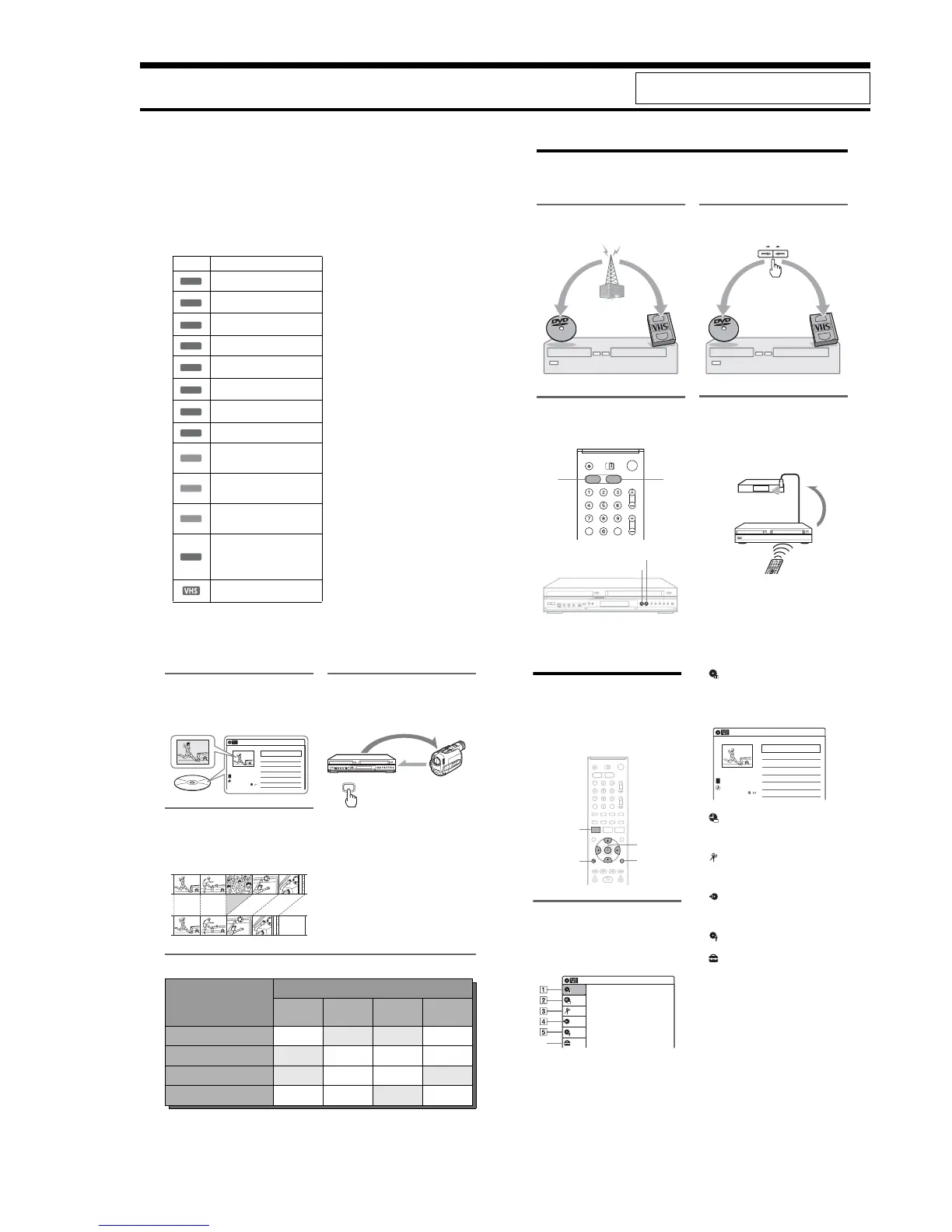
What is a Video Cassette Recorder/DVD Recorder?
This is a DVD recorder with built-in VHS video deck, and allows recording/playback of DVD discs and
VHS tapes. DVD editing is also possible.
Recording and timer recording
Record TV programs on a DVD or VHS tape,
either manually or using the timer.
Easy selection between DVD and
VCR
Simply press the DVD or VIDEO button to select
the media format you want to use.
Easy dubbing
Dub in either direction between a DVD disc and
VHS tape with the simple press of a button.
*Note that copy-protected signals will not be recorded.
Control your cable box or satellite
receiver – Set top box control
Connect the supplied set top box controller to have
the recorder change the channel of your cable box
or satellite receiver during a timer recording
(page 12).
DVD VIDEO
DVD
VIDEO
VIDEODVD
103
CH 103!
9
Quick access to recorded titles -
Title List
Display the Title List to view all titles on a disc
and select a title for playback or editing.
Creating your own program - Playlist
Record a program on a DVD-RW (VR mode) or
DVD-R (VR mode), then erase, move or add
scenes as you like without changing the original
contents.
One Touch Dubbing - DV/D8 Dubbing
Connect your digital video camera to the DV IN
jack and press the ONE TOUCH DUBBING
button to dub a DV/D8 format tape over to a disc.
Operation restrictions
*1
When pressing DVD, VCR playback stops.
*2
When pressing VIDEO, DVD playback stops.
*3
Only the same program can be recorded on a DVD and a VHS tape.
10:10 AM
>
>
>
>
Ch23
08:00 PM
May/02/2006
T
No.1/4
01
02
03
04
Title Length Edit
Ch 23 01:29:03
Ch 66 00:31:23
Ch 95 01:59:00
Ch 97 00:58:56
Title List (Original)
Original
Playlist
ONE-TOUCH
DUBBING
Control
Dubbing
Current Operation
Possible Simultaneous Operations
VCR
Playback
VCR
Recording
DVD
Playback
DVD
Recording
Playing a VHS tape
*1
— No No Yes
Recording on a VHS tape No — Yes Yes
*3
Playing a DVD
*2
No Yes — No
Recording on a DVD Yes Yes
*3
No —
10
How to Use the On-Screen
Menus
The following three displays are mainly used to
operate this recorder. Once you become familiar
with the basic operations, you will find the
recorder easy to use.
System Menu
The System Menu appears when you press
SYSTEM MENU, and provides entries to all of
the recorder’s main functions, such as timer
recording and setup.
Select an option by pressing M/m and ENTER.
A “Title List”
Displays the list of the disc contents,
including the recording information and
movie thumbnail image, which allows you to
select a title to play or edit.
B “Timer”
Used to set a new timer recording for a disc or
VHS tape, as well as change or cancel the
timer recordings you set.
C “Edit”
Used to create or edit a Playlist (unfinalized
DVD-RWs (VR mode)/DVD-Rs (VR mode)
only).
D “Dubbing”
Used to dub from a disc to a VHS tape and
vice versa, and also dub from a DV/D8 format
tape to a disc.
E “Disc Setting”
Used to rename, format, or finalize a disc.
F “Setup”
Displays the “Setup” display for setting up the
recorder to suit your preferences.
M/m/</,,
ENTER
SYSTEM
MENU
TOOLSO RETURN
Title List (Original)
10:10 AM
Press ENTER :
Title Menu for DVD Title List.
Setup
Disc Setting
Edit
Title List
Timer
Dubbing
6
10:10 AM
01 Ch 23 >01:29:03
02 Ch 66 >00:31:23
03 Ch 95 >01:59:00
04 Ch 97 >00:58:56
Ch
23
08:00 PM
May/02/2006
T
No. Title Length Edit
Title List (Original)
1/4














 To Next Page