7-25
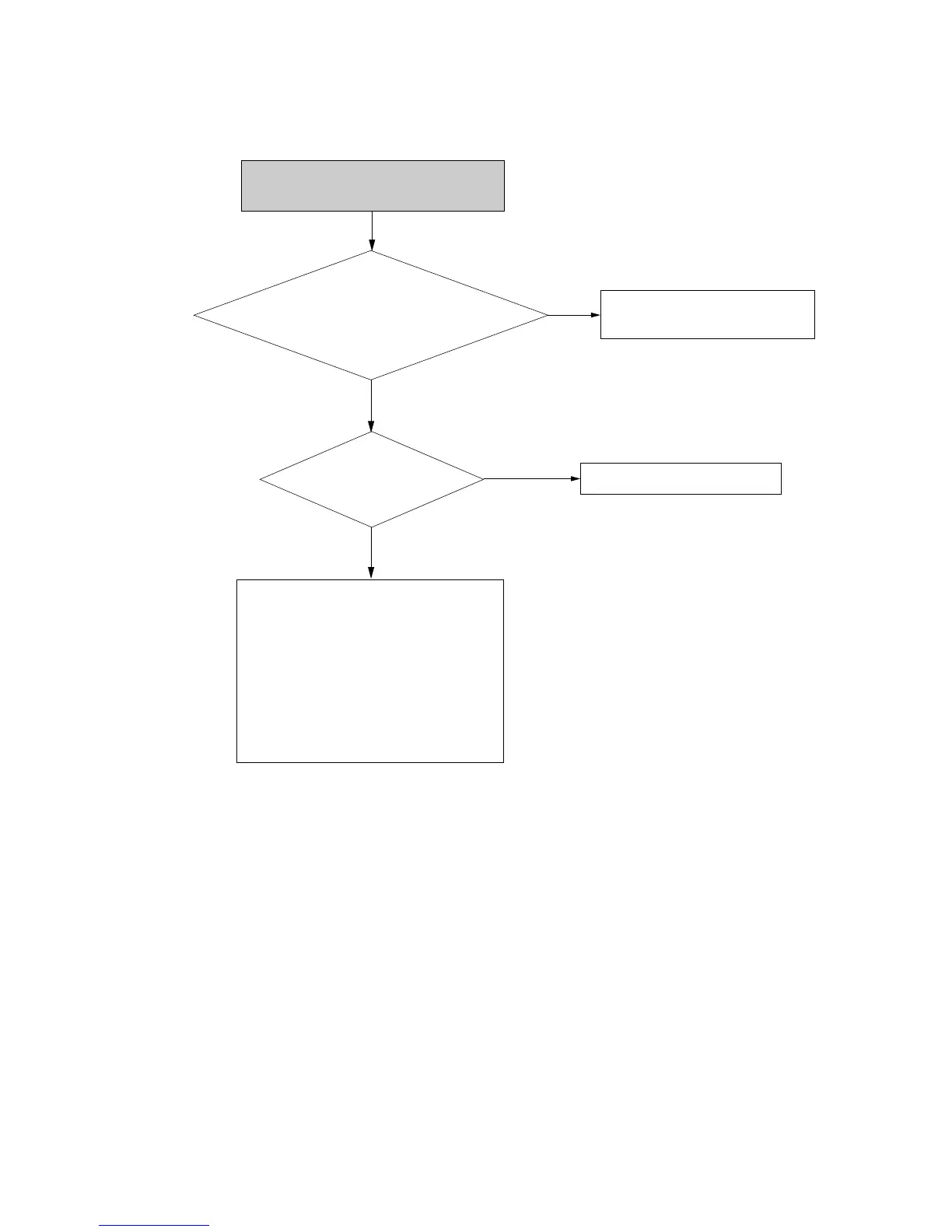
Check audio
input signal
1) Line 1 Audio input: IC808 Pin #200, 201
2) Line 2 Audio input: Pin #203, 204
3) VHS PLAY Aduio input:IC808 Pin #198,
199, IC811 Pin #2, 11
Check VCC (3.3V, 1.8V) of
IC101A, IC201
1. Check peripheral parts of Clock oscillation
1) IC302 Pin #1, 2, 14
2. Check peripheral parts of IC808
1) Pin #173 ~ #76
2) Pin #179 ~ #181
3. Check peripheral parts of IC101A
1) Pin #33 ~ #35
4. Check peripheral parts of IC201
1) Pin #199 ~ #201
2) Pin #222, 224, 226,234
Check peripheral parts of
JACK1, JK801 and TUNER.
No
No
Check VCC line
Yes
Yes
No audio on line input mode or
recorded disc playback














 To Next Page