2-2 (E)
VPL-HW40ES
2-1-3. How to Enter the Model Name Display (Shop Demonstration) Mode
1. Set the “Status” to “On” in the “Setup” MENU.
2. Close the menu by pressing [MENU] button if its displayed.
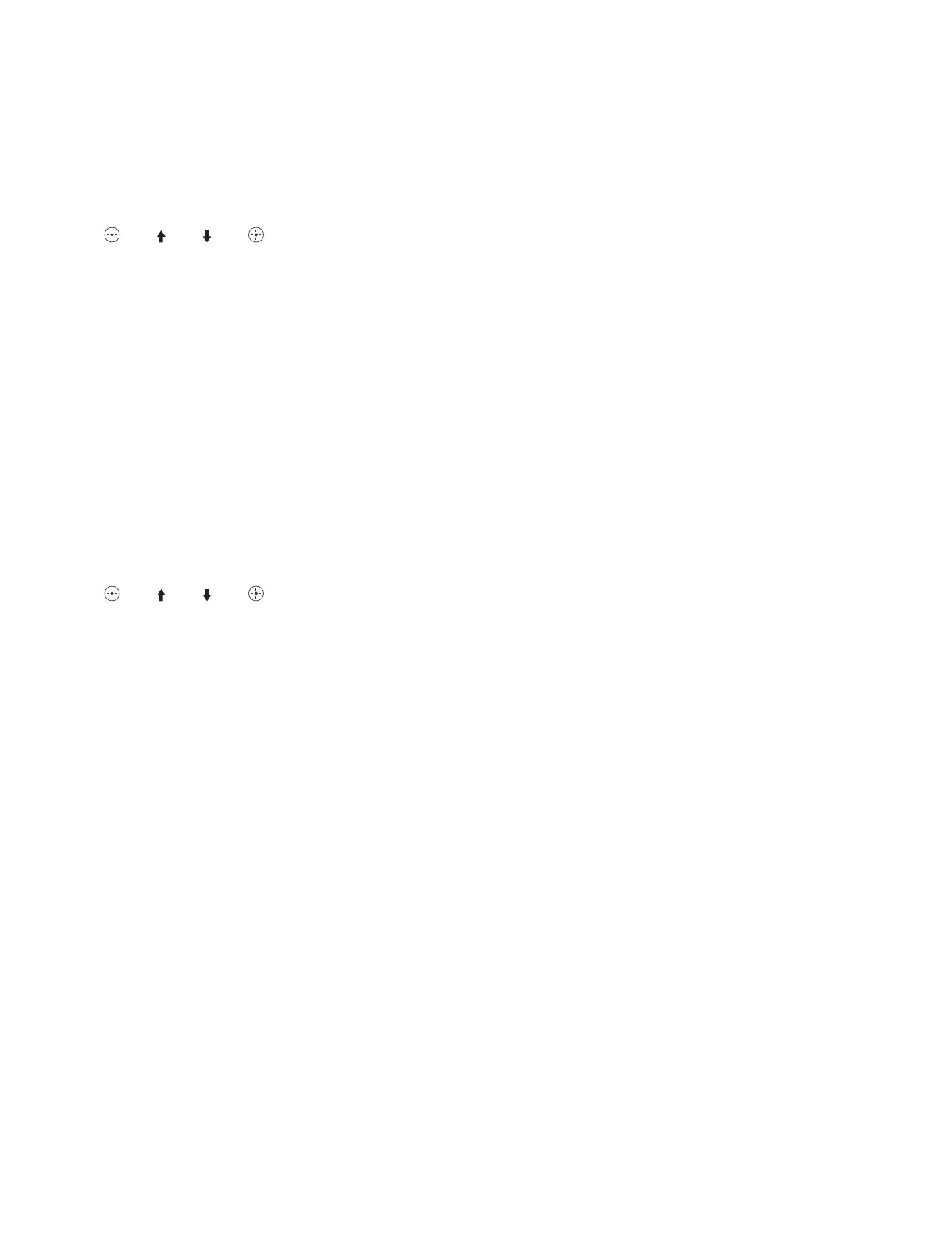
3. Press the buttons in the following order in 5 seconds:
“” → “ ” → “ ” → “ ”
Demonstration mode screen is displayed.
t
Even if the message “Not applicable!” is displayed, ignore it. If the key operations failed, wait for at
least 6 seconds since the last key is pressed, and perform the key operations again.
4. Select “Model Name Display”.
n
To exit the Model Name Display mode, perform step 3.
“Demonstration mode screen” is displayed. Select “Off”.
2-1-4. How to Enter the Motionflow (Shop Demonstration) Mode
1. Set the “Status” to “On” in the “Setup” MENU.
2. Close the menu by pressing [MENU] button if its displayed.
3. Press the buttons in the following order in 5 seconds:
“” → “ ” → “ ” → “ ”
Demonstration mode screen is displayed.
n
Even if the message “Not applicable!” is displayed, ignore it. If the key operations failed, wait for at
least 6 seconds since the last key is pressed, and perform the key operations again.
4. Select “Motionflow”.
n
. To exit the Motionflow mode, perform step 3. The demonstration screen is displayed. Select “Off”.
. When the input signal is 3D signal, only 1080/24P is enabled. (FP/SBS/OU)


 To Next Page