1-23 (E)
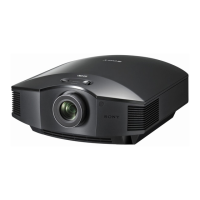
VPL-HW40ES
1-5. Indicator
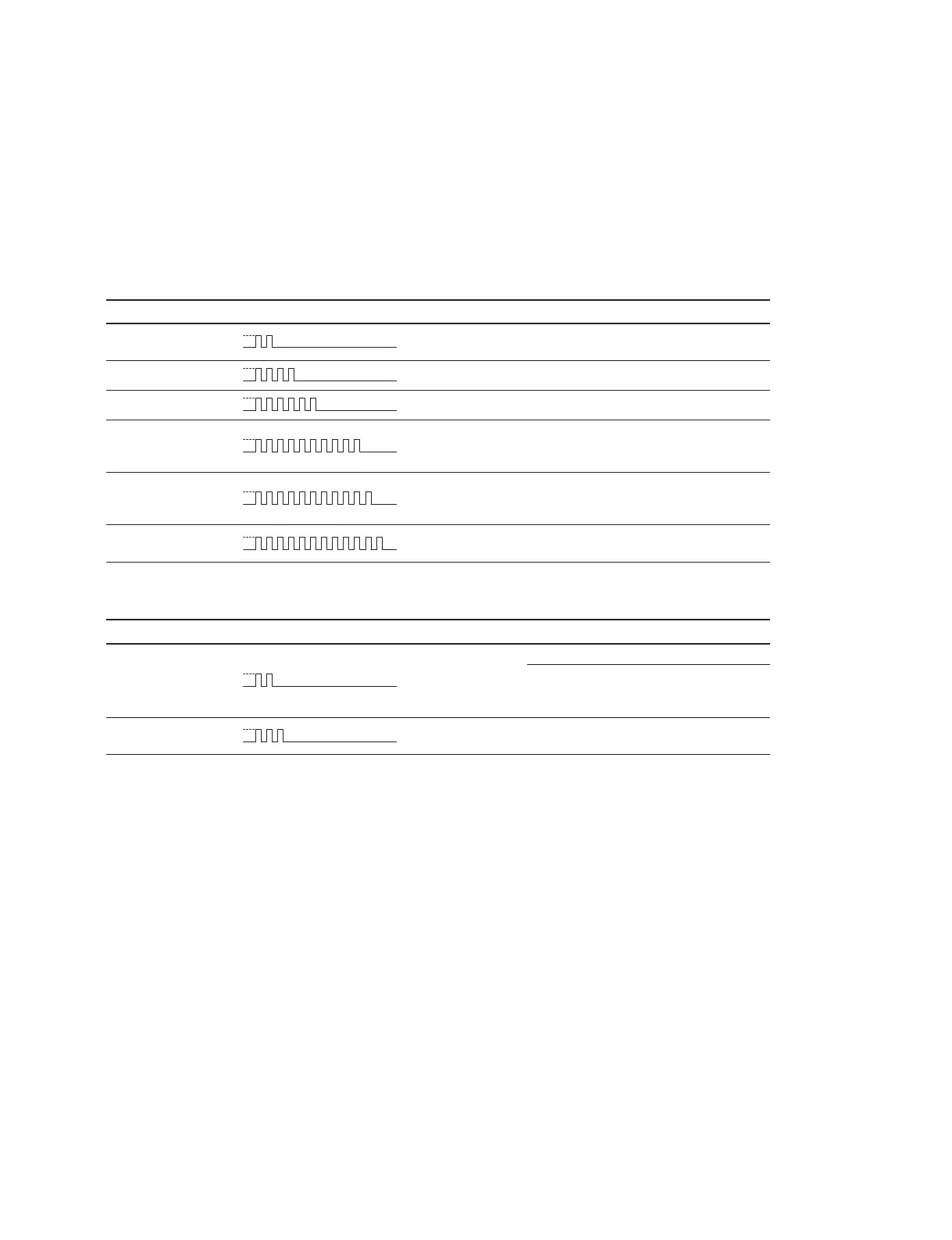
The error status of the this units are indicated by the type of flashing of indicator. The top cover has the
ON/STANDBY indicator and the LAMP/COVER indicator. Various error contents are indicated by the
type of flashing of indicator. For details of the types of indicator flashing and the error statuses, refer to
the list shown below.
ON/STANDBY indicator (Blinks in Red)
Error Name Flash Frequency Details of the error status
Temp Error
ON
OFF
2 times The temperature inside of the unit is too
high.
FAN Error
ON
OFF
4 times Each fan does not work normally.
Power Error
ON
OFF
6 times The power is not turned on correctly.
System Error 1
ON
OFF
10 times The sub CPU can not obtain the data
from the EEPROM when the sub CPU
works.
System Error 2
ON
OFF
11 times The SCAN CONV. can not obtain the
data from the EEPROM when the SCAN
CONV. works.
System Error 3
ON
OFF
12 times The SCAN CONV. does not work
normally.
LAMP/COVER indicator (Blinks in Red)
Error Name Flash Frequency Details of the error status
Cover Error
ON
OFF
2 times The lamp cover or filter holder is opened.
Connector of the temperature sensor
board (TL board or V board) is discon-
nected.
Lamp Error
ON
OFF
3 times The lamp has reached the end of life.


 To Next Page