2-18 (E)
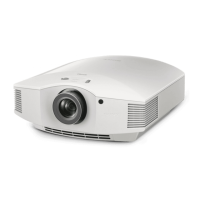
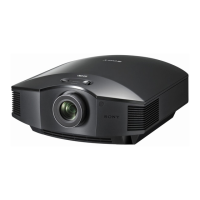
VPL-HW40ES
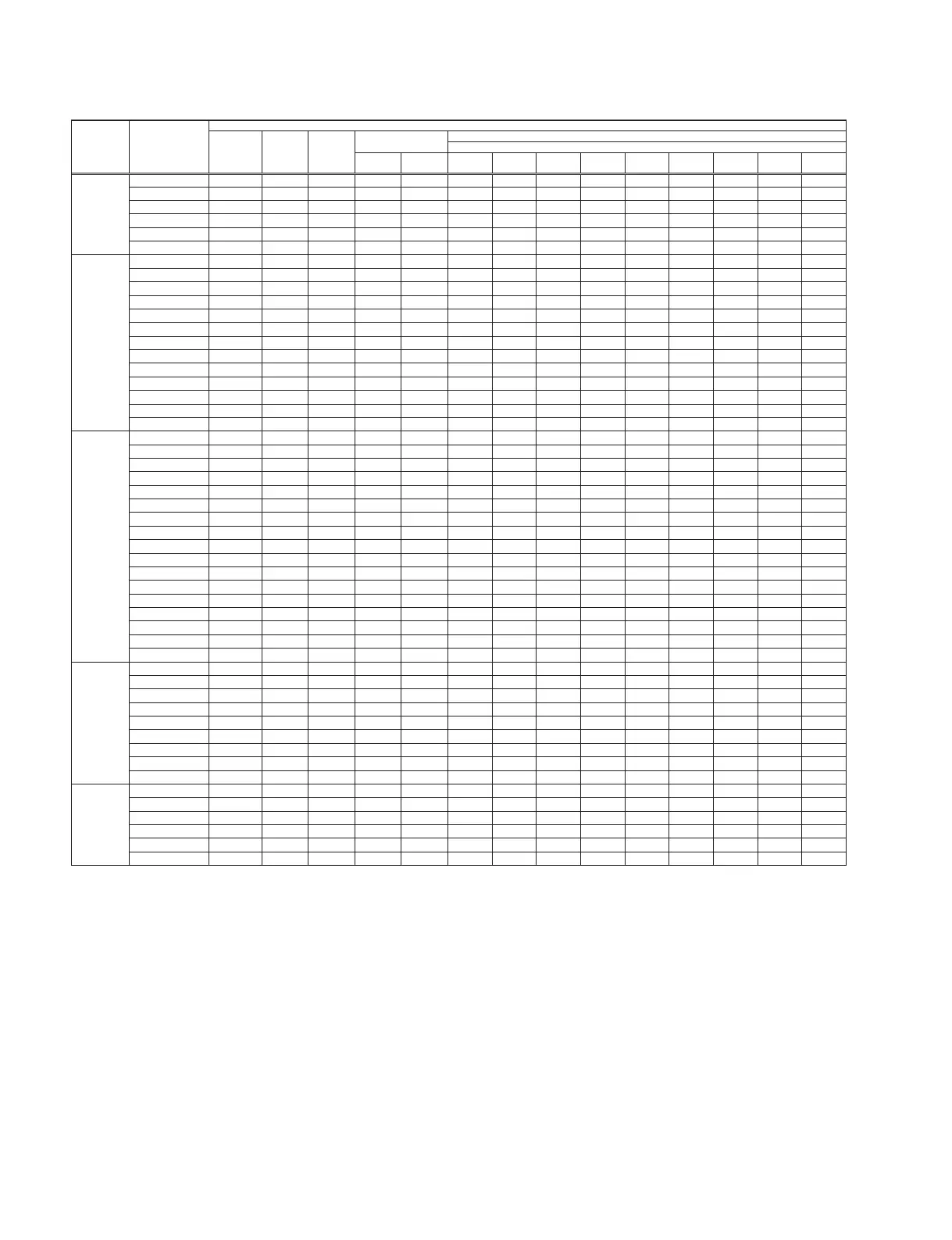
Menu Title Item Name Memory Name
Set Memory
Sub Micro
Memory
No Memory
Status Memory
Picture Memory
All Channels when 2D
2D 3D
Cinema
Film 1
Cinema
Film 2
Reference TV Photo Game
Bright
Cinema
Bright TV User
Setup Status ON
Language ENGLISH
Menu Position
LEFT_BOTTOM
Cooling Setting Standard
Standby Mode Low
Power Saving Standby
Function 3D Settings
2D-3D Display Sel. AUTO
3D Glasses Bri'ness MAX
3D Depth Adjust 0
Simulated 3D Effect MIDDLE
3D SYNC Output Standard
HDMI Setting
Control for HDMI OFF
Device Auto Power Off
ON
PJ Auto PowerOn ON
Auto Input Search OFF
Background BLACK
Settings Lock OFF
Installation V Keystone 0
Image Flip OFF
Blanking
Top 0
Bottom 0
Left 0
Right 0
Panel Alignment OFF
Adjust Item SHIFT
Adjust Color RED
Pattern Color R/G/B
Adjust(Shift)
H0
V0
Adjust(Zone)
H0
V0
Information fH Display only
fV Display only
(Memory No.) Display only
(Resolution) Display only
ROM Version Display only
SC ROM Version Display only
Lamp Timer Display only
Operation Timer Display only
Prev. Lamp Timer Display only
W/B Gain R
G
B
Bias R
G
B
*1: “Phase, Pitch, Shift H/V, and Over Scan” in the “Screen” menu have respective initial values for each input signal (PRESET MEMORY No.).
n
There are some items that cannot be adjusted depending on the input signal.


 To Next Page