36
If the camera moves in a different
direction from that you intended
The camera is preset to face toward the right whenever the
joystick is inclined to the right. If you wish to face the
camera toward the opposite direction from the direction
in which you inclined the joystick, for example, when you
change the direction of the camera while checking the
picture on the screen. In such a case, you can change the
panning direction to the opposite direction you inclined
the joystick by using the L/R DIRECTION switch on the
remote controller.
For details, see the Operating Instructions of the remote
controller.
This setting only changes the signal emitted from the
remote controller and does not change the setting of the
camera itself.
Zooming
Turn the dial on the upper part of the joystick.
When you perform pan/tilt operation while the camera is
in the telephoto mode, the moving speed of the image on
the screen may be a little jerky.
Adjusting the Camera
Focusing on a Subject
To focus the camera on a subject
automatically
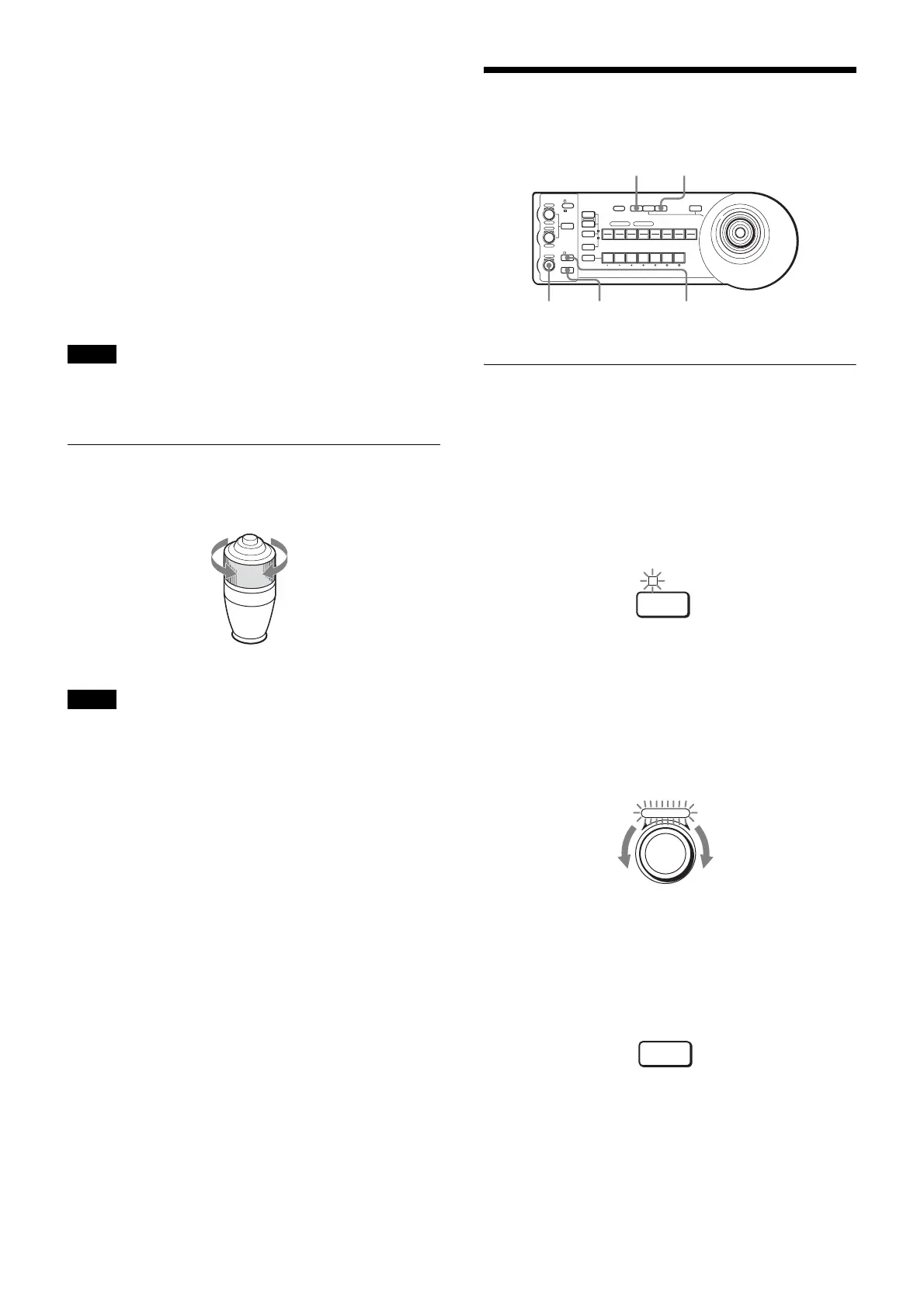
Press the AUTO/MANUAL button so that the AUTO
indicator lights.
The camera focuses on the subject in the center of the
screen automatically.
To focus the camera on a subject
manually
Press the AUTO/MANUAL button so that the AUTO
indicator turns off. Then turn the FOCUS control
clockwise or counterclockwise to have the camera focus
on the subject.
One-push auto focusing during manual
focus adjustment
Press the ONE PUSH AF button. The camera focuses on
the subject in the center of the screen automatically.
Note
Note
Subject appears farther
away. (Wide angle)
Subject appears
closer. (Telephoto)
1
LOCK
JOYSTICK
KNOB
MODE
VALUE
RESET
POSITION
GROUP
MENUGROUP
PRESET
SHIFT
BLACK
LIGHT
PAN-TILT
RESET
ONE PUSH
AWB
POWER
SELECT
AUTO
MANUAL
AUTO
ONE PUSH
AF
234567
POSITION
CAMERA
GROUP
R
–+
BRIGHT
B
–+
FOCUS
NEAR FAR
1 2 3 4 5 6 7 8
910111213141516
ONE PUSH AWB
ONE PUSH
AF
BACK LIGHT
FOCUS AUTO/MANUAL
AUTO
AUTO
MANUAL
FOCUS
NEAR
FAR
Focusing on a far
subject
Focusing on a near
subject
ONE PUSH
AF



 To Next Page