37
Shooting with Back Lighting
When you shoot a subject with a light source behind it, the
subject becomes dark. In such a case, press the BACK
LIGHT button.
To cancel the function, press the BACK LIGHT button
again.
The BACK LIGHT function is enabled only when
MODE is set to FULL AUTO in the EXPOSURE menu.
Adjusting the White Balance
Before adjusting the white balance, shoot a white object
that fills the entire screen under the same lighting
conditions as for the object you will be zooming in on.
(You can use a white wall, etc., instead of the object.)
The white balance is adjusted by using this white color.
To adjust the white balance automatically
1
Set MODE to ONE PUSH in the WHITE BALANCE
menu.
For setting, see “WHITE BALANCE Menu” on
page 42.
2
Press ONE PUSH AWB button.
The white balance is adjusted automatically.
Presetting Feature
Up to 16 combinations of settings (16 positions),
including camera position, zooming, focusing, and
backlighting, can be stored in the memory of the camera
using the remote controller.
For details of the camera settings to be preset, see “Initial
value and preset” on page 71.
Only POSITION 1 to 16 (Preset 1 to 16) are available for
storing, calling, and canceling from the remote controller.
Set the positions other than POSITION 1 to 16 via a
Network.
Storing Camera Settings
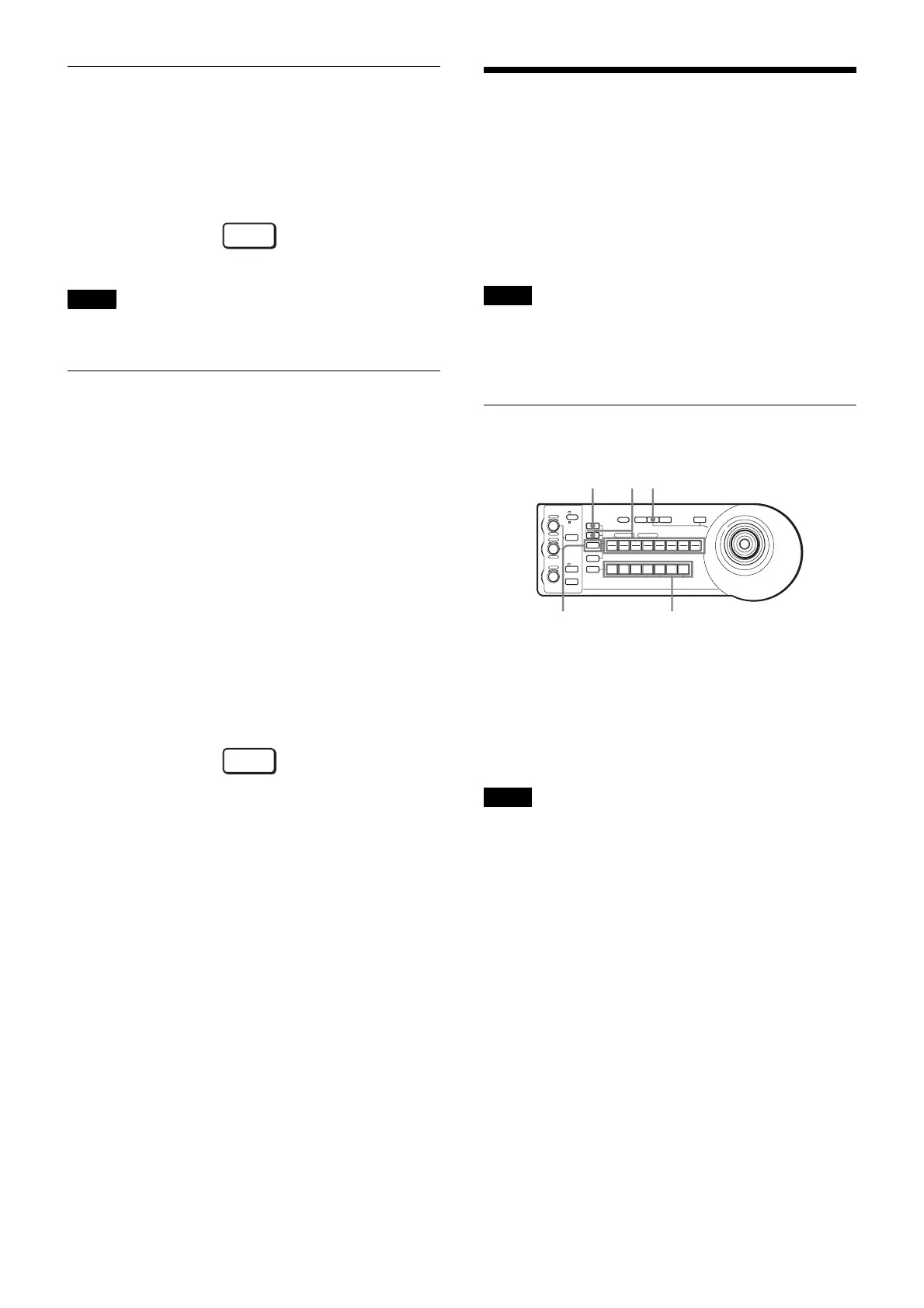
1
Press the PAN-TILT RESET button to reset the pan/
tilt position.
2
Press the CAMERA button to select the camera
whose settings you want to preset.
When the camera and the remote controller are connected
with RS-422, the camera address will be always 1.
To use multiple cameras by switching, use them with the
IP connection.
3
Adjust the position, zooming, focusing and
backlighting of the camera. (See pages 35, 36, and
37.)
4
While holding down the PRESET button (for
POSITION 1 to 8) or the PRESET button and the
SHIFT button (for POSITION 9 to 16), press any of
the GROUP/POSITION buttons in which you want to
store the settings.
Note
BACK
LIGHT
ONE PUSH
AWB
Note
Note
1
LOCK
JOYSTICK
KNOB
MODE
VALUE
RESET
POSITION
GROUP
MENUGROUP
PRESET
SHIFT
BLACK
LIGHT
PAN-TILT
RESET
ONE PUSH
AWB
POWER
SELECT
AUTO
MANUAL
AUTO
ONE PUSH
AF
234567
POSITION
CAMERA
GROUP
R
–+
BRIGHT
B
–+
FOCUS
NEAR FAR
1 2 3 4 5 6 7 8
910111213141516
14
24
RESET



 To Next Page