52
Security
Displays the Security menu for setting the login user
specification and the computer(s) can connected to the
camera. (“Security Menu” on page 61)
PTZF control
Displays the PTZF menu for setting pan, tilt, zoom, and
focus operations. (“PTZF control Menu” on page 63)
Streaming
Displays the Streaming menu for setting sending.
(“Streaming Menu” on page 65)
System Menu
When you click in the Administrator menu, the
System menu appears.
Use this menu to perform the principal settings of the
software.
The System menu consists of the following tabs:
Information, Installation, Initialize, System log and
Access log.
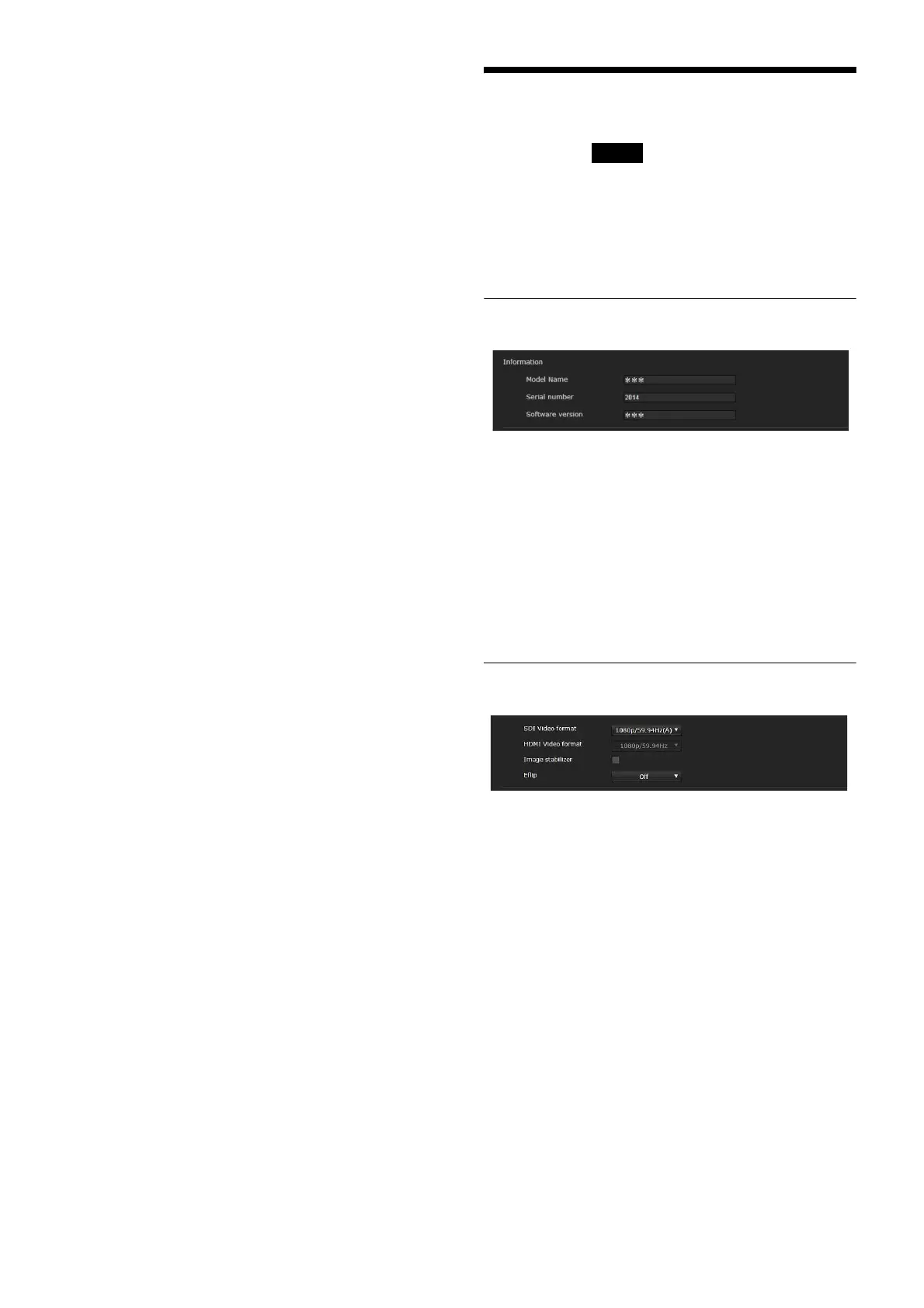
Information Tab
Model Name
The model name of the camera is displayed.
Serial number
The serial number of the camera is displayed.
Software version
The software version of the camera is displayed.
Installation Tab
You can perform settings related to installation.
SDI Video format
Set the video format of the signal to be output from the
SDI OUT connector.
System



 To Next Page