46
Operating the Camera Via a
Network
This section explains how to monitor the image from the
camera using your Web browser.
The functions of the camera should be set by the
Administrator. For the setting of the camera, see “Setting
the Camera Via a Network” on page 51.
When you operate pan, tilt, zoom, etc. using the remote
controller, see “Operation Using the Remote Controller”
on page 34.
• Do not operate the camera via a network or use a remote
controller at the same time.
• About 2 minutes after turning on the power, the camera
will automatically reset to the pan/tilt position and the
camera settings stored in Preset 1 (Pan/tilt reset action).
For the setting items retained in the memory when
starting the camera, see “Initial value and preset” on
page 71.
• If the camera settings are not stored in Preset 1, the
camera settings are cleared from the memory and reset
to the default settings when the power is turned on.
Accessing the Camera
Using the Web Browser
Check that you can actually access the camera using the
Web browser installed on your computer.
1
Assign an IP address to the camera.
For settings, see “Assigning the IP address” in the
Installation Manual. The factory setting is IP
[192.168.0.100].
2
Start the Web browser on the computer and type the
IP address of the camera in the URL address bar.
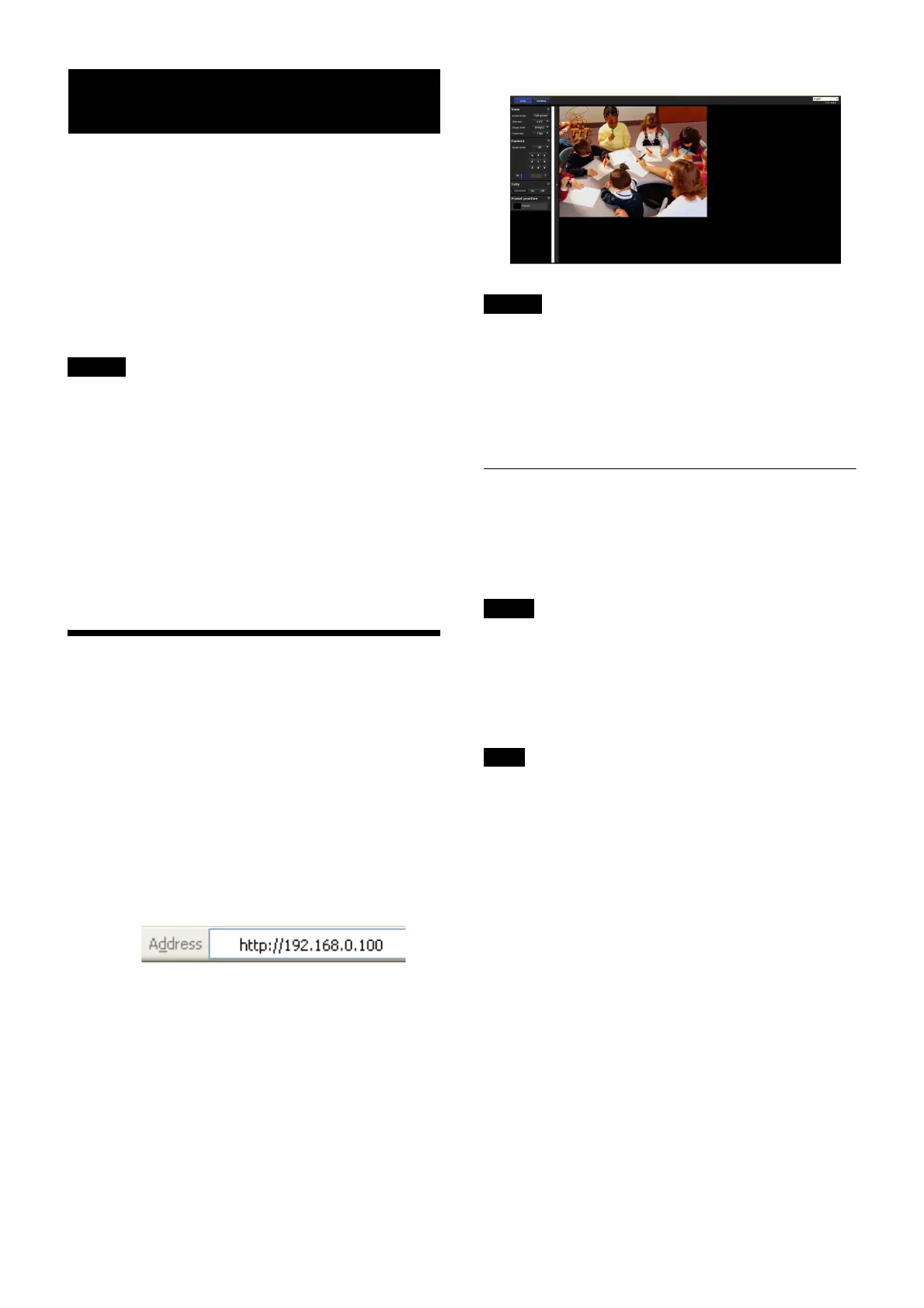
The live viewer window is displayed.
Display sample:
• The maximum of users on the network who can see a
viewer concurrently for video and audio is 5. However,
if the transmission ability of the camera is overloaded,
access to the camera may not be possible, even if there
are fewer than 5 users.
• If the simultaneous connections via a network increase,
the frame rate may decrease.
About Viewers
Plug-in free viewer
This is a viewer to view images on the Web browser.
If Automatic configuration is enabled in the Local Area
Network (LAN) settings of Internet Option, the image
may not be displayed. In that case, set the proxy server
manually without using Automatic configuration. For the
setting of the proxy server, consult your network
administrator.
Every page of this software is optimized for Internet
Explorer in Medium font.
To display the viewer correctly
To operate the viewer correctly, set the security level of
Internet Explorer to Medium or lower, as follows:
1
Select Tools from the menu bar for Internet Explorer,
then select Internet Options and click the Security
tab.
2
Click the Internet icon (when using the camera via
the Internet), or Local intranet icon (when using the
camera via a local network).
3
Set the slider to Medium or lower. (If the slider is not
displayed, click Default Level.)
Notes
Notes
Note
Tip



 To Next Page