27
STR-DA5300ES
HISTORY MODE
The state that the set is used is memorized.
Procedure:
1. While pressing the [MUSIC] and [MEMORY/ENTER] buttons,
press the [POWER] button to turn on the power and “HIS-
TORY MODE” is displayed.
2. Each time the M m key of remote commander is pressed, the
item is switched in order as follows.
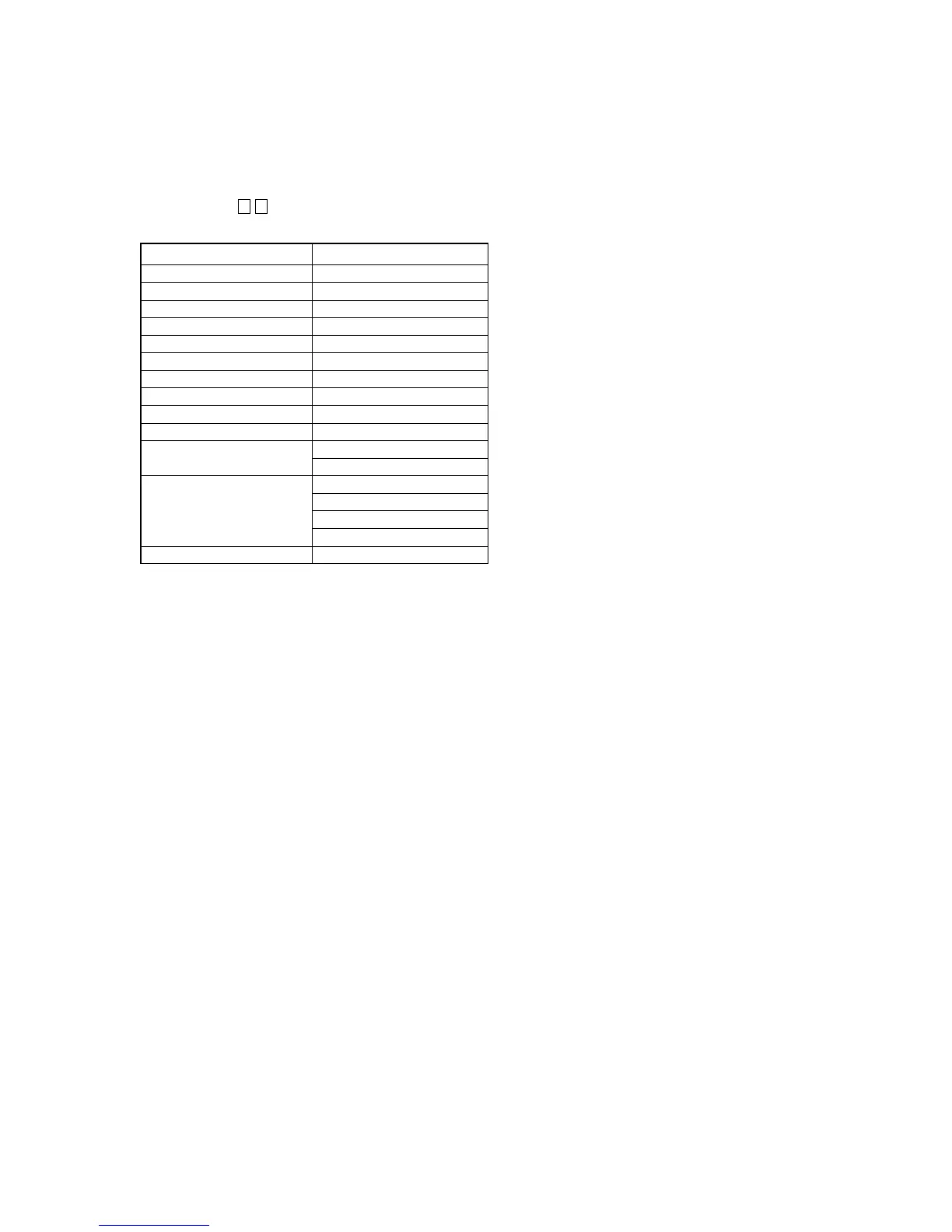
Items Display
Number of protector is generated PRCT COUNT: XXX
Total use time TTL_TIME: XXXXH XXM
Sound field setting XXXXXXXXXXXXXXXX
Input when protect is detected INPUT: XXXXXXXXXX
Input mode setting INMODE: XXXXXXXXXXXX
Input mode under lick state DSEL: XXXXXXXXXXXXXXX
Stream under input STREAM: XXXXXXX
Channel information CONFIG:XXXXXXX
State of headphone HEAD PHONES: XXX
Volume VOL: XXXdB
EQ setting value
BASS: XXXdB
TREB: XXXdB
Lv FL/FR XXXX/XXXX
Level collection value Lv SL/SR XXXX/XXXX
each channel Lv CT/SW XXXX/XXXX
Lv BL/BR XXXX/XXXX
Total time of power on TTL_P_ON: XXXXH XXM















 To Next Page