Setting up the GUIDE Plus+TM
feature
After you have set up your TV using the Easy
Setup Guide, you will be prompted to set up your
GUIDE Plus+ feature.
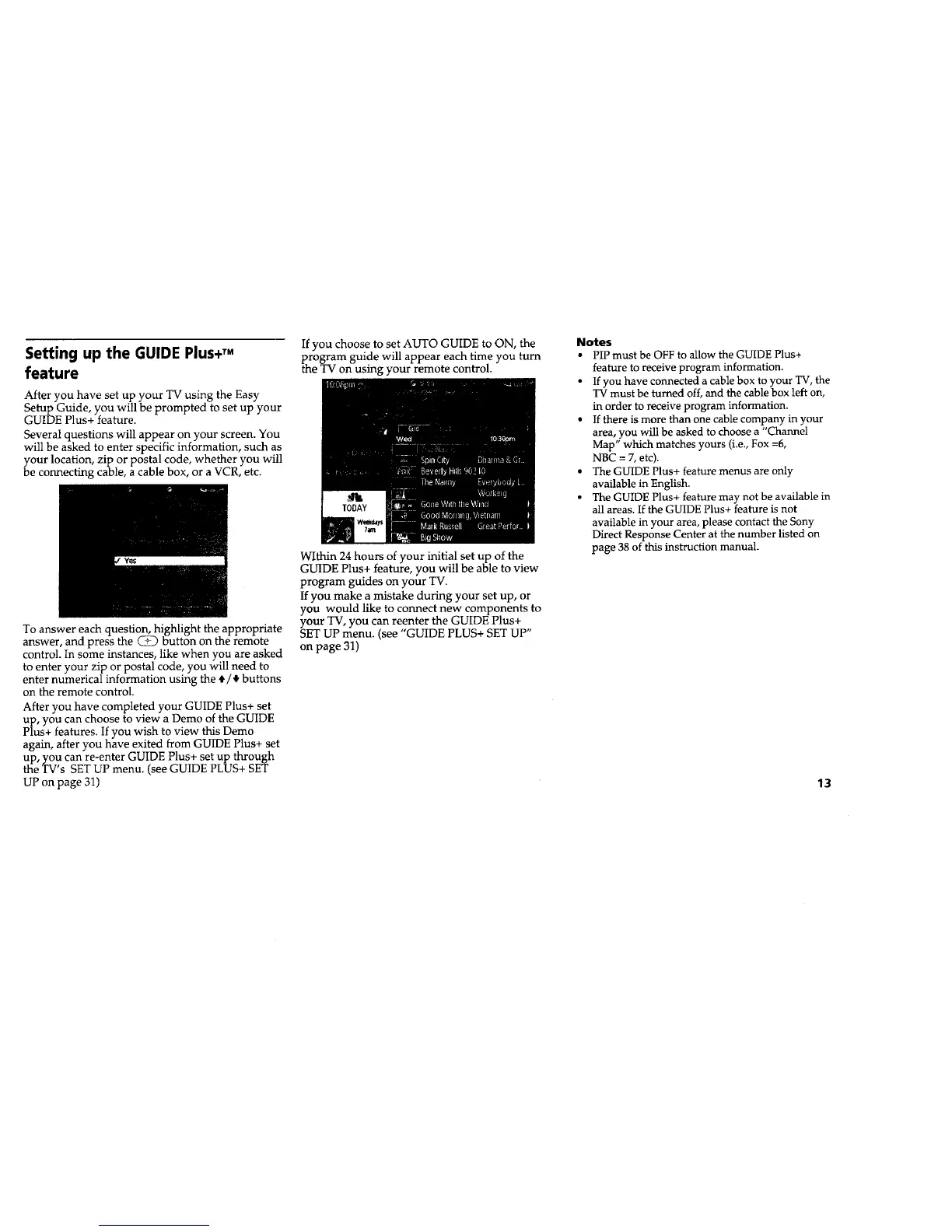
Several questions will appear on your screen. You
will be asked to enter specific information, such as
your location, zip or postal code, whether you will
be connecting cable, a cable box, or a VCR, etc.
To answer each question, highlight the appropriate
answer, and press the @ button on the remote
control. In some instances, like when you are asked
to enter your zip or postal code, you will need to
enter numerical information using the t/_" buttons
on the remote control.
After you have completed your GUIDE Plus+ set
up, you can choose to view a Demo of the GUIDE
Plus+ features. If you wish to view this Demo
agaIn, after you have exited from GUIDE Plus+ set
up, you can re-enter GUIDE Plus+ set up through
the TV's SET UP menu. (see GUIDE PLUS+ SET
UP on page 31)
If you choose to set AUTO GUIDE to ON, the
Pthrogram guide will appear each time you turn
e TV on usIng your remote control.
Within 24 hours of your Initial set up of the
GUIDE Plus+ feature, you will be able to view
program guides on your TV.
ff you make a mistake durIng your set up, or
you would like to connect new components to
your TV, you can reenter the GUIDE Plus+
SET UP menu. (see "GUIDE PLUS+ SET UP"
on page 31)
Notes
• PIP must be OFF to allow the GUIDE Plus+
feature to receive program information.
• If you have connected a cable box to your TV, the
TV must be turned off, and the cable box left on,
in order to receive program information.
• If there is more than one cable company in your
area, you will be asked to choose a "Channel
Map" which matches yours (i.e., Fox =6,
NBC = 7, etc).
• The GUIDE Plus+ feature menus are only
available in English.
• The GUIDE Plus+ feature may not be available in
all areas. If the GUIDE Plus+ feature is not
available in your area, please contact the Sony
Direct Response Center at the number listed on
page 38 of this instruction manual.
13










 To Next Page