_l Using Your New TV (continued)
Learning to view a program
using the GUIDE Plus+ feature
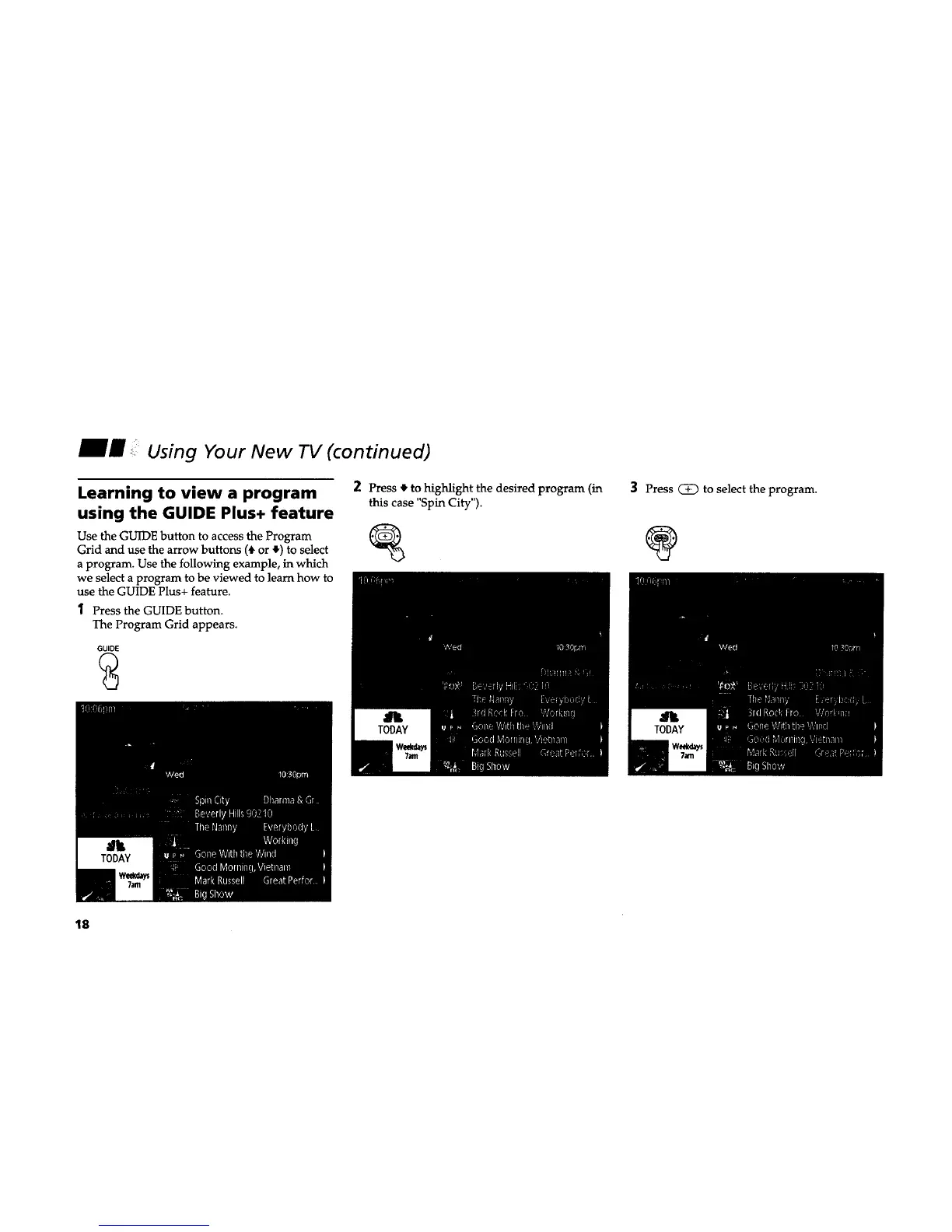
2 Press 4' to highlight the desired program (in
this case "Spin City").
Use the GUIDE button to access the Program ,------------------_
Grid and use the arrow buttons (4, or 4")to select
a program. Use the following example, in which
we select a program to be viewed to learn how to
use the GUIDE Plus+ feature.
1 Press the GUIDE button.
The Program Grid appears.
GUIDE
3 Press _ to select the program.
@
18










 To Next Page