3 Advanced use
208396 rev 2 SOREDEX 11
3 Advanced use
3.1 DIGORA
®
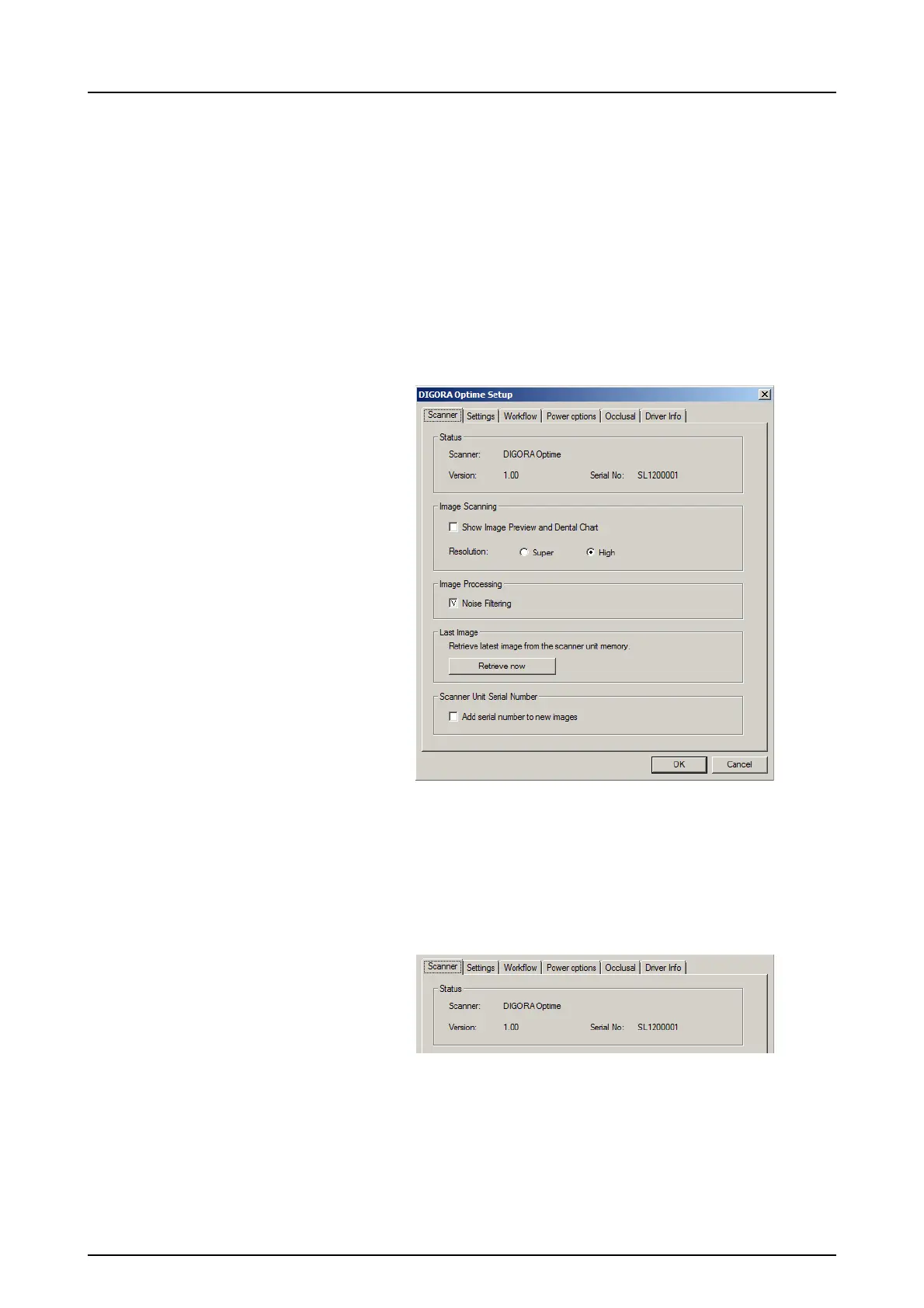
Optime setup options
The DIGORA
®
Optime setup options allow you to configure
the DIGORA
®
Optime to the user’s clinical preferences.
From the imaging application software you are using select
unit Setup/Scanner page (for more instruction on how to
access setup page review application software manual).
3.1.1 Status
Shows the scanner type, firmware version and unit serial
number.



 To Next Page