3 Advanced use
16 SOREDEX 208396 rev 2
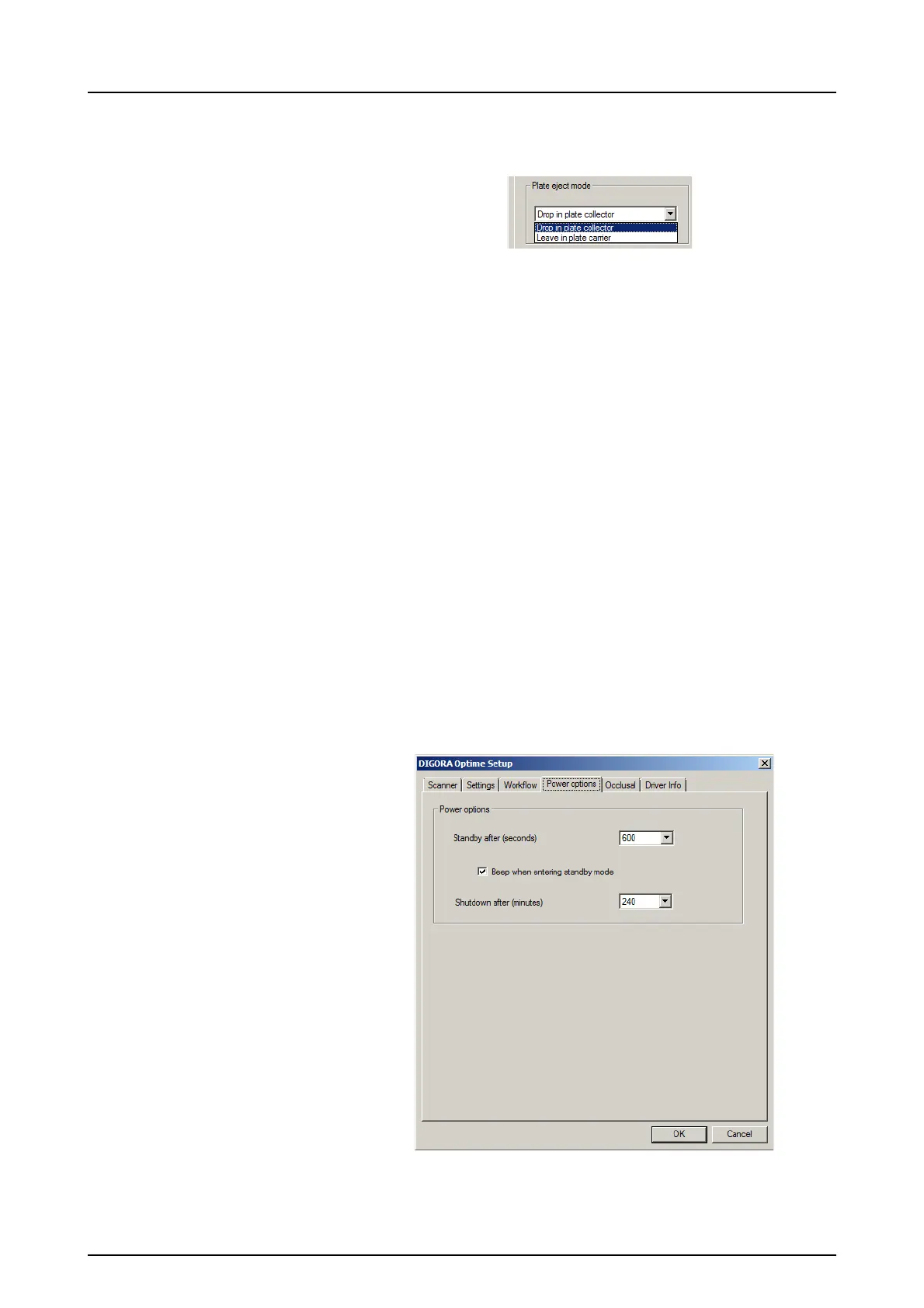
3.3.3 Plate eject mode
The options are:
• Drop in plate collector: the imaging plate is eject-
ed into the plate collector after the imaging plate
has been processed.
• Leave in plate carrier: the imaging plate remains
in the plate carrier after the imaging plate has been
processed.
The Leave in plate carrier option is recommended
for users who want to handle the imaging plates
with more care and reduce wear and tear on them.
This option extends service life of the imaging
plates and allows greater hygiene standards to be
observed.
3.4 Power options
From the imaging application software you are using select
unit Setup / Power options page.
Standby after (seconds): Allows you to select the period
of time the unit remains unused before it enters the



 To Next Page