1 Introduction
208396 rev 2 SOREDEX 3
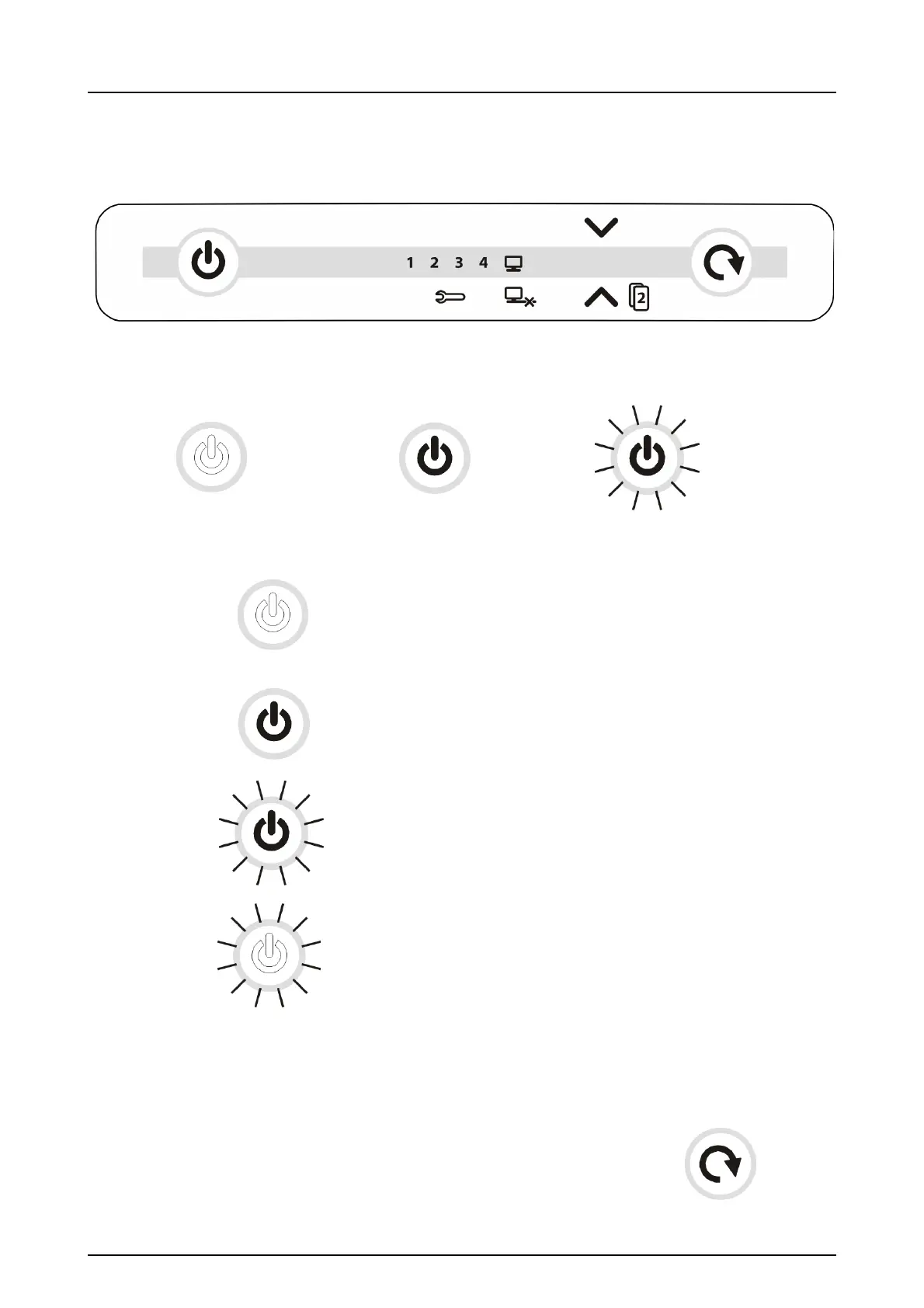
1.3 Controls and indicators
All indicators lit shortly when powering up the unit.
Unit is NOT powered
Unit is powered
Light dim and brighten again in sequence:
Unit is in standby mode (Press ON/OFF or START key
OR activate from imaging software).
Manual start selected
Unit ready
(Insert imaging plate and
press
START to begin processing)



 To Next Page