6 Installation of the imaging plate system
34 SOREDEX 208396 rev 2
6.3.1 Direct connection method
(uses the unit s/n)
Note! It may not be possible to connect the unit to the PC
using the direct connection method if another device is al-
ready connected to the PC using direct connection. If the di-
rect connection field is not active (greyed out) or the system
does not work correctly after the unit has been connected,
reconnect the unit using the imaging plate connection meth-
od.
1. After positioning the unit connect it to the PC(s) in the
local area network using the Ethernet cable (not includ-
ed in delivery).
2. Switch the unit on. The imaging application software
symbol appears in the unit user interface. This indi-
cates that the unit is not communicating with the PC(s)
in the network.
3. PC: Install the imaging application software to be used
in the PC(s).
4. PC: Open the imaging application software and select
the scanner setup window.
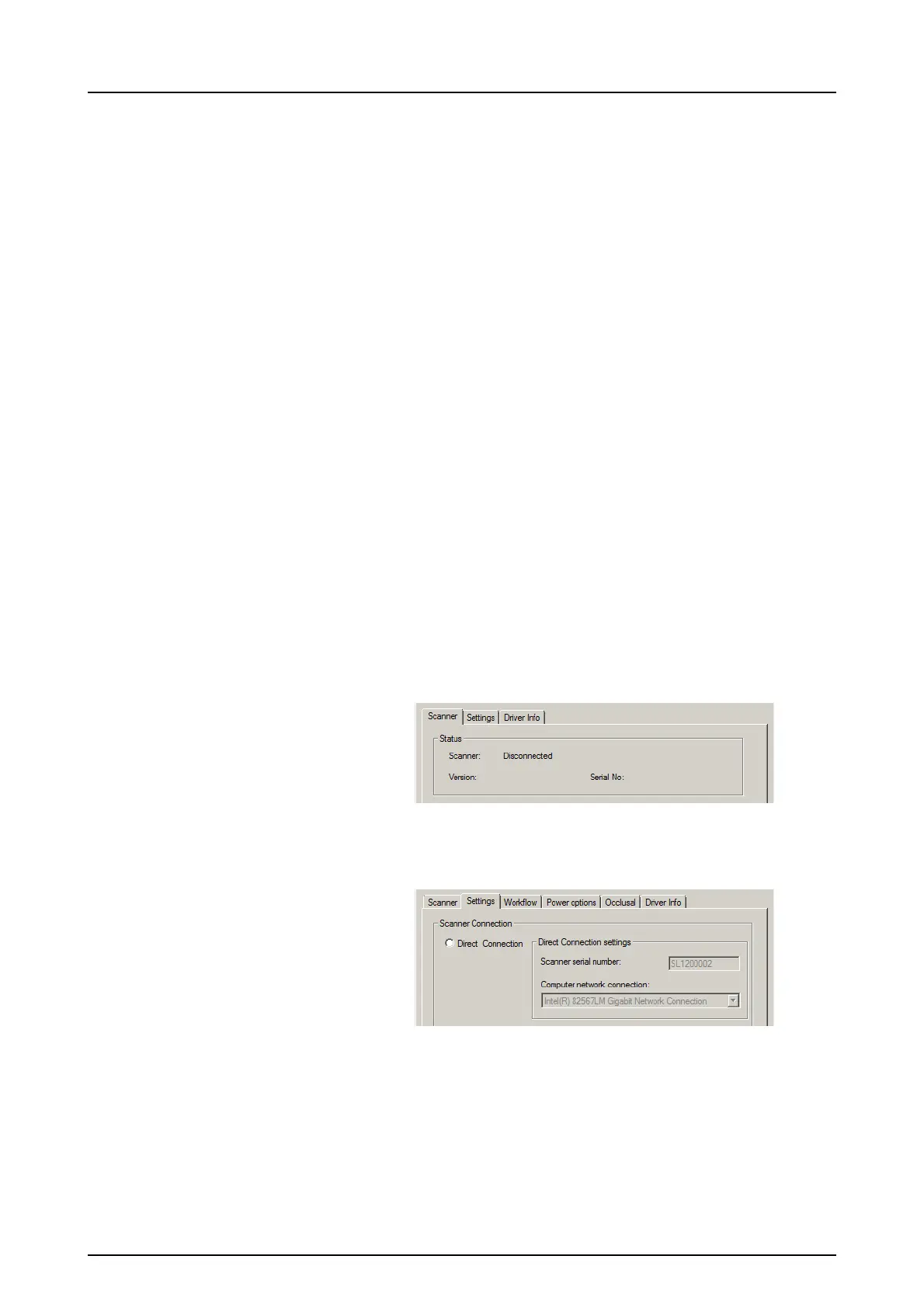
5. PC: From the scanner setup window select the Settings
tab to open the Scanner Connection page.



 To Next Page