3 Advanced use
208396 rev 2 SOREDEX 17
standby mode (plate carrier is driven inside the unit, door is
closed and ON/OFF key dims on and off). Press ON/OFF
key to recover.
Beep when entering standby mode: Audible signal is
heard before the unit enters the standby mode.
Shutdown after (minutes): Allows you to select the period
of time the unit remains in standby mode before
automatically switching itself off.
3.5 Comfort Occlusal™ projection imaging
(not included in delivery)
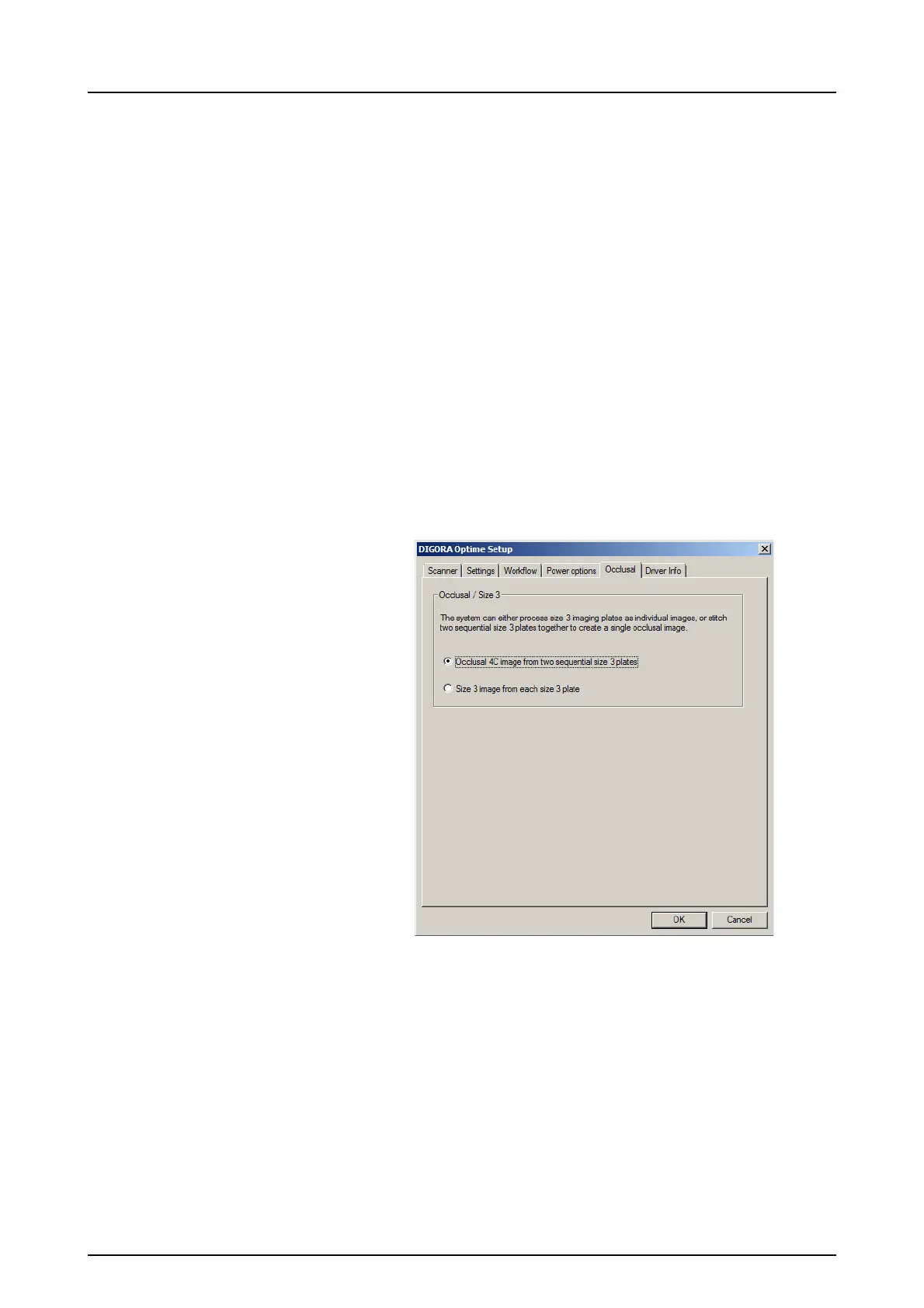
To change Comfort Occlusal™ 4C projection imaging
settings select from the imaging application software unit
Setup / Occlusal page.
Comfort Occlusal™ 4C projection image is formed from
two sequential size 3 plates. Image plates are processed
separately and then stitched together to form a single
Comfort Occlusal™ 4C projection image. Following text
shortly describe how Comfort Occlusal™ 4C projection
image is taken. For more information refer to instructions
supplied with the Comfort Occlusal™ 4C kit.



 To Next Page