3 Advanced use
208396 rev 2 SOREDEX 13
3.1.5.1 Retrieve last image
If the last image processed is not transferred to the PC
because of a network, communication, PC or software
failure, the last image processed can be retrieved.
Note! The LAST processed image can only be retrieved if
the unit is left on. If the unit is switched off the image is lost.
To retrieve the last processed image:
1. Correct the problem that caused the communication
failure. When the connection between the unit and the
PC is re-established the last processed image is auto-
matically transferred to the PC.
2. PC: If the image is not automatically transferred to the
PC, select the Setup > Scanner page from the imaging
application software your are using.
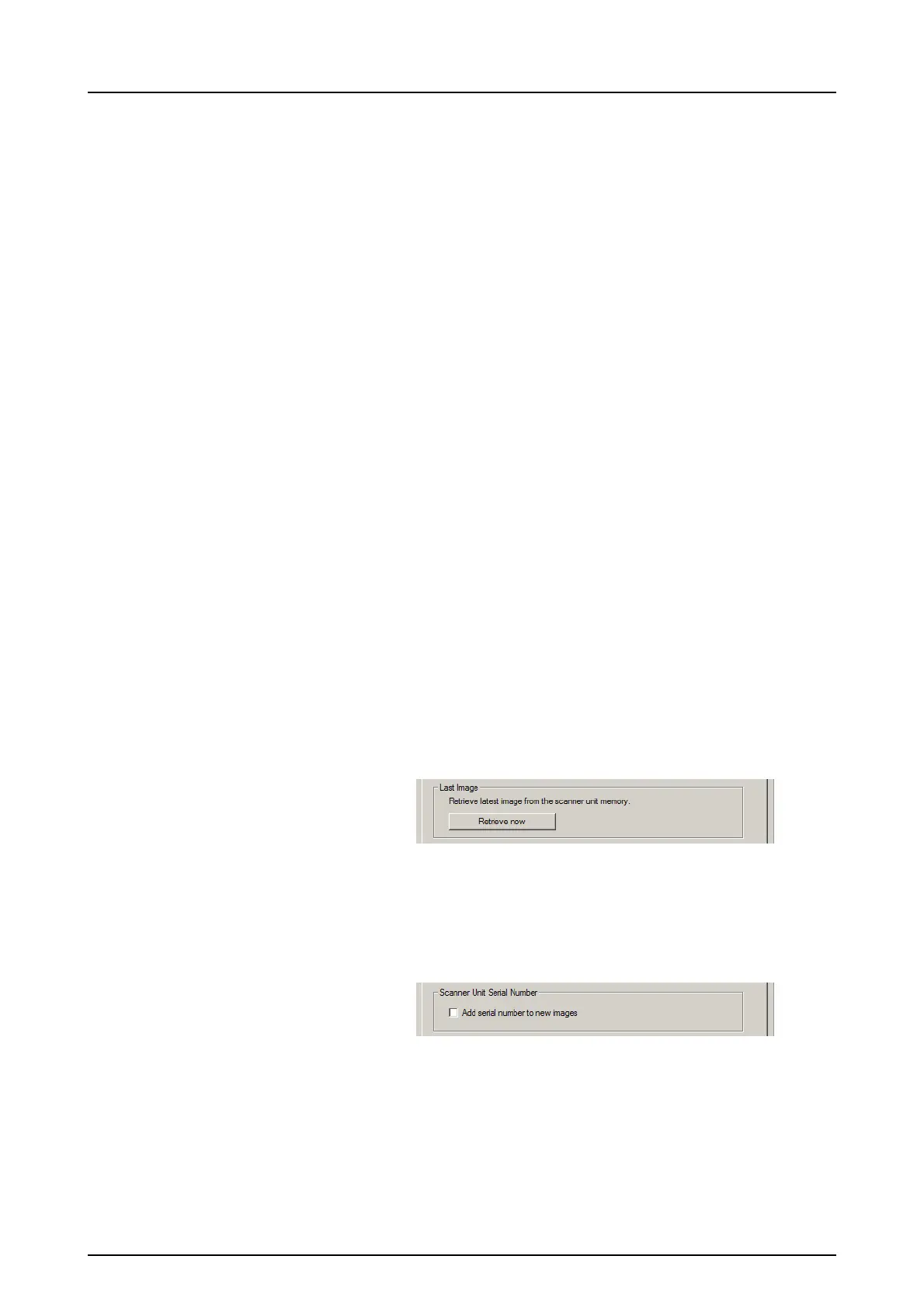
3. PC: In the Last Image field, click Retrieve now to re-
trieve the last processed image.
Note! If required you can select different parameters (e.g.
resolution, show image preview etc.) for the image to be re-
trieved.
4. PC: Click OK to close the Setup window. The last pro-
cessed image is transferred to the PC.
3.1.6 Scanner Unit Serial number
Adds the unit serial number to all new images.
3.2 Settings
See chapter Installation for more information on connecting
the unit to a PC/LAN.



 To Next Page