7 Troubleshooting
208396 rev 2 SOREDEX 39
7 Troubleshooting
7.1 Error images
7.1.1 Improper use of the hygiene
accessories and imaging plates
Decreased contrast, shadows or shading,
ghost images…
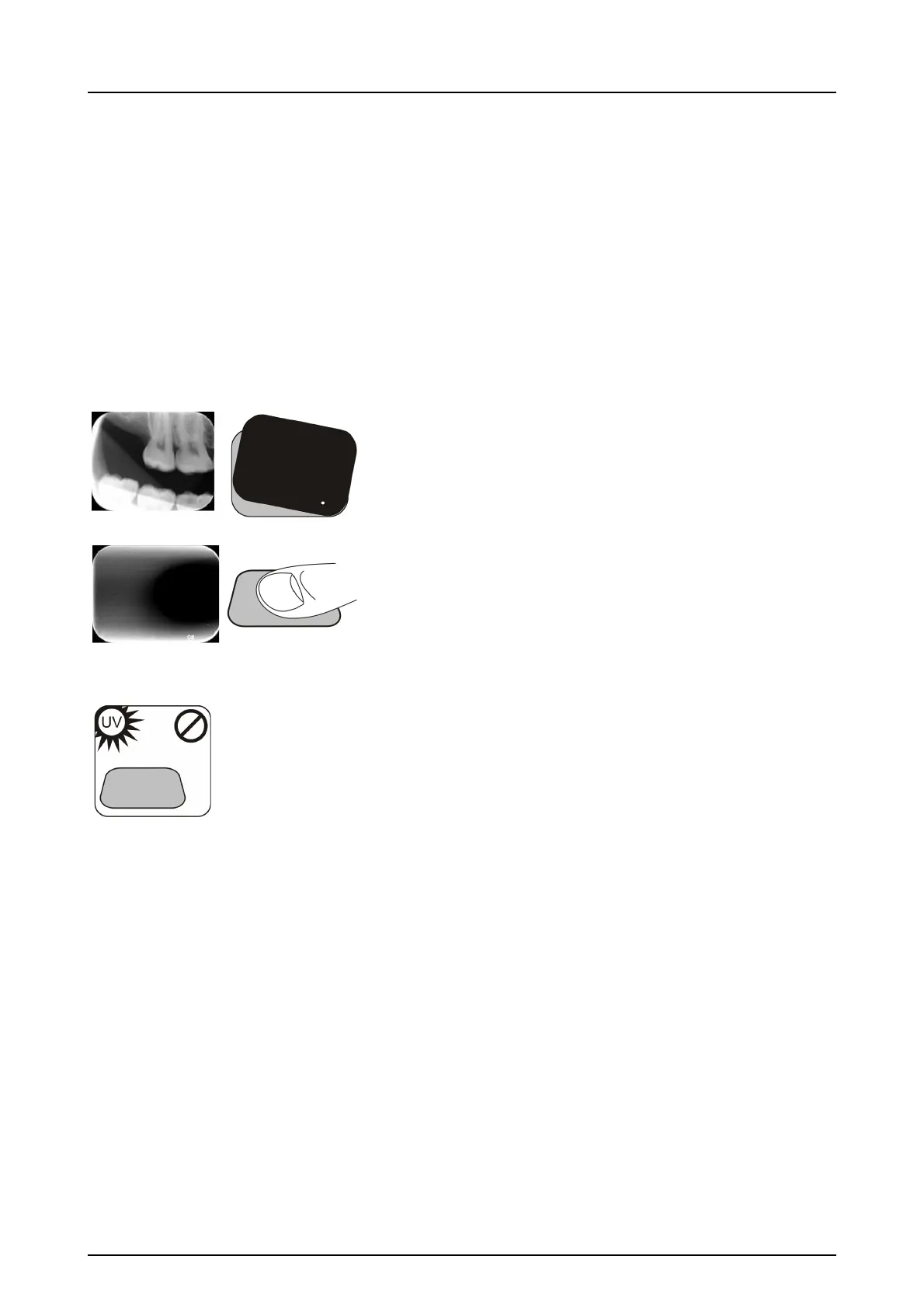
Shows a “ghost image” (having shape of the plate or other
object). Plate not properly shielded from light between ex-
posure and process. Part of the image erased by ambient
light.
■ Protective cover misused or not used at all.
■ Hygiene bag not sealed properly.
■ Improper, non-genuine hygiene accessories use.
■ Improper storing of the imaging plates or exces-
sively high X-ray dose used.
■ Imaging plate has been exposed to ultraviolet
(UV) radiation.
■ Imaging plate has collected background radia-
tion because:
- Plate has been stored near X-ray unit
- Plate has been stored in the bag or in dark too
long
■ Use dedicated imaging plate storage box to
avoid these.
■ Alternatively, perform initial erasing for the
plate(s) if they have been stored in dark and/or
near X-ray unit.



 To Next Page