7 Troubleshooting
44 SOREDEX 208396 rev 2
7.2 Error messages
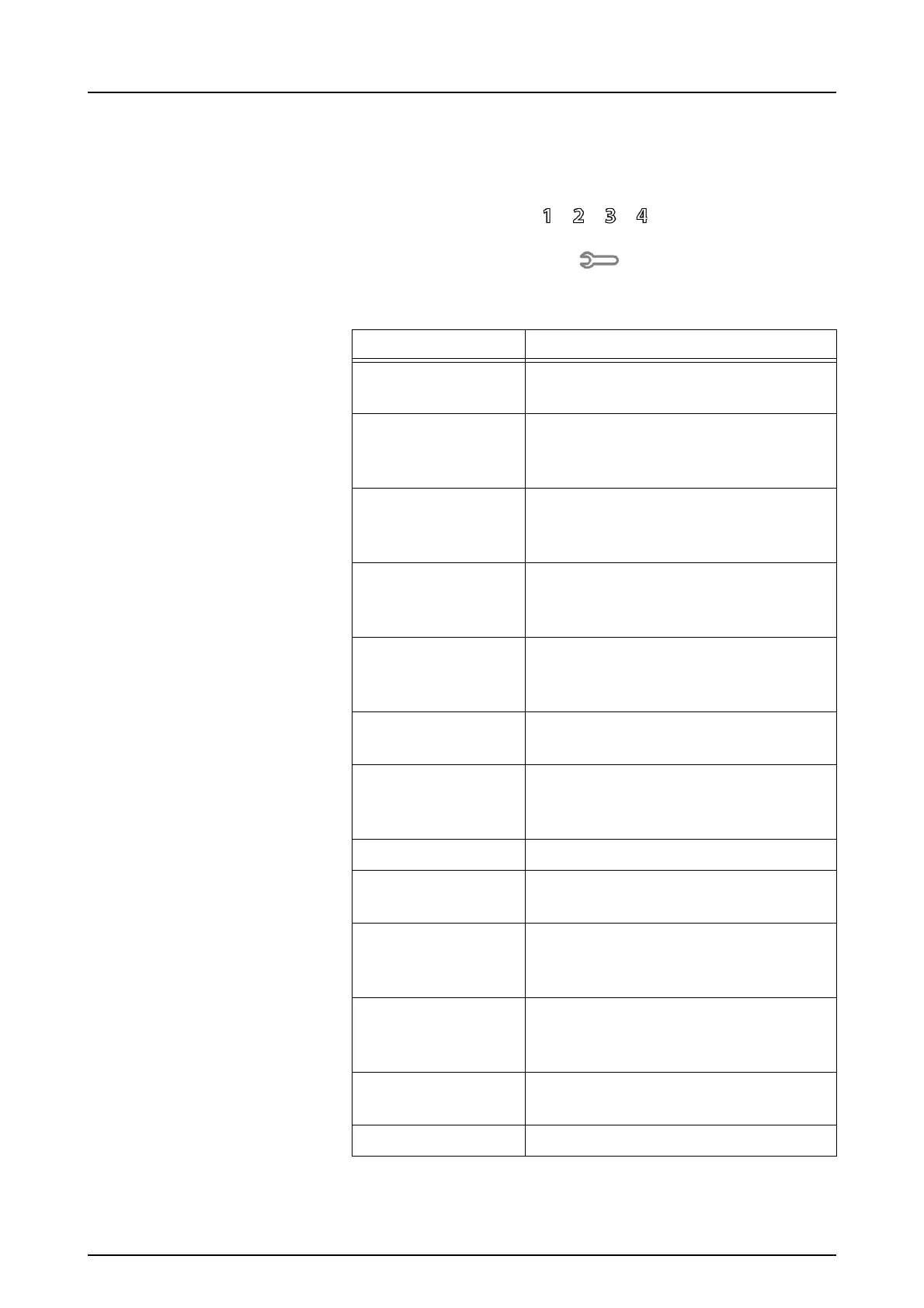
In unit user interface the wrench symbol and error number
indicates the error.
Turn power off and on to see if the unit recovers. If not,
please contact local dealer or distributor.
Number Description
1 K100 error
(CPU / main controller error)
2 PMT error (imaging plate information
cannot be read due to photo detector
not working)
3 Laser error (imaging plate informa-
tion cannot be read due to laser not
working)
4 Resonator error (imaging plate infor-
mation cannot be read due mirror not
moving properly)
12 K200 board not connected properly
(laser detection, erasing & move-
ment control)
13 K300 board not connected properly
(imaging plate sensing / detection)
23 K200 error (erase LED, linear move-
ment detection sensor or laser syn-
chronization error)
24 Plate carrier movement error
34 Plate sensor error (imaging plate
cannot be detected)
123 Door movement error (position of the
door not detected or movement is
blocked)
124 Safety cover error (light cover inside
the unit is not in its place / not detect-
ed)
234 K400 control panel error (control
panel button defected / stuck)
1234 Other, see driver status window



 To Next Page