7 Troubleshooting
208396 rev 2 SOREDEX 41
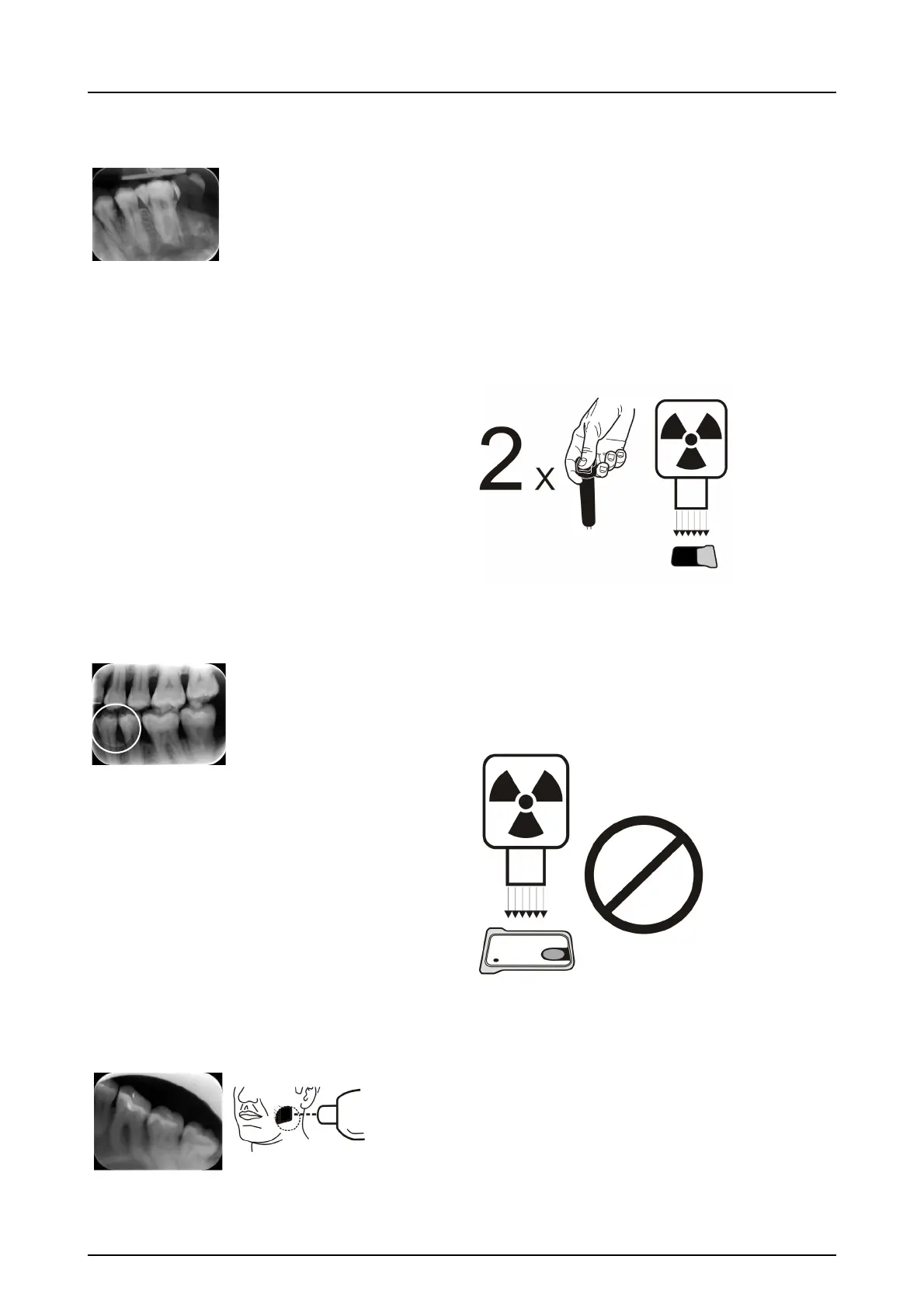
Ghost images, shadows
■ Imaging plate has been exposed twice without
processing in
between.
■ More than one image exposed to the same plate.
■ Imaging plate has not been erased properly after
processing.
■ Unit erasing leds are monitored during normal
operation. If leds are defected, application SW
shows warning.
Circular shape on the image
Imaging plate has been exposed from the wrong side,
which shows the phantom of the metal disc on the rear
side of the plate.
Cone cut
X-ray beam has exposed only part of the imaging plate
surface. Image may show on different (smaller) size than
the imaging plate used.
■ Check exposure procedure.
■ Use of proper holder avoids this.



 To Next Page