IM-S51-07 CTLS Issue 1
30
SP7-10, SP7-11, SP7-12 and SP7-20, SP7-21, SP7-22 Parameterization
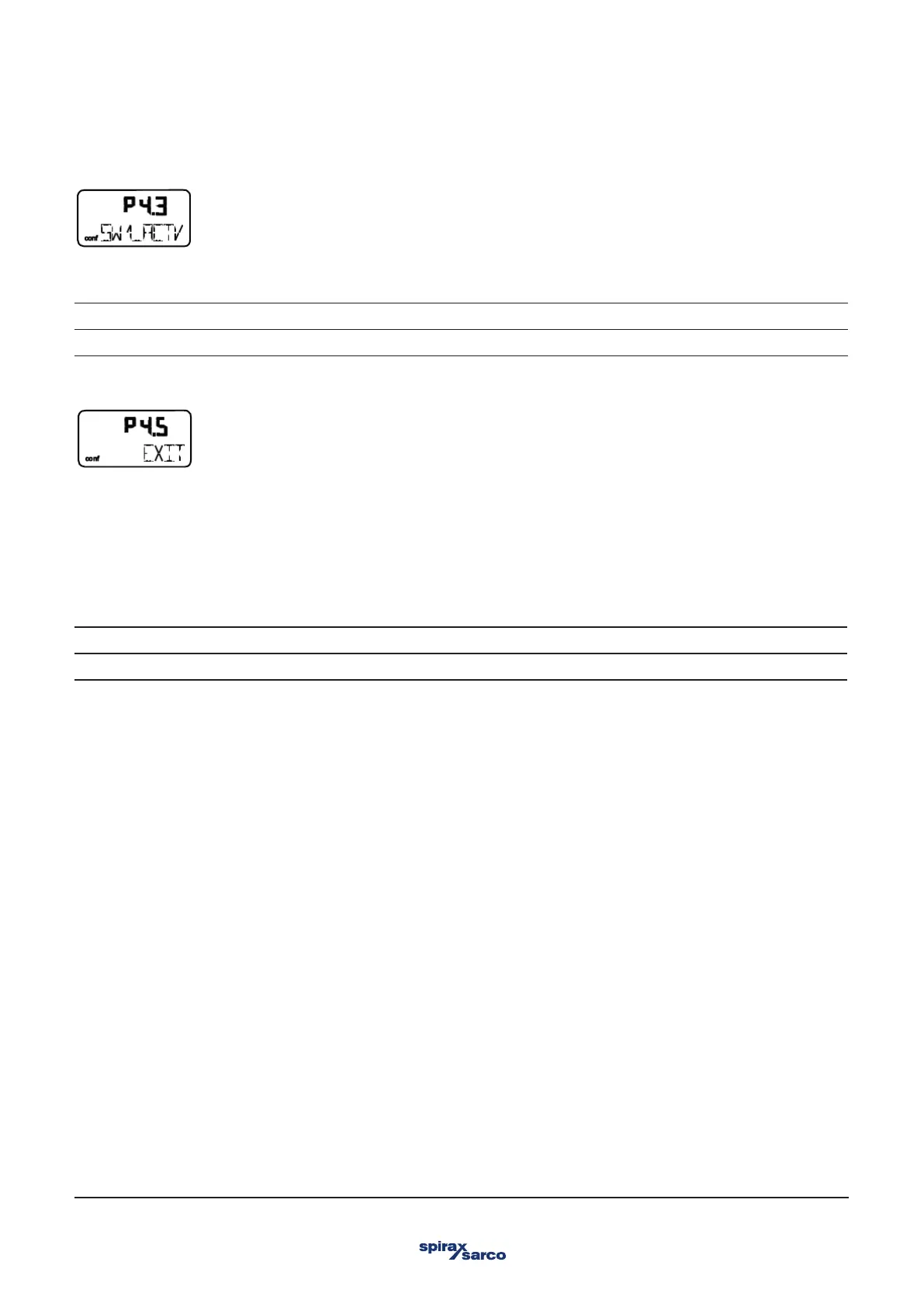
With this parameter you can leave the configuration level. The positioner returns to the operating level. Here you can either save data
in the non-volatile memory or discard all previously made changes (also the changes in other parameter groups).
To leave the configuration level (with or without saving), press and hold ENTER until the countdown from 3 to 0 is finished. The active
saving process is indicated by the message NV_SAVE. After saving a plausibility check is executed.
If an error occurs during the check or while saving, the data cannot be saved and an error message is displayed instead (see Chapter
"Error codes").
NV_SAVE. Saves settings in the non-volatile memory.
CANCEL Discards all changes made since the last permanent save operation.
3.8.4 SW1_ACTV – Active direction SW1
With this parameter you define whether a message is to be triggered for exceeding or falling below switching point SW1.
EXCEED. Message when exceeding switching point SW2.
FALL_BEL Message when falling below switching point SW2.
3.8.6 EXIT – Return to operating level



 To Next Page