33
IM-S51-07 CTLS Issue 1
SP7-10, SP7-11, SP7-12 and SP7-20, SP7-21, SP7-22 Parameterization
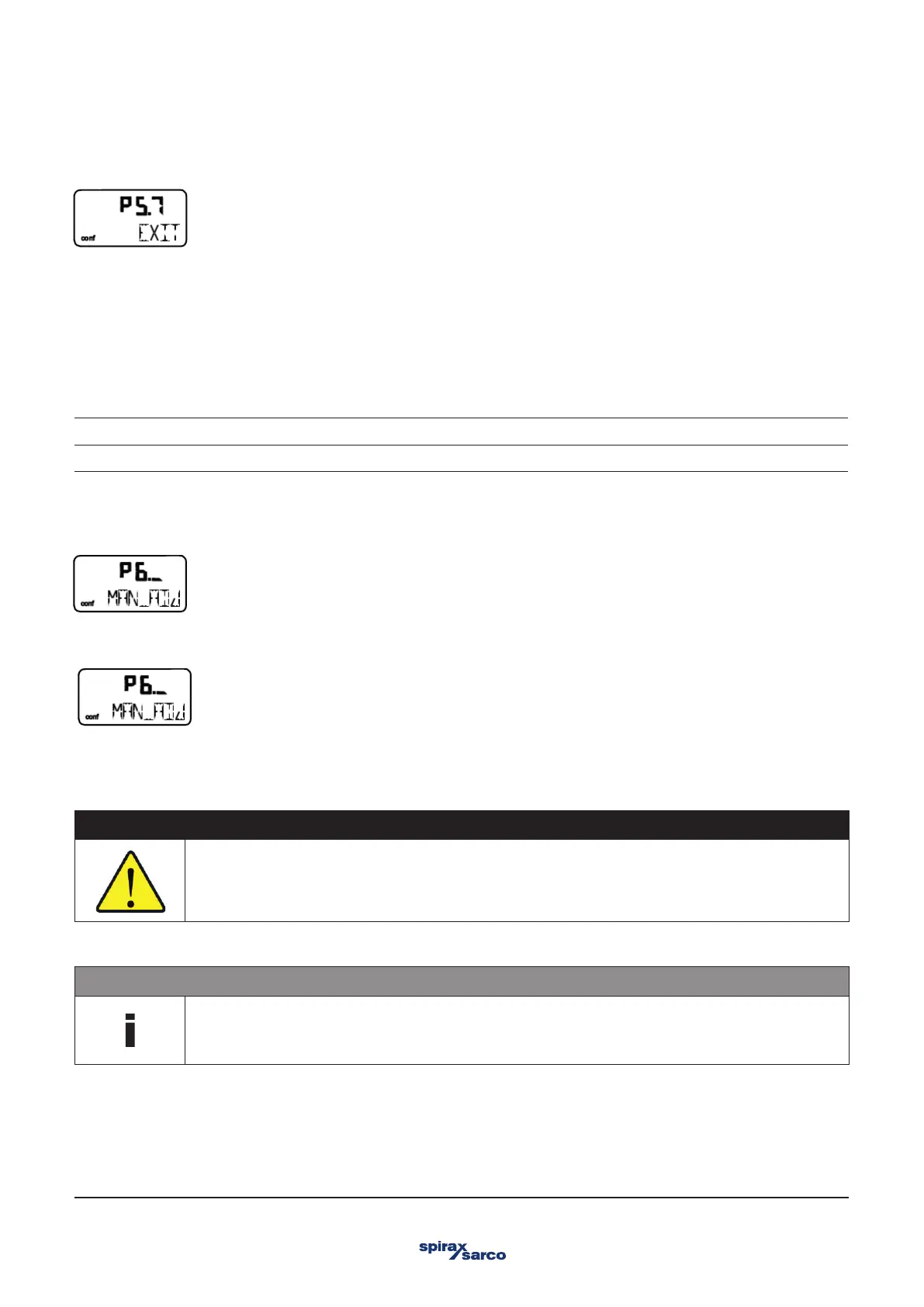
3.9.8 EXIT – Return to operating level
With this parameter you can leave the configuration level. The positioner returns to the operating level. Here you can either save data
in the non-volatile memory or discard all previously made changes (also the changes in other parameter groups).
To leave the configuration level (with or without saving), press and hold ENTER until the countdown from 3 to 0 is finished.
The active saving process is indicated by the message NV_SAVE. After saving a plausibility check is executed.
If an error occurs during the check or while saving, the data cannot be saved and an error message is displayed instead (see Chapter
"Error codes").
NV_SAVE Saves settings in the non-volatile memory.
CANCEL Discards all changes made since the last permanent save operation.
3.10 Parameter group 6: Manual adjustment
3.10.1 MIN_VR – Operating range min.
Normally, the operating range is determined automatically during Autoadjust. A partial run of automatic adjustment that is limited to
the controller parameters (CTRL_PAR, see parameter DANG_DN) or valves and fittings without end stops, however, requires
manual adjustment of the operating range.
CAUTION
Risk of injury!
After manual adjustment of the end positions, it is essential to limit the operating range to > 0.1 and < 99.9 under
MIN_RGE and MAX_RGE. Otherwise, the valves and fittings may be driven at full speed to an end position.
- Do not reach into the adjustment mechanism.
The range between high and low limit value must be at least 10% of the full range. Otherwise, the message VR< 10 % is displayed.
NOTE
Use as large are range as possible. This parameter is not active when the safe position is active. The display
then shows the message FAIL POS.
Use MIN_VR to determine the lower limit of the operating range.



 To Next Page