IM-S51-07 CTLS Issue 1
50
SP7-10, SP7-11, SP7-12 and SP7-20, SP7-21, SP7-22 Parameterization
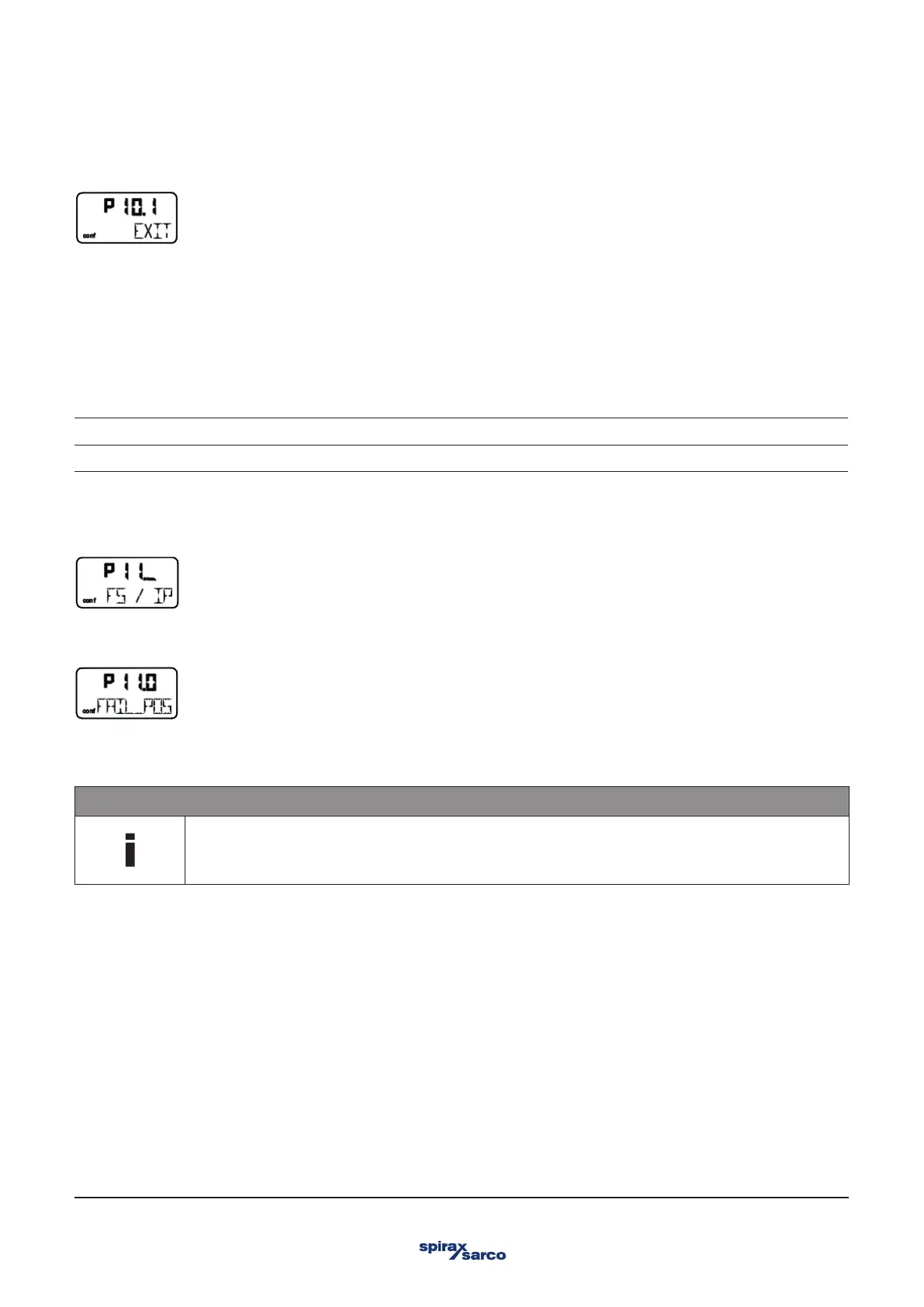
3.14.2 EXIT – Return to operating level
With this parameter you can leave the configuration level. The positioner returns to the operating level. Here you can either save data
in the non-volatile memory or discard all Previously made changes (also the changes in other parameter groups).
To leave the configuration level (with or without saving), press and hold ENTER until the countdown from 3 to 0 is finished.
The active saving process is indicated by the message NV_SAVE. After saving a plausibility check is executed.
If an error occurs during the check or while saving, the data cannot be saved and an error message is displayed instead (see Chapter
"Error codes").
NV_SAVE Saves settings in the non-volatile memory.
CANCEL Discards all changes made since the last permanent save operation.
3.15 Parameter group 11: Safe position
3.15.1 FAIL_POS – Safe position
This parameter must be used to activate the safe position prior to loading the factory settings (parameter FACT_SET) or changing the
I/P module type (parameter IIP-TYP).
NOTE
After setting parameters FACT_SET and IP-TYP as required, the safe position must be deactivated again
manually.
The safe position that is activated (i.e., whether the actuator is ventilated or blocked) depends on the I/P module installed.
Activating / deactivating the safe position: Press and hold ENTER until the displayed countdown from 3 to 0 is finished. Then release
ENTER. The safe position is activated or deactivated, respectively.



 To Next Page