IM-S51-07 CTLS Issue 1
52
SP7-10, SP7-11, SP7-12 and SP7-20, SP7-21, SP7-22 Parameterization
With this parameter you can leave the configuration level. The positioner returns to the operating level. Here you can either save data
in the non-volatile memory or discard all Previously made changes (also the changes in other parameter groups).
To leave the configuration level (with or without saving), press and hold ENTER until the countdown from 3 to 0 is finished.
The active saving process is indicated by the message NV_SAVE. After saving a plausibility check is executed.
If an error occurs during the check or while saving, the data cannot be saved and an error message is displayed instead (see Chapter
"Error codes").
NV_SAVE Saves settings in the non-volatile memory.
CANCEL Discards all changes made since the last permanent save operation.
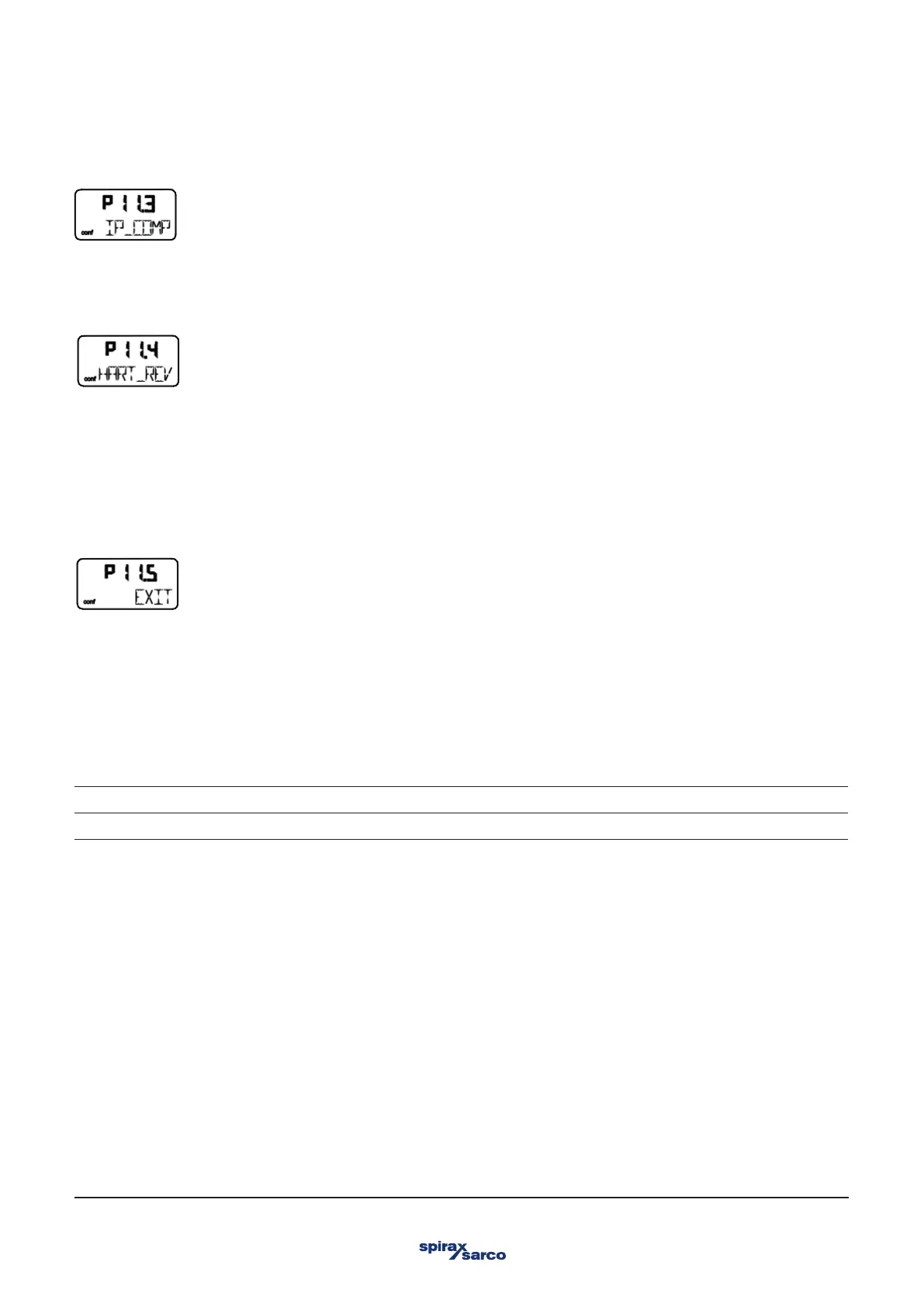
3.15.4 IP_COMP – IP Compensation
This function is reserved for use by Spirax Sarco Service only.
3.15.5 HART_REV – HART version
As of firmware version 5, the positioner offers communication via both standard HART 5 and HART 7. To select, use the arrow keys
UP or DOWN.
Squawk command:
A standardized HART-7 command causes the bottom menu line in the HMI of the addressed device to flash. This visual aid makes it
easier to identify the addressed device in the system.
3.15.6 EXIT – Return to operating level



 To Next Page