StarLine A93, StarLine A63
100
1
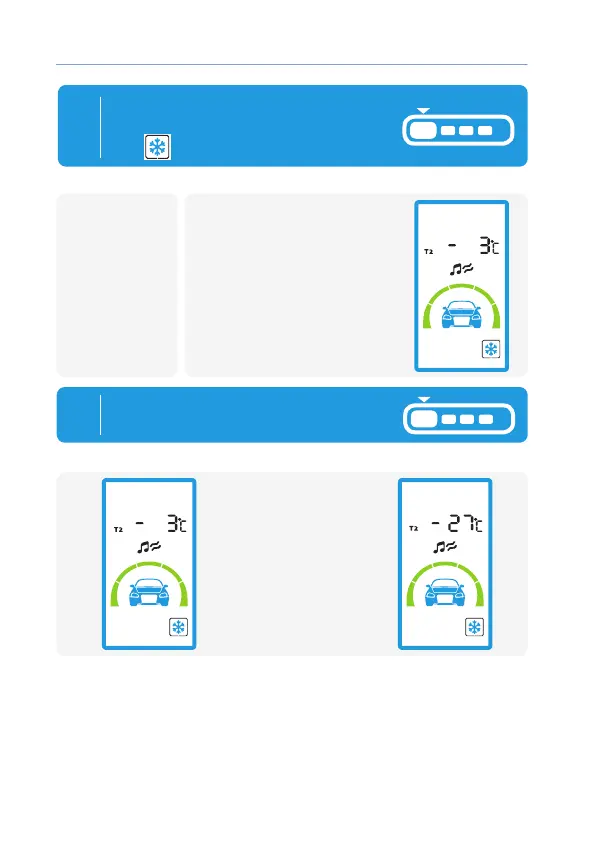
• 1 light ash
• Melody plays,
• During 5s will be indication
of current setting of
temperature level.
To activate temperature engine
Engine start set cursor on
icon
and press button 1 short:
remotecar
remote
2
By short press of button 1 set
level of temperature of engine start:
Every press change
temperature settings
for 3°С .



 To Next Page