User’s manual
101
remote
3
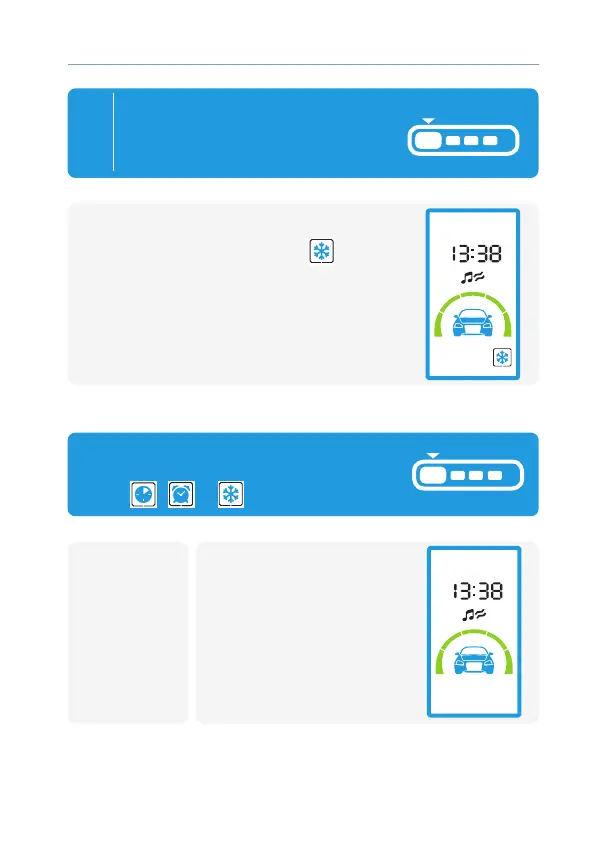
Press button 1 long (untill sound
appear) or wait for auto exit
(after 4 s.) to memory
Temperature value for engine start:
• 2 beeps;
• LCD start constantly show icon
,
conrming temperature engine start
is active.
Auto engine starts disable
• 2 light
ashes
• Melody plays
• Corresponding icon will
dissapear
To switch o alarm clock, timer
and temperature starts, set cursor on
icons
, or and press button 1:
remotecar



 To Next Page