STEMCELL TECHNOLOGIES INC.’S QUALITY MANAGEMENT SYSTEM IS CERTIFIED TO ISO 13485 MEDICAL DEVICE STANDARDS.
FOR RESEARCH USE ONLY. NOT INTENDED FOR HUMAN OR ANIMAL DIAGNOSTIC OR THERAPEUTIC USES.
TOLL-FREE PHONE 1 800 667 0322
PHONE +1 604 877 0713 VERSION 02
INFO@STEMCELL.COM
TECHSUPPORT@STEMCELL.COM
FOR GLOBAL CONTACT DETAILS VISIT WWW.STEMCELL.COM DOCUMENT #10000005578
9
2.2.2 Icons
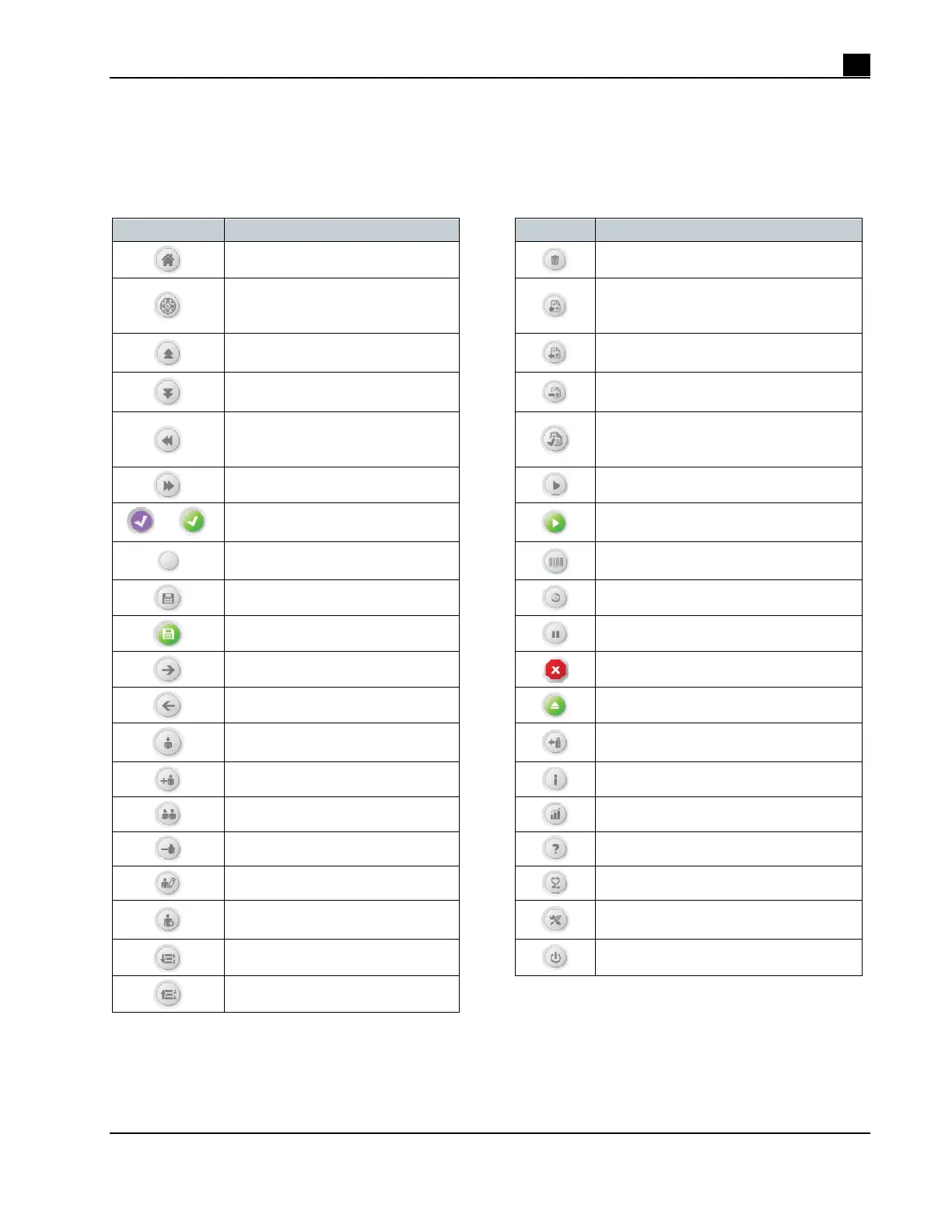
The icons used in RoboSep™-S are described in Table 1.
Table 1. Icons Used in the RoboSep™-S User Interface
ICON DESCRIPTION
ICON DESCRIPTION
Navigates to the Home screen
Delete
Carousel/quadrants numbers or
navigates to the Run Samples
screen
Navigates to the Protocols screen
Scroll up
Add protocols from the All Protocols tab
to the My Protocols tab
Scroll down
Remove protocols from the
My Protocols tab
Scroll left
Protocols added from the All Protocols
tab to the My Protocols tab (only visible
in the All Protocols tab)
Scroll right
Load next quadrant
or
Selected option
Run protocols
Unselected option
Barcode scanner
Currently saved
Run in progress
To save
Pause run
Move to next step
Stop protocol
Go to previous screen
Unload
Navigates to the Users screen
Add USB drive
Add user profile
Additional information
Copy user profile
Navigates to the Reports screen
Delete user profile
Navigates to the Help screen
Edit user profile
Diagnostic Package
Navigates to User Preferences
screen
Service menu
Sort from A to Z
Power
Sort from Z to A



 To Next Page