STEMCELL TECHNOLOGIES INC.’S QUALITY MANAGEMENT SYSTEM IS CERTIFIED TO ISO 13485 MEDICAL DEVICE STANDARDS.
FOR RESEARCH USE ONLY. NOT INTENDED FOR HUMAN OR ANIMAL DIAGNOSTIC OR THERAPEUTIC USES.
TOLL-FREE PHONE 1 800 667 0322
PHONE +1 604 877 0713 VERSION 02
INFO@STEMCELL.COM
TECHSUPPORT@STEMCELL.COM
FOR GLOBAL CONTACT DETAILS VISIT WWW.STEMCELL.COM DOCUMENT #10000005578
25
4.3.5 Collecting Isolated Cells
A beep will notify you once the run has been completed. To collect the isolated cells:
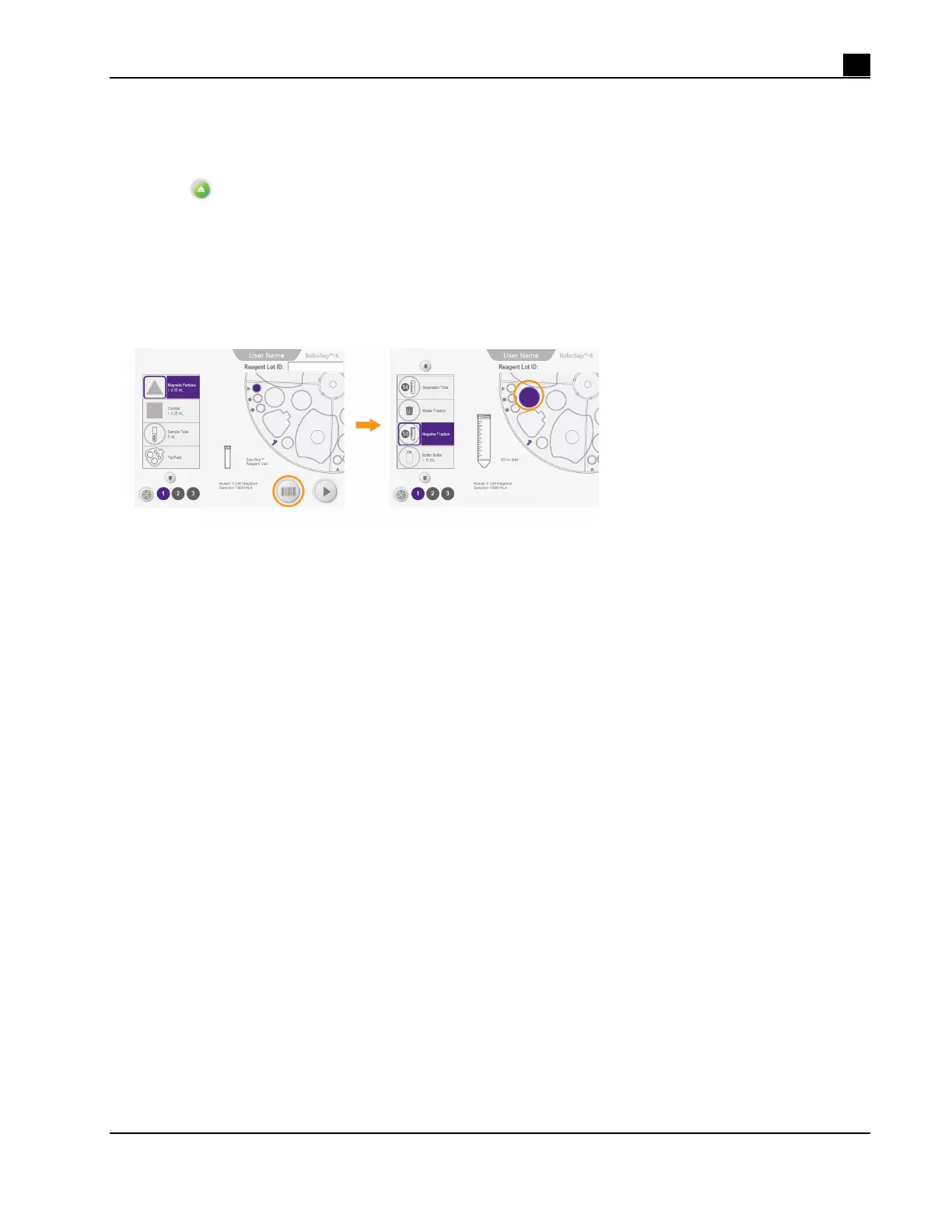
1. Select
[Unload] from the Run Progress screen (Figure 23).
2. Open the RoboSep™-S lid, if necessary.
3. Collect the tube(s) from the quadrant containing the desired isolated cells as indicated on the Unloading
screen (Figure 23). Click on each quadrant icon on the screen to ensure you have collected all of the
tubes.
4. Unload the rest of the carousel. Store reagents appropriately and discard the used RoboSep™ Filter Tip
Rack as well as any waste and remaining tubes. The instrument is now ready for another isolation.
Figure 23. Collecting Isolated Cells at the End of a Protocol Run. The desired isolated cells are located in
the tube highlighted in color in quadrant #1 of the Unloading screen.



 To Next Page