STEMCELL TECHNOLOGIES INC.’S QUALITY MANAGEMENT SYSTEM IS CERTIFIED TO ISO 13485 MEDICAL DEVICE STANDARDS.
FOR RESEARCH USE ONLY. NOT INTENDED FOR HUMAN OR ANIMAL DIAGNOSTIC OR THERAPEUTIC USES.
TOLL-FREE PHONE 1 800 667 0322
PHONE +1 604 877 0713 VERSION 02
INFO@STEMCELL.COM
TECHSUPPORT@STEMCELL.COM
FOR GLOBAL CONTACT DETAILS VISIT WWW.STEMCELL.COM DOCUMENT #10000005578
17
4.1.4 Privacy Settings
RoboSep™-S has an internal video camera (including microphone) that can record sample handling. These
monitoring devices can be made active throughout protocol runs and the recorded data is stored in the
instrument’s internal hard drive. In the event your instrument malfunctions, this data can be retrieved and
analyzed by STEMCELL Technologies Technical Support team to help get your RoboSep™-S up and running
again as quickly as possible.
By default, RoboSep™-S records both video and sound of the carousel workspace including a limited field of
vision in front of the instrument. These features can be configured during installation or modified at any time
by the customer. To disable, edit the following two Privacy Setting preferences under the User Profile
Preferences (section 4.1.3):
Privacy Setting – Disable carousel video camera
Privacy Settings – Delete video camera log files
Note: Video camera log files can be deleted at any time.
Users are expected to follow region- and institution-specific privacy policies. It is the user’s responsibility to
protect sensitive information and to NOT make such information accessible to STEMCELL Technologies.
Sensitive information includes any information concerning personal/material circumstances of an identified
individual.
Users shall not hold STEMCELL Technologies liable for any data or sensitive information that is disclosed.
To comply with your region and institution’s privacy policies, update these settings as needed.
4.2 RoboSep™ Protocols
RoboSep™ cell separation protocols involve a series of software commands and scheduling instructions
designed to optimize the automation of EasySep™ cell separation kits. Each RoboSep™
protocol has been
optimized for an automated system and may differ from manual EasySep™
separation protocols. Refer to the
Product Information Sheet (PIS) of the EasySep™ kit for protocol names to be used. Unless otherwise noted,
all protocols have been optimized for use at room temperature (15 - 25°C).
RoboSep™-S will contain all cell separation protocols available at the time of purchase. The instrument may
need to be updated with new protocols as new EasySep™ cell separation kits become available or as existing
protocols are improved. Contact STEMCELL Technologies at techsupport@stemcell.com for more
information on how to update RoboSep™ protocols or refer to section 4.2.3.
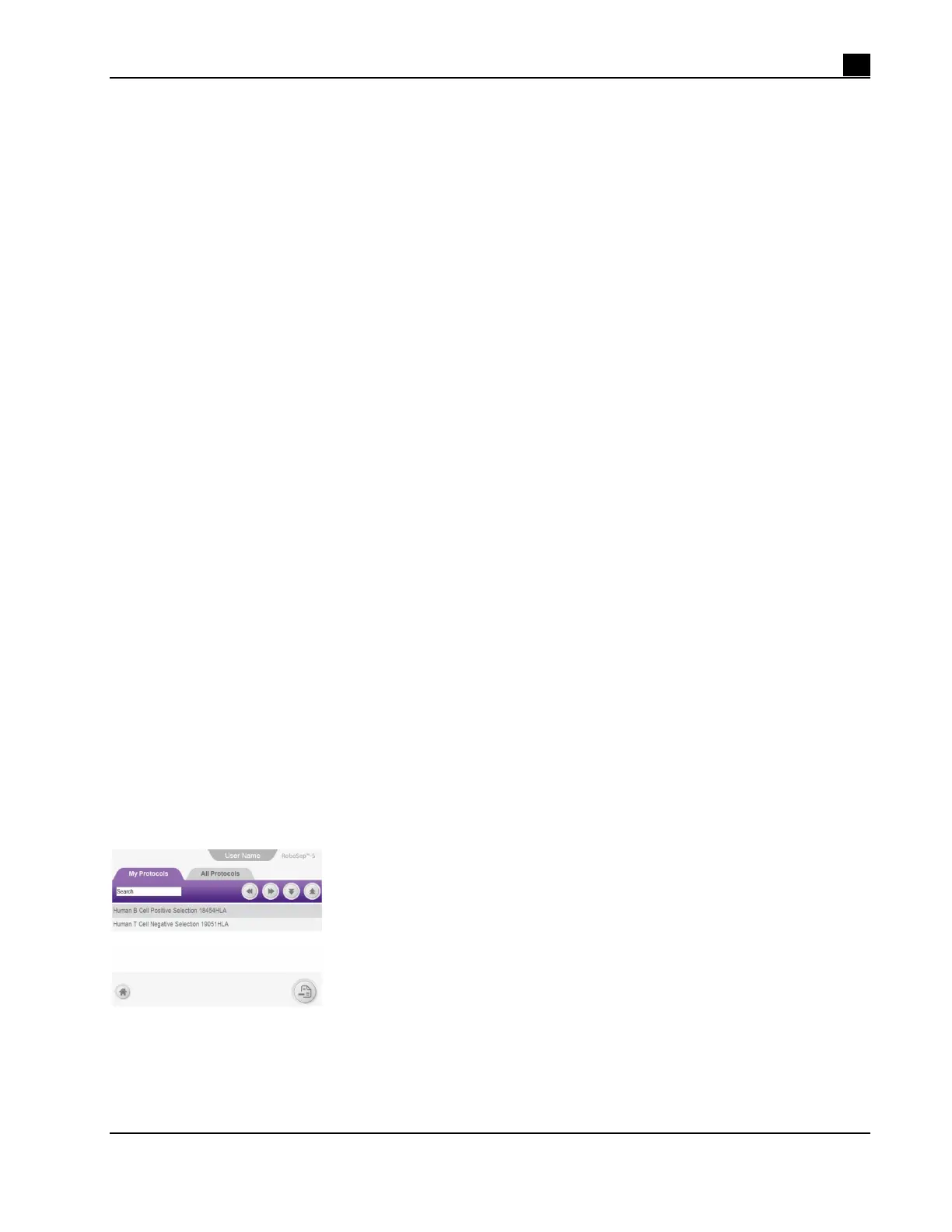
RoboSep™-S organizes cell separation protocols into two tabs in the Protocols screen (Figure 16):
My Protocols - lists only the RoboSep™ protocols added to the selected user profile
All Protocols - lists all RoboSep™ protocols available on the RoboSep™-S instrument
Note: To run a RoboSep™ protocol, it must be listed under the user’s My Protocols tab.
Figure 16. Protocols Screen. In this example, the My Protocol tab is selected.



 To Next Page