STEMCELL TECHNOLOGIES INC.’S QUALITY MANAGEMENT SYSTEM IS CERTIFIED TO ISO 13485 MEDICAL DEVICE STANDARDS.
FOR RESEARCH USE ONLY. NOT INTENDED FOR HUMAN OR ANIMAL DIAGNOSTIC OR THERAPEUTIC USES.
TOLL-FREE PHONE 1 800 667 0322
PHONE +1 604 877 0713 VERSION 02
INFO@STEMCELL.COM
TECHSUPPORT@STEMCELL.COM
FOR GLOBAL CONTACT DETAILS VISIT WWW.STEMCELL.COM DOCUMENT #10000005578
29
6.4 Help Videos
Help Videos are available on the RoboSep
TM
-S instrument. To access Help Videos, select [Help] from the
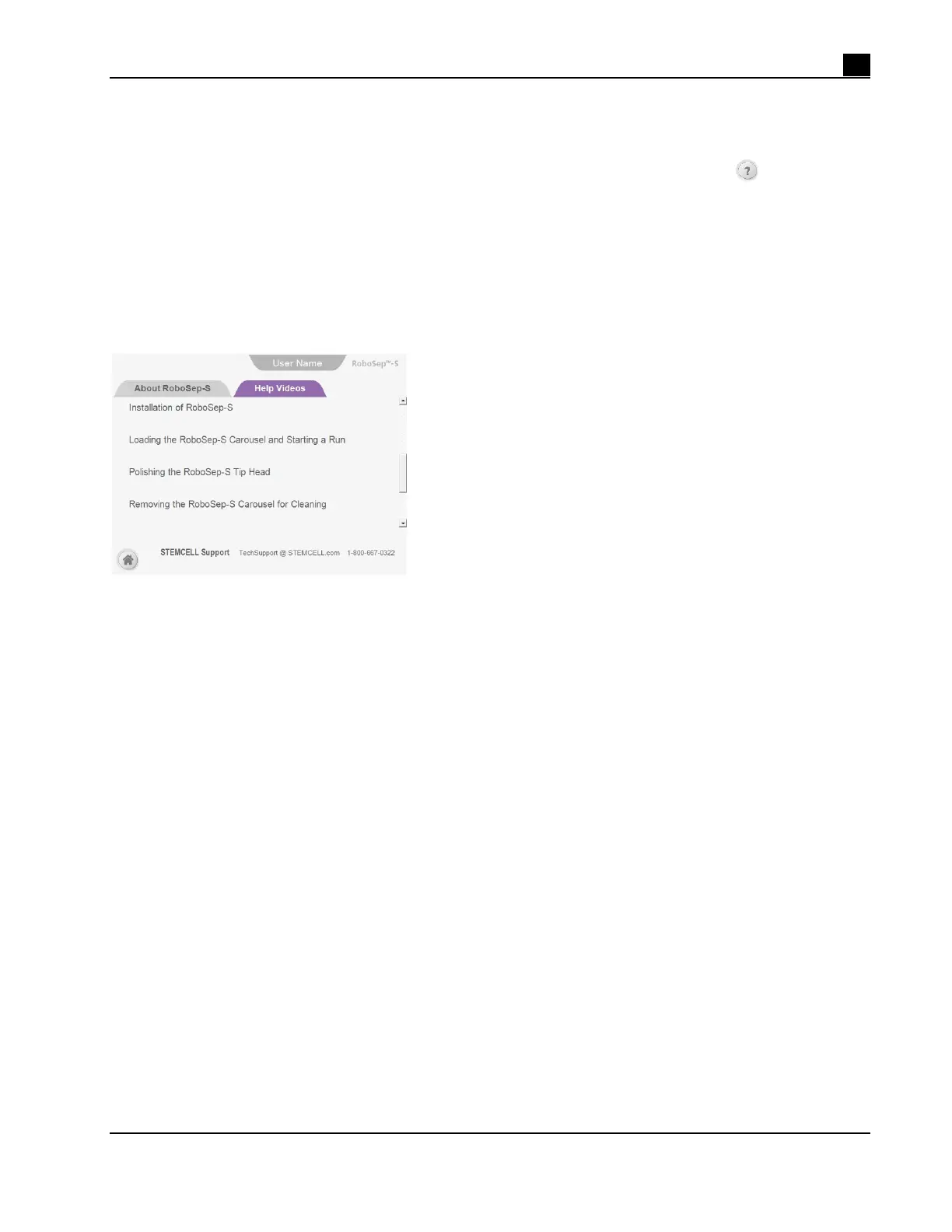
Home screen. Select the Help Videos tab to view the list of videos available (Figure 25). Use the scroll bar on
the right side of the screen to scroll through the list of videos available. Selecting a video will automatically
play the video at full screen via Windows Media Player. Videos can be paused or stopped using Windows
Media Player’s user interface. If a video is played to the end or stopped, Windows Media Player closes and
the software returns to the Help Videos screen.
Note: RoboSep™-S software version 1.2.0.2 or later is required to play Help Videos. If Help Videos are not
available or cannot be played, they can be viewed online. Contact us at techsupport@stemcell.com for
additional assistance in accessing the videos.
Figure 25. Help Videos Available for Viewing



 To Next Page