ID 442710.00 33WE KEEP THINGS MOVING
More about PROFINET?
6
Operation manual PROFINET
6.4.3.2.4 Acyclic communication SD6 - SIMATIC S7
The acyclic communication between an SIMATIC S7 IO controller and a SD6
IO device, i.e. the PN6 communication module, is controlled via the WRREC
and RDREC instructions.
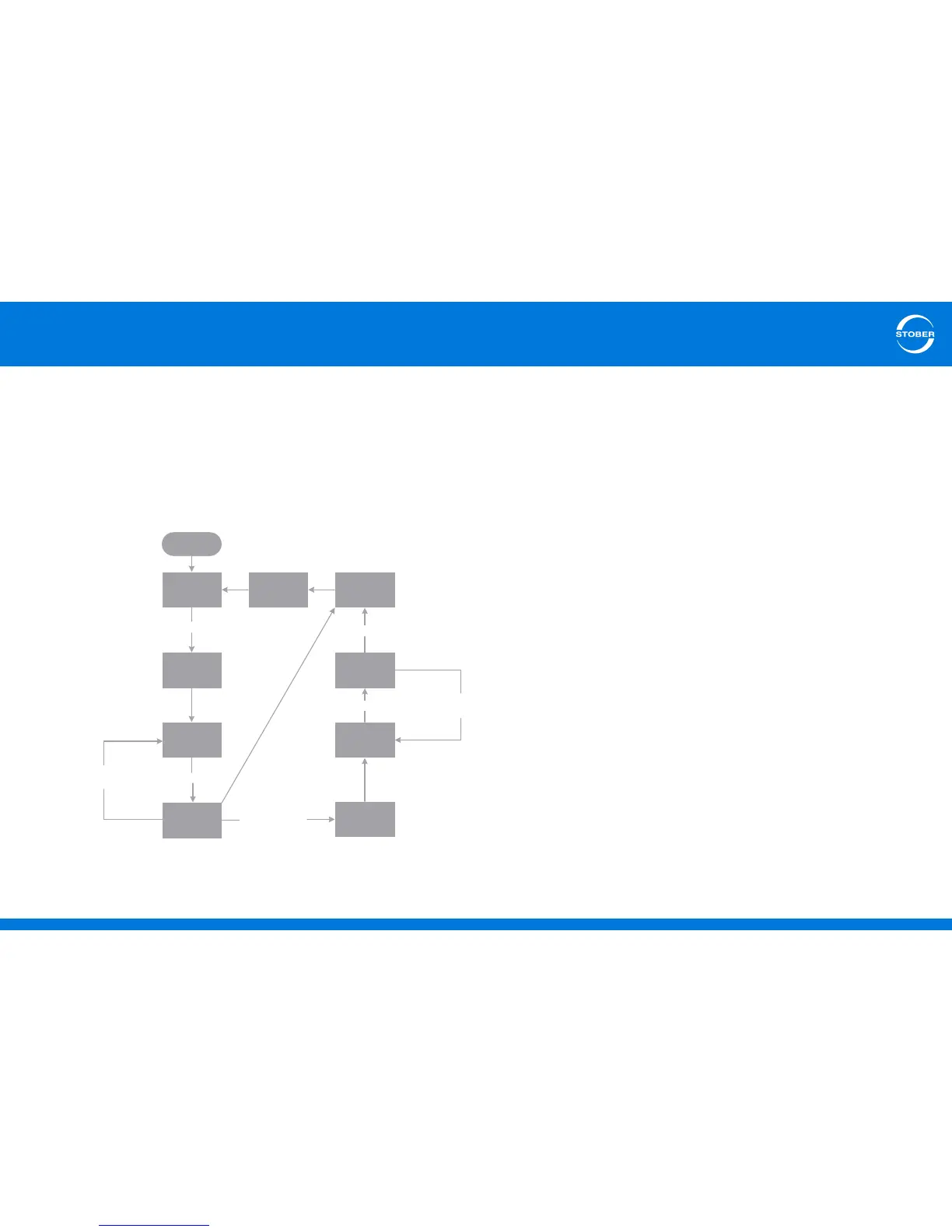
The basic sequence of this communication as well as the most important
content of the respective RECORD header that are exchanged for the "Write
data record" and "Read data record" services are schematically shown in the
following diagrams.
• 0: Wait for start signal
•1: Send WRREC
WRREC element "REQ" is set, the parameter values to be written are
entered in the "write_drive_parameters" block and step 2 is activated.
• 2: Wait for WRREC end of send
If WRREC element "BUSY" = 0, step 3 is activated.
• 3: Check WRREC event
The write result is checked.
If the result is positive, WRREC element "REQ" is deleted and step 4 is
activated.
If WRREC reports the "Communication partner not ready" error, step 3 is
reactivated.
If another error occurs, WRREC element "REQ" is deleted, an internal error
bit is set and step 7 is activated.
• 4: Send RDREC
RDREC element "REQ" is set and step 5 is activated.
• 5: Wait for RDREC end of receive
If RDREC element "BUSY" = 0, step 6 is activated.
• 6: Check RDREC event
The read result is checked.
If the result is positive, RDREC element "REQ" is deleted and step 7 is
activated.
If RDREC reports the "Communication partner not ready" error, step 5 is
reactivated.
If another error occurs, RDREC element "REQ" is deleted, an internal error
bit is set and step 7 is activated.
• 7: Check for errors or output value
The existence of internal error bits is checked.
If an error bit is present, the "ERROR" element is set, the "BUSY" element



 To Next Page