Modules & Options
6 - 14 Wireless LAN Module
6
4. Double-click an access point to connect to it (or click it and click Connect).
5. Enter a network security key (password) if required, and click Next.
6. You can choose to find other devices or not.
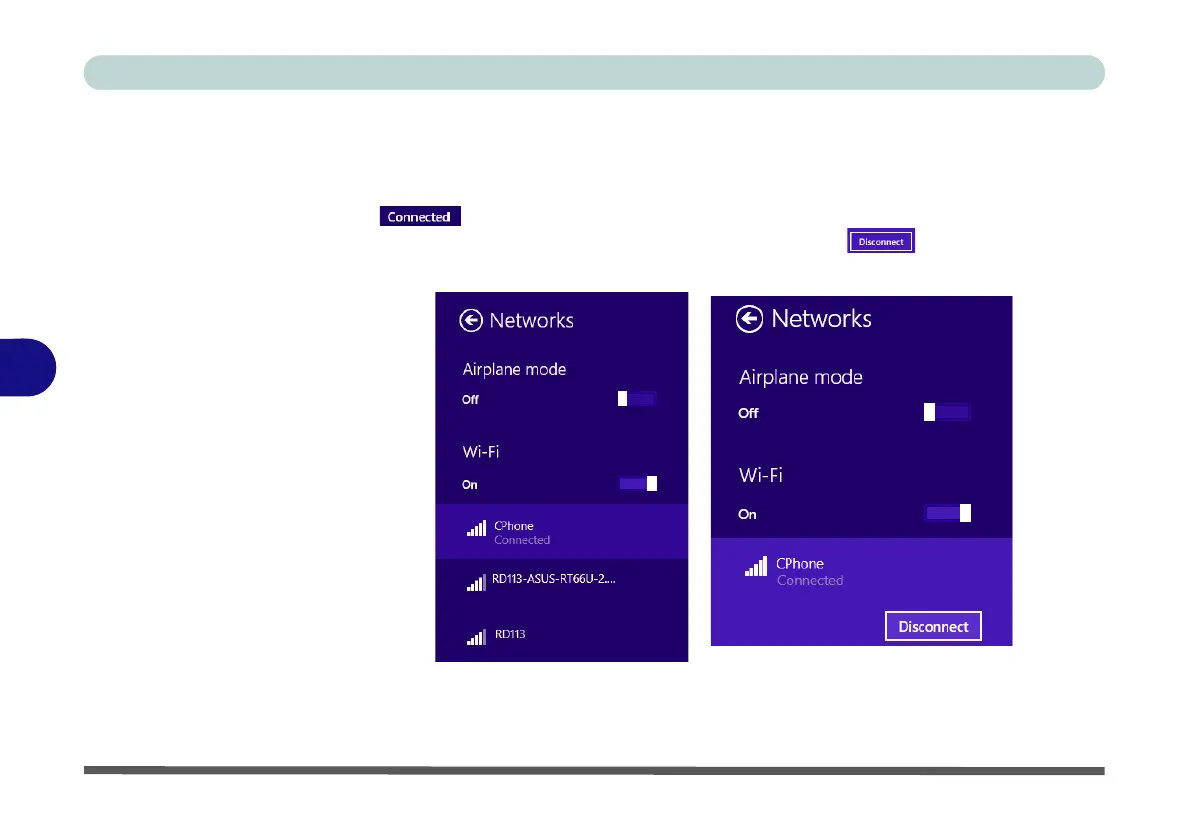
7. When you are connected to the network access point it will display Connected
.
8. Select any connected network and click Disconnect to disconnect from a
connected access point.
9. You can click the Airplane Mode button to turn the mode (including Bluetooth) On
or Off.
10. Alternatively you can click the WiFi button to turn just the WiFi On or Off.
Figure 6 - 11
Networks
Connected /
Disconnect



 To Next Page