Video Driver Controls
Intel® HD Graphics Control Panel C - 11
C
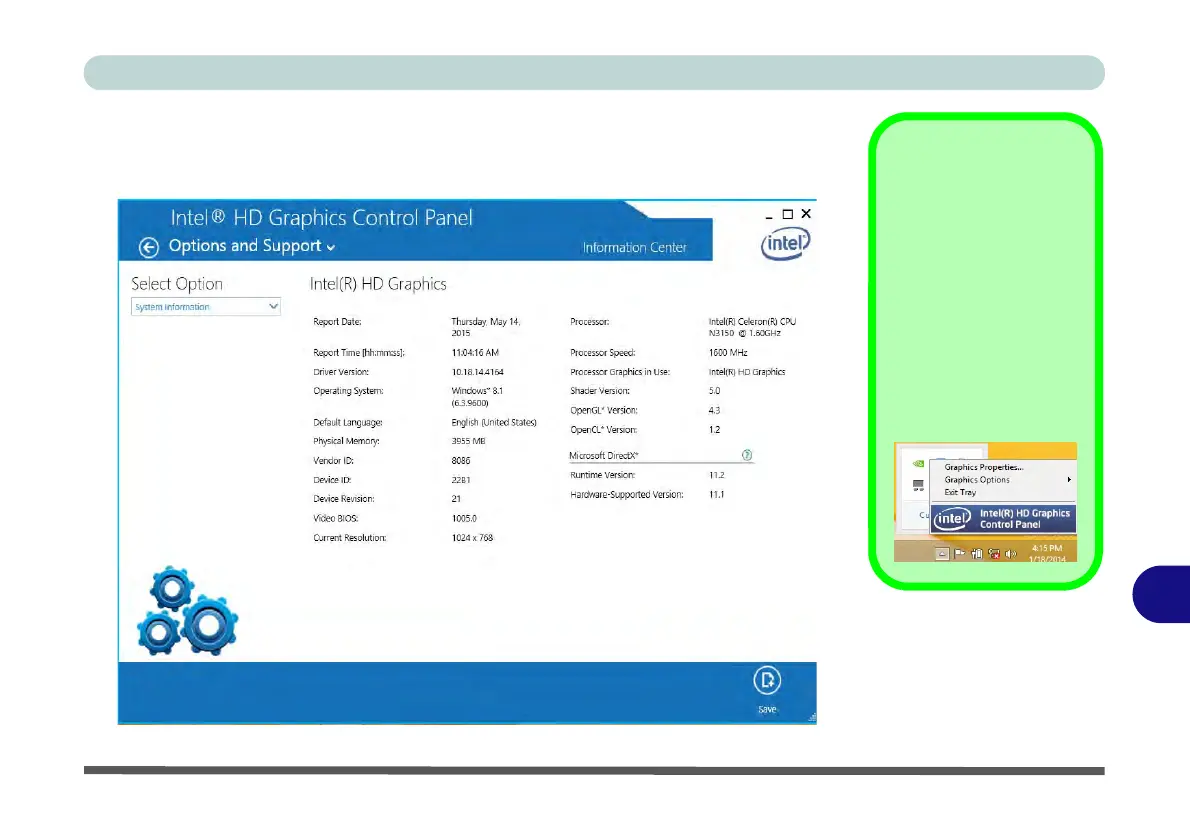
Click the Options menu at the top of the screen to display the sub-menus. The In-
formation Center provides details on System Information, the Built-In Display
and any attached displays.
Preferences
Go to the Preferences
sub-menu in Options to
configure the preferences
for the Intel® HD Graphics
Control Panel.
Make sure you Enable
Tray Icon to display the In-
tel® HD Graphics Control
Panel icon in the notifica-
tion area of the taskbar (as
below).
Figure C - 10
Intel® HD Graphics
Control Panel
Options -
Information Center



 To Next Page