Video Driver Controls
C - 12 Intel® HD Graphics Control Panel
C
Video
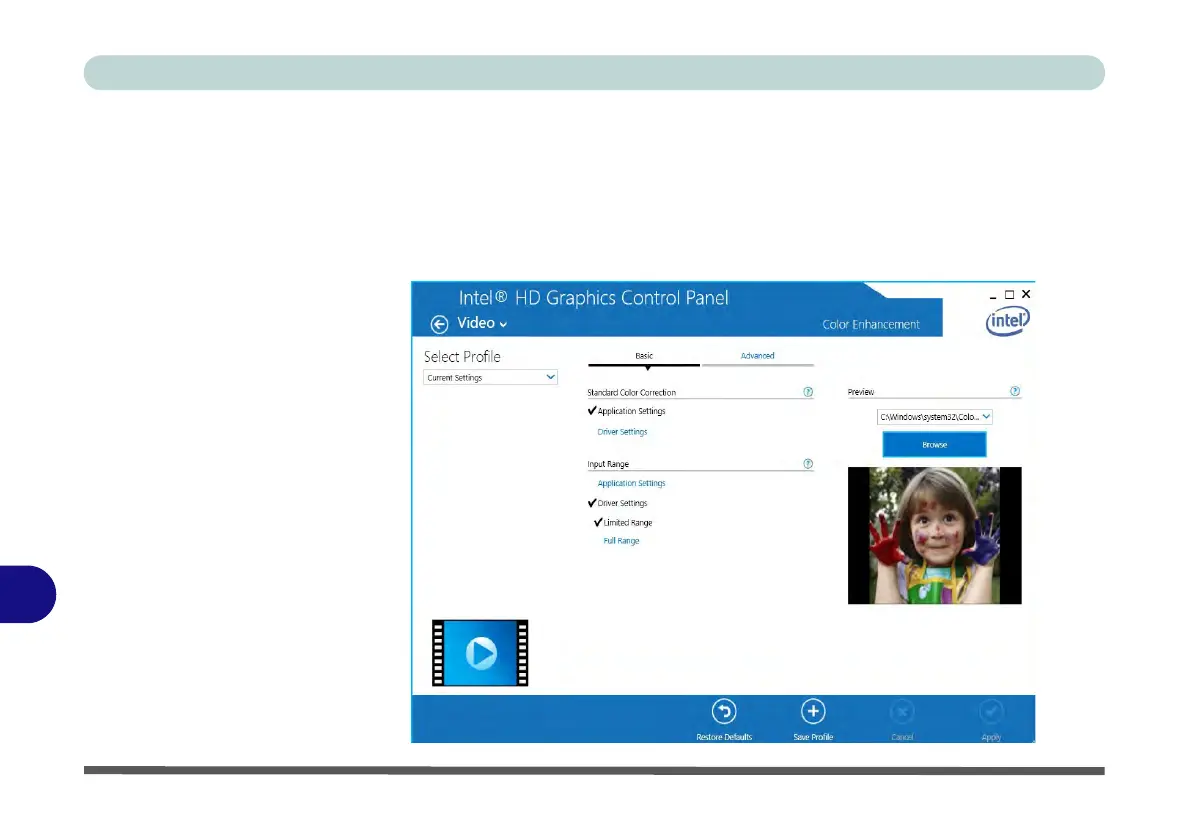
The Video Profiles menu allows you to brighten or darken movies, or to switch to
vivid colors. The Preview image will display a sample image using the current set-
tings. You can Save Profile and name the Profile to recall the settings at any time.
Click Apply to save changes (select Color Enhancement, Image Enhancement,
Image Scaling or Gamut Mapping from the menu).
Figure C - 11
Intel® HD Graphics
Control Panel -
Video
(Color
Enhancement)



 To Next Page