Video Driver Controls
Intel® HD Graphics Control Panel C - 13
C
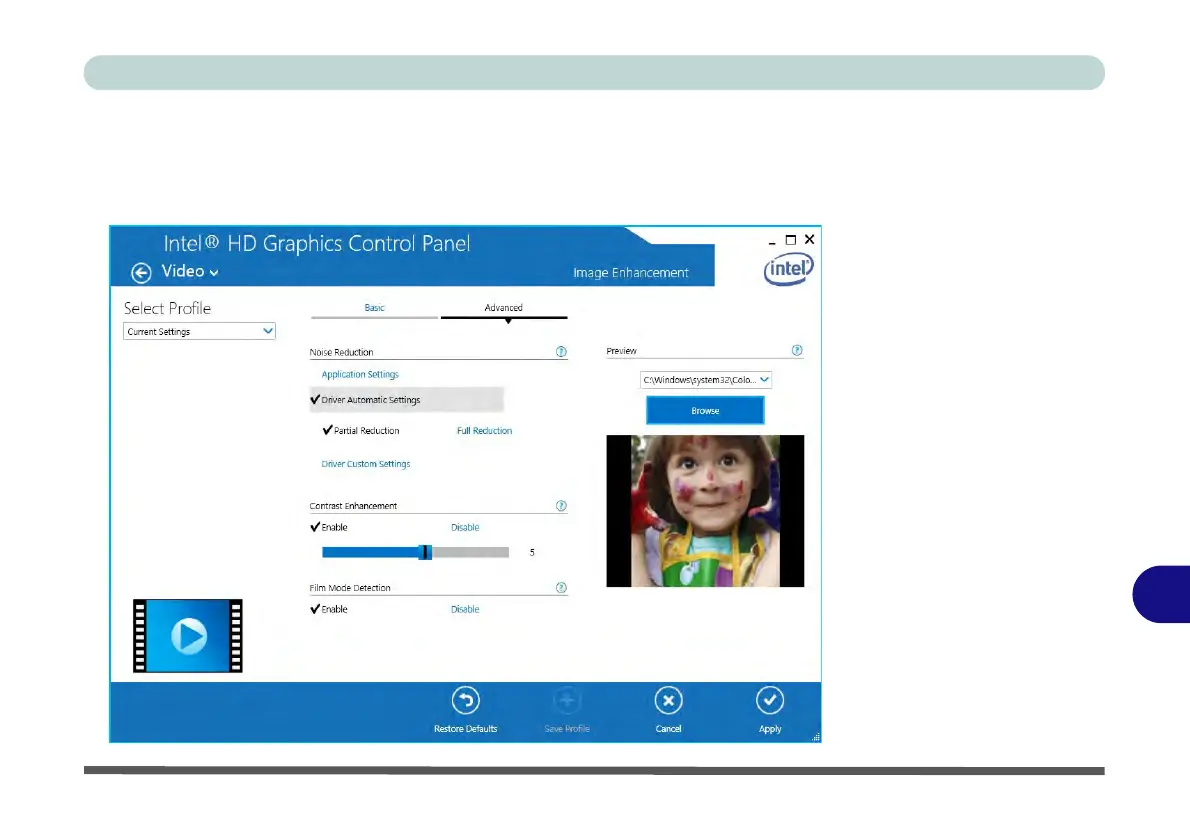
Click the Video menu at the top of the screen to display the sub-menus.The Image
Enhancement menu allows you to adjust the Sharpness, Skin Tone Enhance-
ment, Noise Reduction, Contrast Enhancement and Film Mode Detection etc.
Click Apply to save changes.
Figure C - 12
Intel® HD Graphics
Control Panel - Video
(Image
Enhancement Basic)



 To Next Page