R2W PLUS
7
1.4 Shortcut key
1)Some shortcut keys are applied in R2W PLUS series.
Enter into setting mode directly/Turn on the electronic bubble
Shift among number, smaller letter and capital letter
Enter this combination at the same time before starting up to
backup all settings
Enter this combination at the same time before starting up to
restore all settings
Enter this combination at the same time before starting up to
erase all settings
Turn on/off backlight of key panel in face left position
Turn on/off backlight of key panel in face right position
Start touch screen calibration
Turn on/off soft keyboards
Increase backlight brightness of LCD
Decrease backlight brightness of LCD
Turn on/off LCD display in face left position
Turn on/off LCD display in face right position
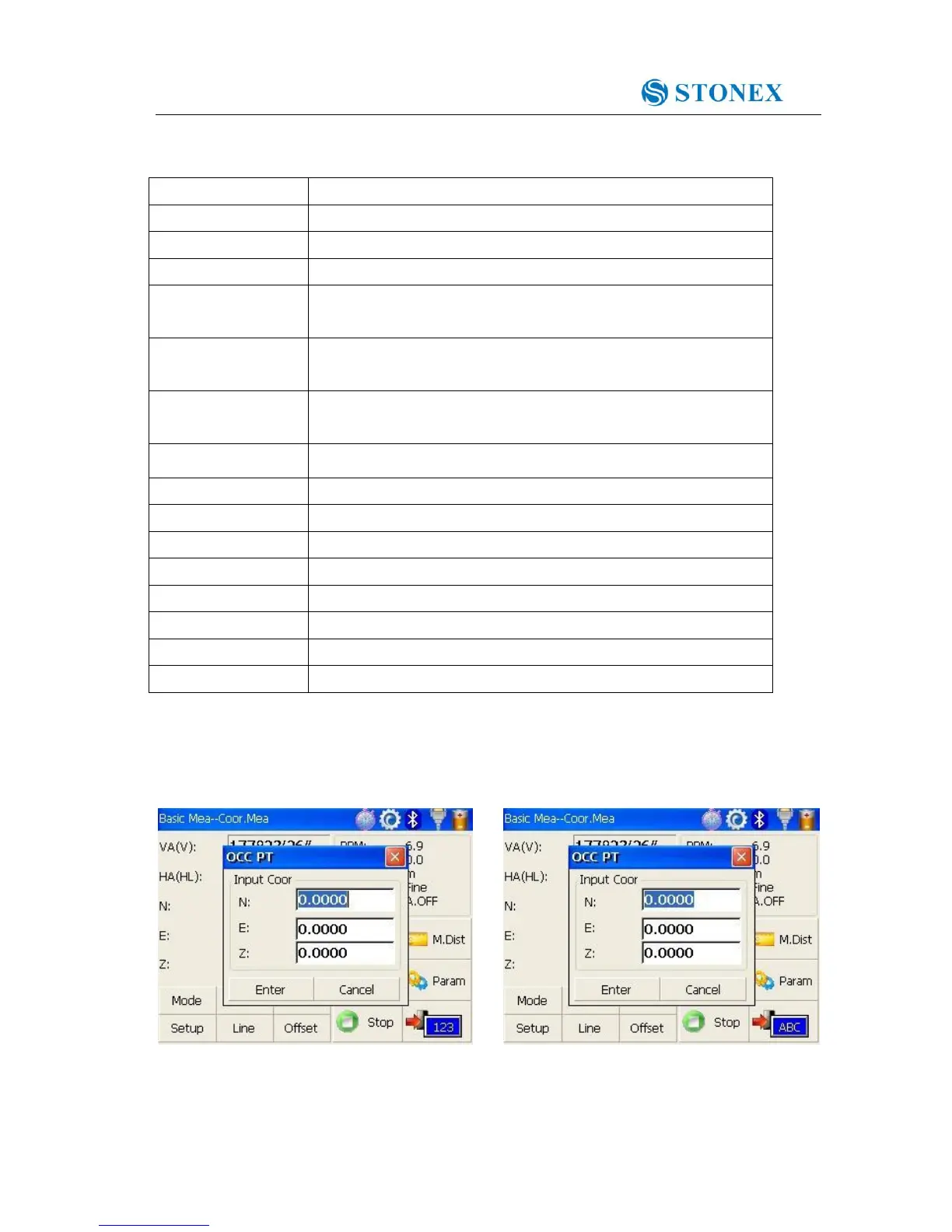
2) method for character entry switch
Press α key, current character entry method will be changed, on the lower right corner, the
inputting method will display for a moment.



 To Next Page