R2W PLUS
17
3 Instrument settings
Instrument settings software is applied for settings and calibration of instrument,
generation and management of instrument constant.It is made up of a series of functions
such as “compensator linear correction”, “compensator zero correction”, “horizontal axis
error correction”, “index correction”, “instrument settings”, “distance constant settings”,
“communication port settings”, “configuration management”, etc.
3.1 INST Setup
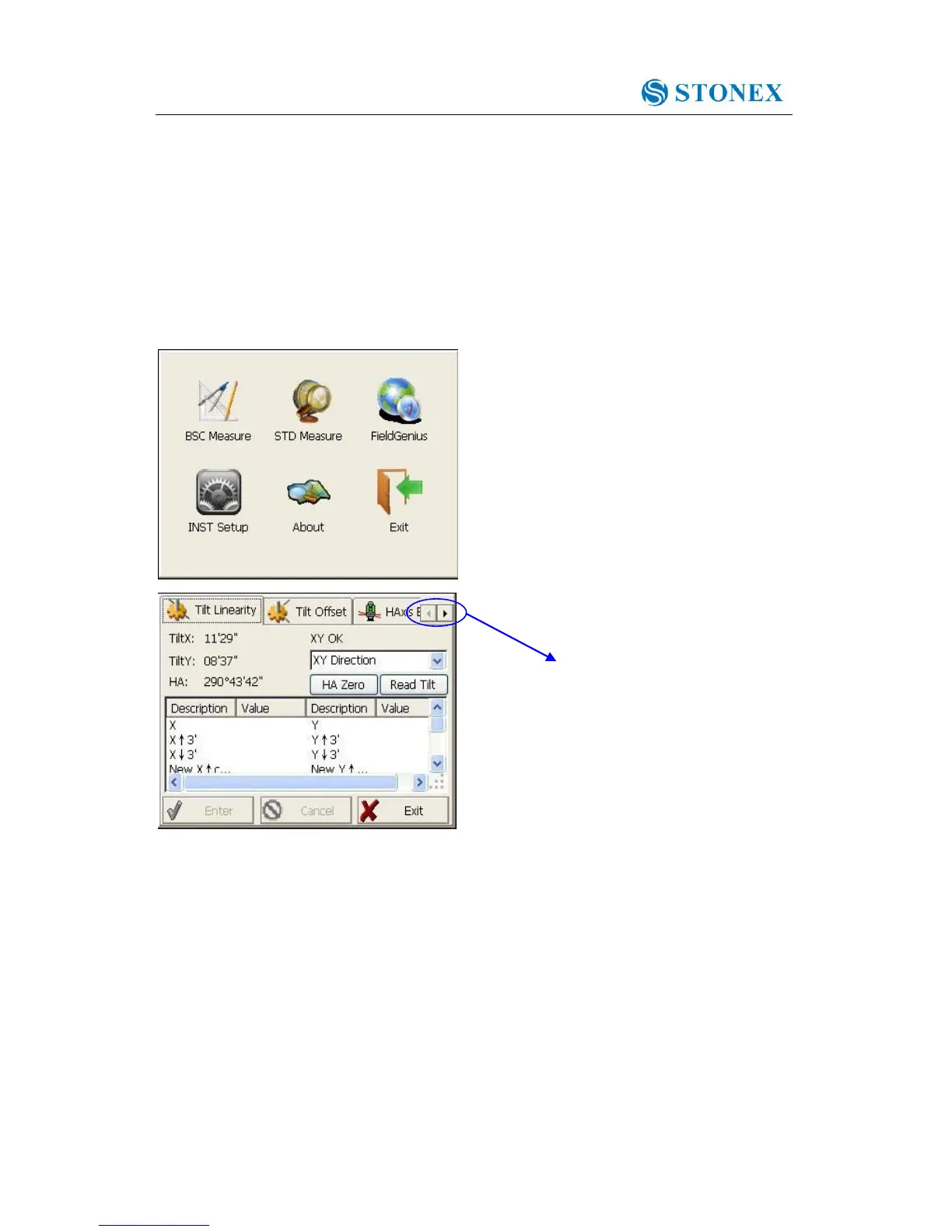
Enter “instrument settings” program by clicking “INST Setup” icon on the desktop. And
then input the password “12345678” to display configuration settings screen. On the
screen tap ◄ or ► keys, different setting screen can be shifted.
NOTE: This password is open for all users, current configuration settings can be
checked here, but not be adjusted. If you want to adjust these settings, please contact local
distributer or STONEX company.



 To Next Page