R2W PLUS
9
1.6 Battery
1.6.1 Battery Power indicator
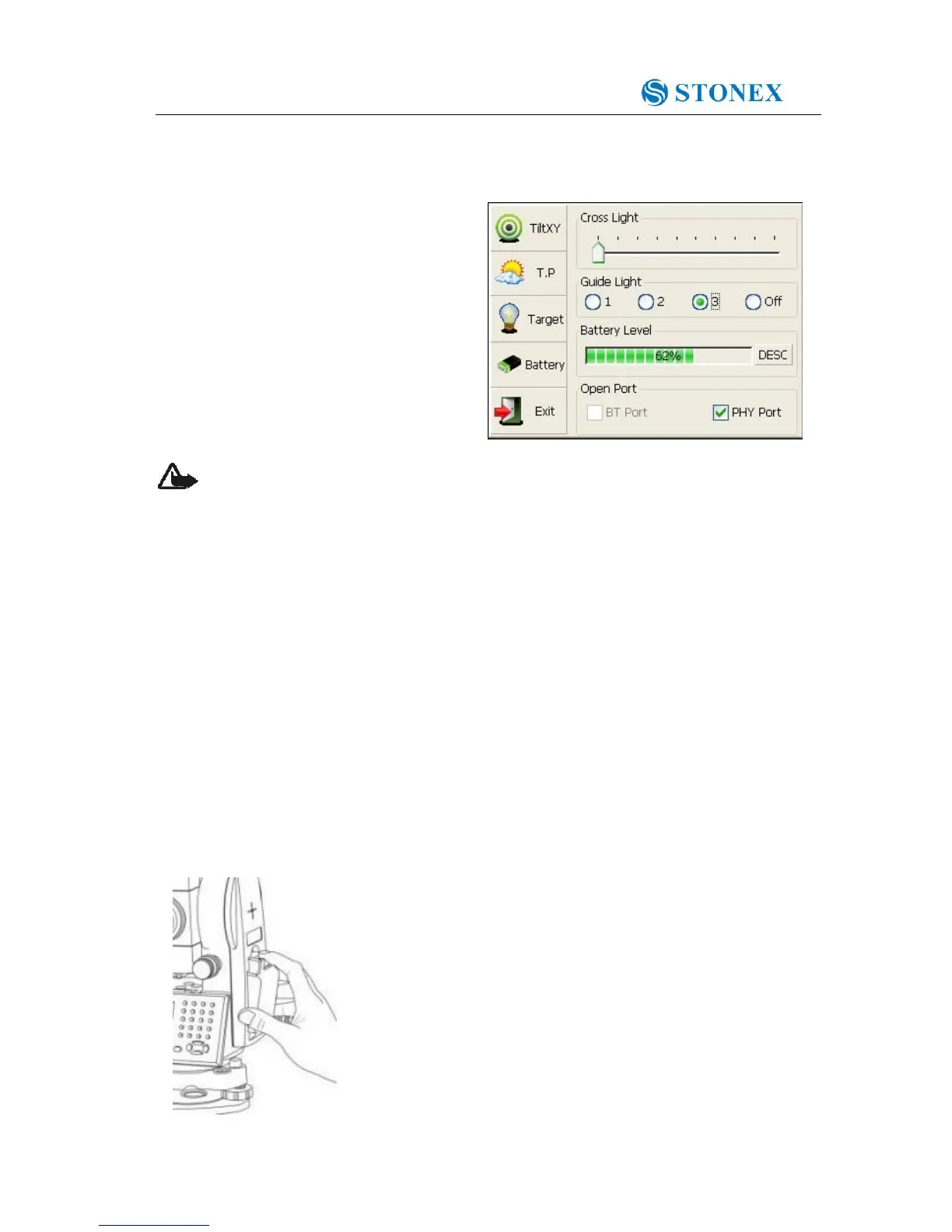
At any screen interface, press【★】key to
open fast setting menu.
Select Battery, battery level will be seen
following Battery Level.
NOTE:
1. The battery’s working time will be affected by many factors, such as ambient temperature,
recharging time, recharging and discharging times. So we suggest the users to fully recharge
the battery or prepare several full batteries before operation.
2. The battery symbol only indicates power capability for current measurement mode. The
power consumption in distance measurement mode is more than in angle mode, if the
instrument enters into distance measurement mode from angle mode, the power maybe
auto-off because of lower battery.
3. The symbol only indicates the supply power but not the instantaneous power change. And if
the measurement mode changes, the symbol will not show the power’s decrease or increase
immediately.
4. It is suggested that user should check every battery power before field work.
1.6.2 Replace and mount battery
1.Replace battery
1)Press the button downward as shown left.
2)Remove the battery by pulling it towards you.
2.Mount battery
1. Insert the battery to the instrument.



 To Next Page