R2W PLUS
24
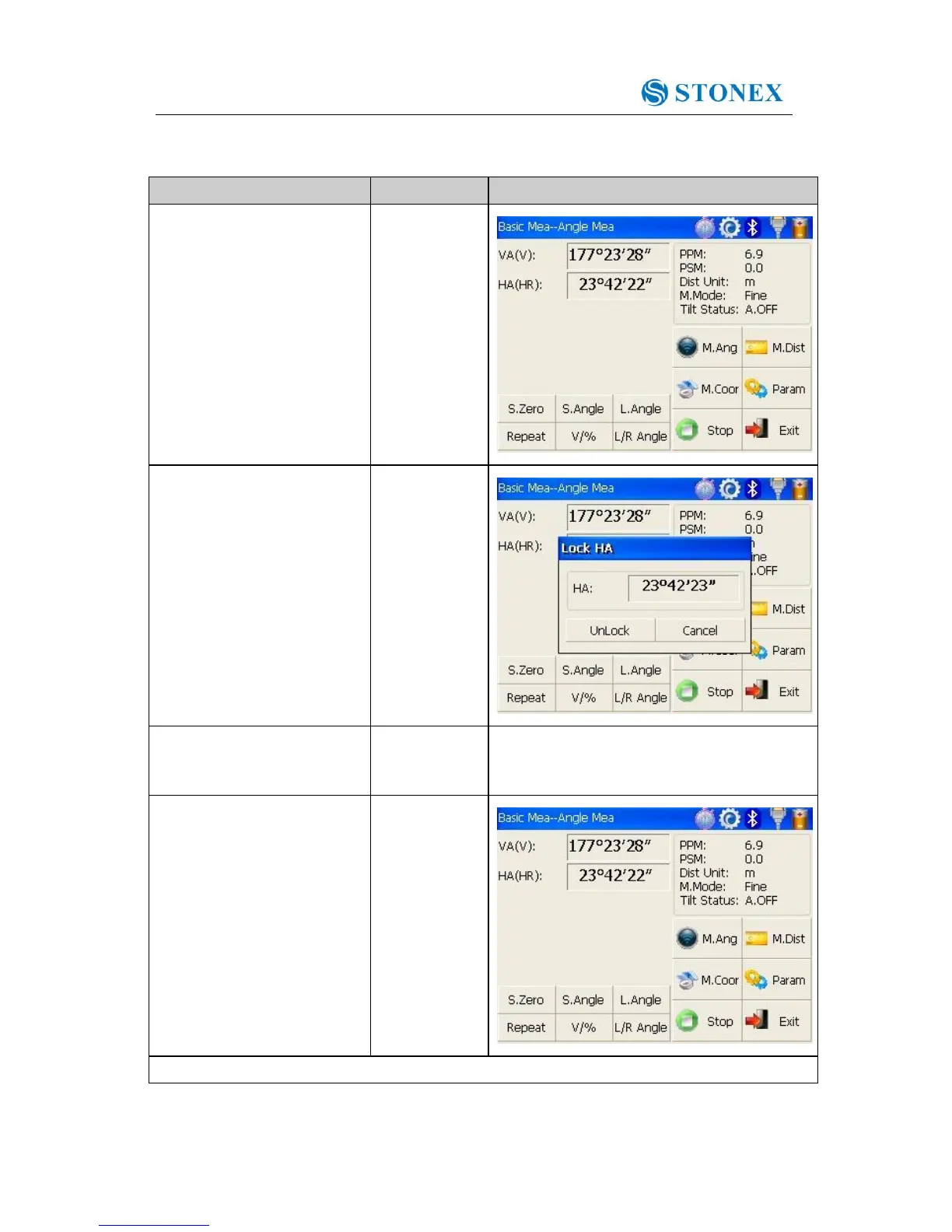
4.3.3 Setting horizontal angle with the “L.Angle” key
Make sure the operation is under angle measurement mode.
①Turn horizontal circle unit
in the needed direction with
horizontal clamp and tangent
part.
②Click “L.Angle” key, and
activate the function of
locking horizontal angle.
③Collimate target point used
for Orientation. ※1
④Click “unclock” key to
deactivate the function of
locking horizontal angle.
Then the screen will return
to normal angle
measurement mode, and
meantime horizontal angle
will be set as locked angle.
※1 Click “Cancel” key before it returns to Previous mode.



 To Next Page