R2W PLUS
11
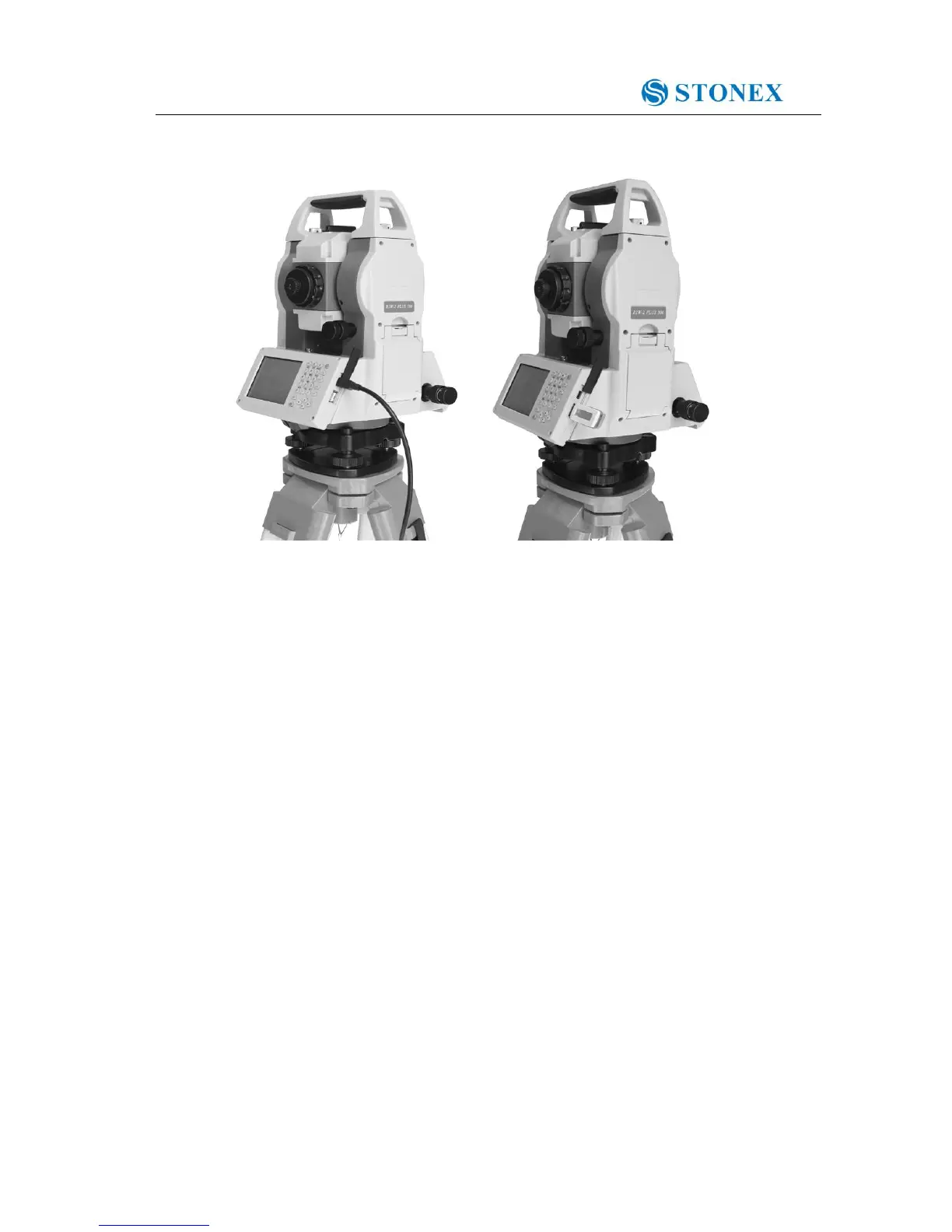
1.7 USB connection
● The file in the instrument could be read through ActiveSync software by USB cable.
● External memory stick could be used by USB Host connector. The file in the external
memory stick could be read in the instrument interface.
1)Open the cover of USB which behind the display panel;
2)Input external memory stick into USB Host connector;
3)The external memory stick could be recognized as hard disk automatically. It could be file
copy etc.



 To Next Page